Add Image to PDF Online - Insert Pictures, Logos & Signatures
Insert images directly into PDF.
PDFs are popular for office documents, forms, contracts, reports, and certificates. However, frequently a basic PDF requires additional components such as a company logo, passport photo, signature, watermark, or stamp. This is where an easy add image to PDF tool comes in handy. VelaPDF allows you to upload your document, drop in any image, move it around, and then download your new PDF.
This online tool is instant with no programs to download. If you are already using tools to edit PDFs online, this is another way to easily personalise your PDF.
What is Add Image to PDF?
To add an image to a PDF, it simply means to embed any JPG, PNG, or photo file into a PDF page. It could be a company logo, image of your signature, watermark, or any other image for personal use.
With VelaPDF, you can insert an image into a PDF page without removing contents. You can drag, resize, and move freely to edit documents fast for any user.
How to Add an Image to a PDF Online?
It's very easy:
- Upload your PDF file
- Upload the image you want to use
- Place it on the page
- Resize it if needed
- Save and download the final PDF
This is the quickest way for people searching for how to add an imaa PDFto pdf online without using a desktop editor.
Why Use VelaPDF PDF Image Editor?
VelaPDF makes adding images to PDFs easy and quick.
- No software needed
- Works directly in the browser
- Simple image drag and drop
- Can add logos, signatures, photos, stamps
- Preserves PDF quality
- Safe and secure file processing
The tool makes it possible to add a picture to a PDF for a form or add a logo to a PDF for branding in just a few minutes.
When adding images to a PDF, we also recommend that users crop the PDF online to make the page look neat.
Common Uses of This Tool
There are many instances where you might need an online PDF image editor.
Add Company Logo
Companies frequently have to add branding to invoices, reports, proposals, and letterheads. You can quickly insert a logo into a PDF online to give your documents a professional appearance.
Add Signature Image
Agreements or approval forms can be easily completed by adding a signature image to a PDF without printing and scanning documents.
Add Passport or ID Photos
Students, applicants, and office staff need to add a photo to PDF documents for their applications and profiles.
Add Watermarks or Stamps
This image overlay PDF tool can be used to add Approved, Verified, Confidential, or Paid stamps.
If you have an unwanted image previously placed, you can first remove images from the PDF and then overlay the new one.
More Helpful PDF Editing Flexibility
The best thing about this tool is that it's easy. You can place an image in a PDF document from mobile or desktop devices. It's all done in a few clicks.
For people who want to create their own PDF documents from images, you can load photos into the JPG to PDF converter and then add logos, signatures, or stamps. If the size of the file is too big after adding several photos, you can also compress the PDF online to share with others.
So, VelaPDF is an all-in-one browser pdf image editor.
Conclusion
Stamping, signing, and inserting photos into a PDF should be easy. VelaPDF makes this process easy, fast, and user-friendly. Just upload, position, and download the document in a few clicks. If you are interested in other smart document tools, visit all PDF tools online and get all your PDF tasks done in one go.
Frequently Asked Questions
Related Tools
Related Articles
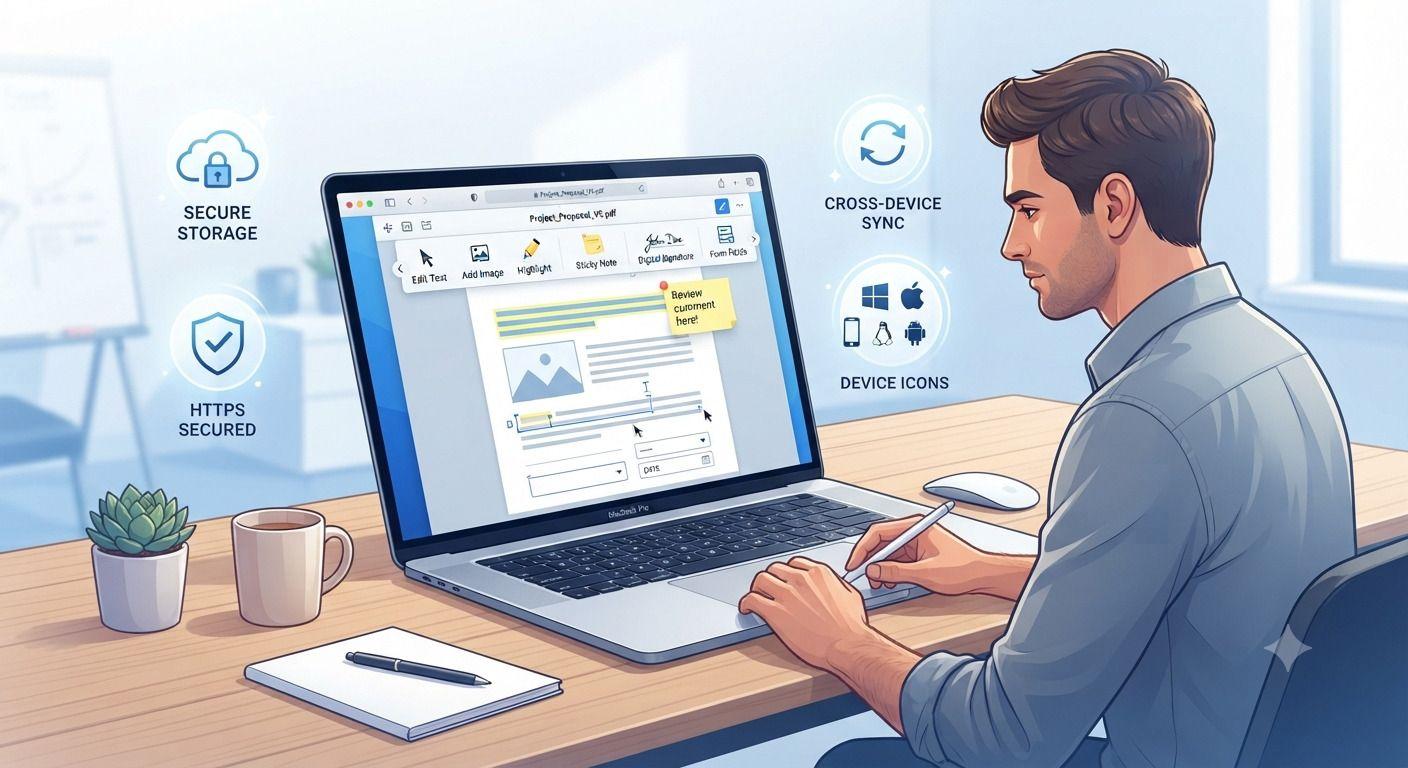
How to Edit PDF Files Without Installing Software
Need to edit a PDF but don't want to install bulky software? This guide walks you through the fastest way to update PDF files directly in your browser. Learn how to edit text, add images, fill forms, insert signatures, and protect sensitive documents using secure online tools. Whether you're working from a computer, tablet, or phone, you'll discover practical tips, common mistakes to avoid, and the best practices for editing PDFs efficiently without downloading desktop applications.
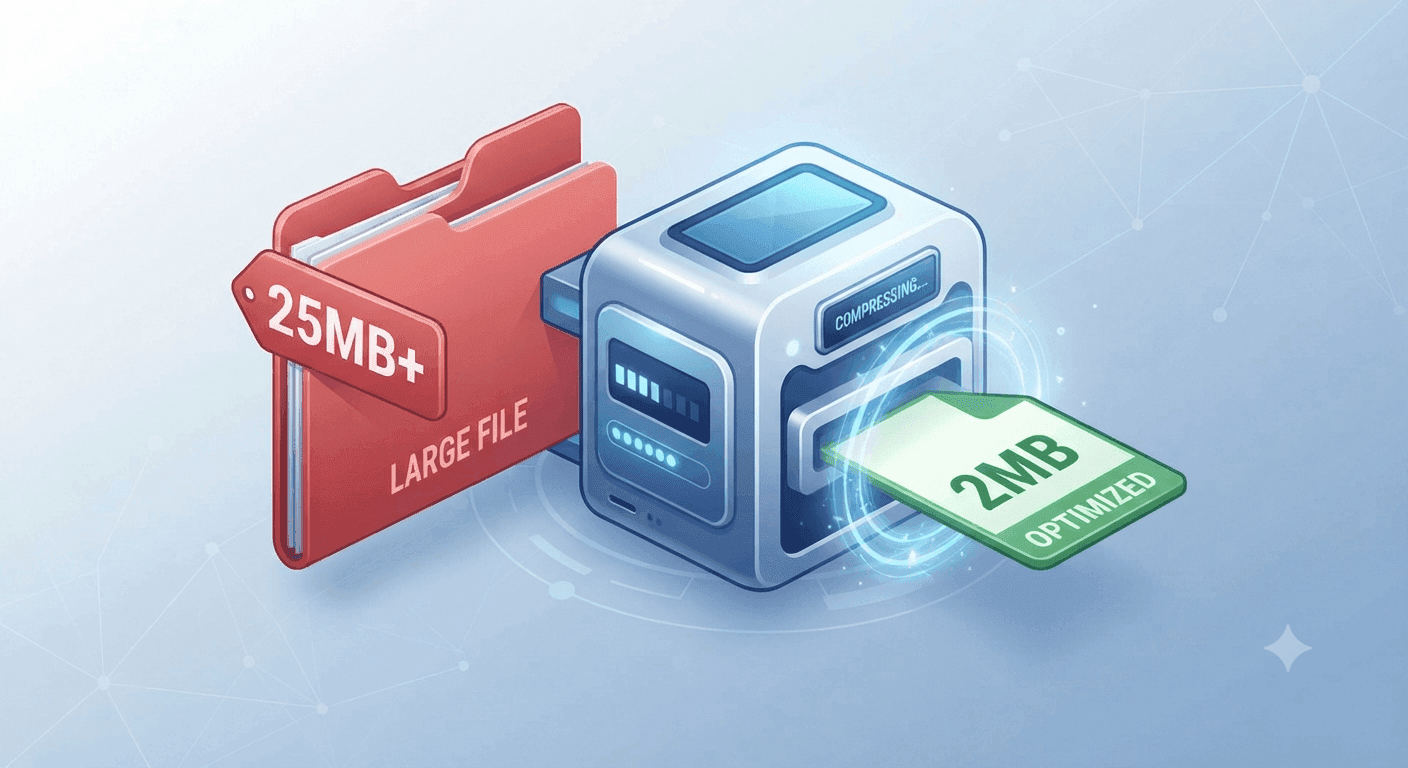
Why Is My PDF Too Large for Gmail or WhatsApp? (The 30-Second Fix)
Struggling to send large PDFs via Gmail or WhatsApp? Discover why your file size limit is being exceeded and learn the quickest ways to compress your document in under 30 seconds.
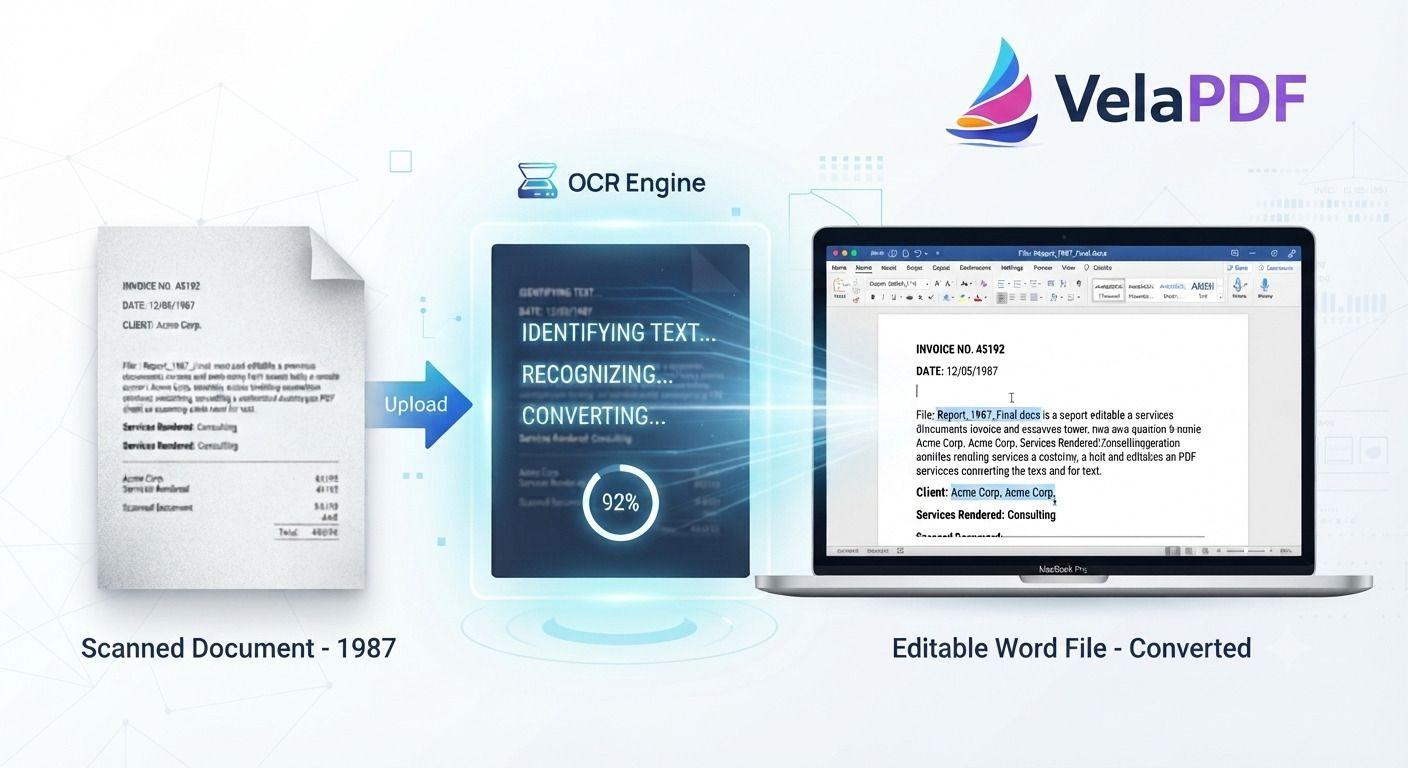
How to Convert Scanned PDF to Word Using OCR (2026 Guide)
ired of retyping content from scanned documents? Learn how to convert scanned PDFs to fully editable Word files using powerful OCR technology. This step-by-step tutorial walks you through the process with VelaPDF’s reliable online tool — fast, accurate, and completely free.These versions are written in a natural, authoritative tone that experienced content writers use. They avoid repetitive AI patterns while staying highly optimized for search. Let me know if you want any tweaks!