Top 10 PDF Tricks to Work Smarter in 2026
Most people waste hours every week doing simple PDF tasks the hard way. In this guide, discover 10 smart PDF tricks that help you edit, merge, compress, convert, and manage PDFs faster in 2026.
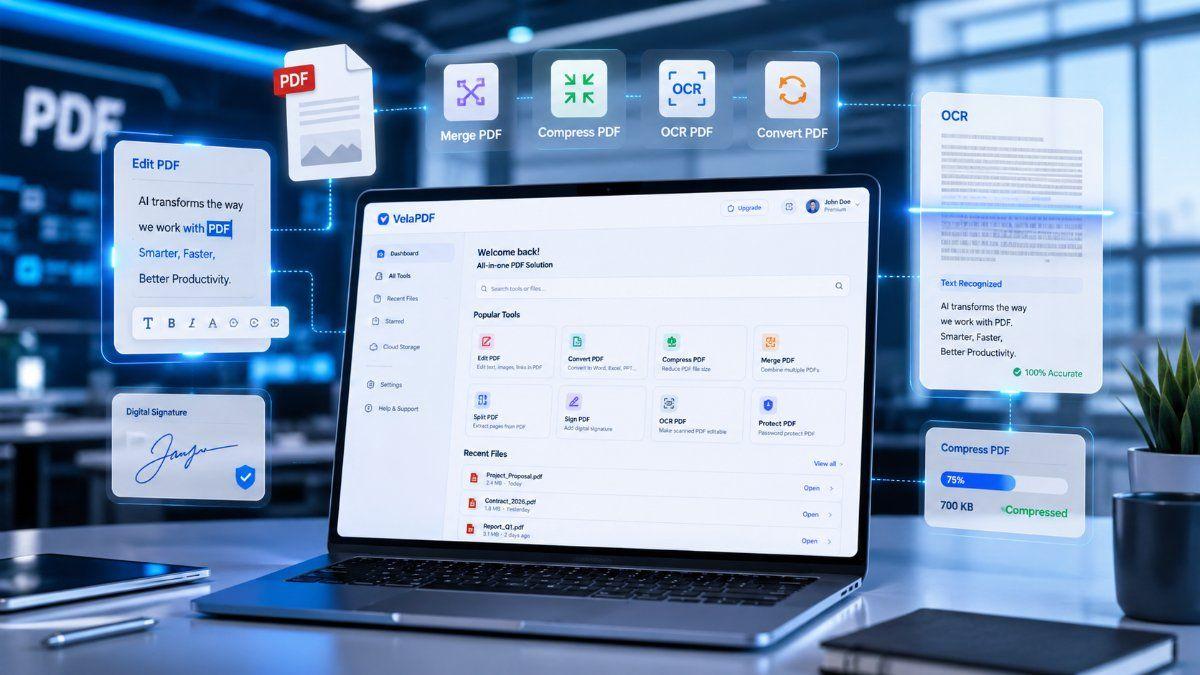
What if I tell you that you’re using PDF work in the wrong way? Yes, you are.
Most people waste time on small PDF tasks every day. They install heavy software unnecessarily, retype text manually, or struggle with file size limits when uploading their content. These tasks may look small to you, but they still take hours every week.
Don’t worry: smarter methods exist. A few simple pdf tricks can turn slow work into fast work. You can edit, convert, merge, sign, and organize files in minutes. If you handle PDFs often, these pdf tips and tricks can save serious time daily.
Here, we’ll discuss how to use pdf efficiently to save time daily and make work much easier.
Why Most People Waste Time with PDFs
PDF tools are supposed to make work easier. But many people still struggle because they use outdated methods while working on their files. They often waste time because of three reasons:
- Manual editing instead of using quick tools
- Using outdated or slow software
- Not knowing shortcuts or hidden options
As a result, simple work takes much longer than necessary.
10 PDF Tricks That Make Daily Work Faster
1. Edit PDFs Without Installing Software
If you’re new, then you might be thinking that is it possible to edit PDF documents. The answer is: Yes you use online tools like Velapdf to edit PDFs easily.
Tools like VelaPDF make editing simple for beginners. You can quickly fix mistakes or update files from any device.
This is especially useful when working on shared office files or school documents.
It also saves storage space on your computer.
It is one of the best PDF productivity tips for students, office teams, and freelancers.
2. Convert PDF to Word Instantly
Are you still retyping content line by line from PDFs? Please stop now, as there are tools for that.
Use a converter to turn PDF into Word format within seconds. This helps when you need to update resumes, contracts, reports, or notes.
Good tools, like VelaPDF keep fonts, spacing, and tables in place. That means less cleanup after conversion. This is one of the most useful pdf tips and tricks for daily work.
3. Compress Large PDFs in Seconds
Large PDF files take longer to upload. Right? They also fail in email attachments, and consume unnecessary storage space. Many users waste time trying different methods to reduce file size.
A faster solution is using a tool that can compress PDFs instantly without ruining quality.
If you regularly share files online, you should learn how to naturally Compress PDF files online before sending them. This is one of the easiest PDF productivity tips that people ignore.
4. Merge Multiple PDFs Easily
Merging PDF files helps you when you have to send multiple PDFs in one document. This improves file organization and also looks more professional.
This works well for:
- Project reports
- Bank statements
- Study notes
Use tools that help Merge PDF files online so everything stays in one place.
5. Split PDFs Without Losing Quality
In a large PDF, especially that contains over 100 pages, we only need page 2nd, or pages from 15-20th. With the split PDF online tool, rather than sending the full file, you can first split the document in multiple pages and keep only needed pages.
Splitting PDFs is useful for:
- Removing unnecessary pages.
- Separating chapters,
- Extracting certificates, etc.
6. Sign PDF Documents Digitally
Printing documents just to sign them wastes time and paper, no?
Digital signatures remove all that extra work.
You can sign agreements, contracts, applications, and approval forms directly on your screen. VelaPDF even allows you to draw your signature naturally or upload a saved signature.
This smartest pdf hack is especially useful for remote work and online businesses.
7. Highlight & Annotate Smartly
Reading a long PDF without notes is something that wastes our time.
For that, you can use annotation tools, comments, arrows, or text notes while reading. It helps you remember key points and return to important sections quickly.
Perfect for:
- Students
- Researchers
- Teams reviewing drafts
8. Unlock Password-Protected PDFs
Forgetting our passwords is very common in people. Sometimes you forget a password or receive a file that needs editing permission removed.
Trusted PDF tools, like VelaPDF, can help unlock PDF files easily when you have legal access to them. Most importantly, always use secure websites and avoid unknown tools.
This is one of those hidden pdf features many people never explore.
9. Use OCR to Edit Scanned PDFs
Scanned PDFs are basically images, where you can’t copy text or edit lines normally.
Many people still manually type scanned content into a new document, which takes forever. OCR (Optical Character Recognition) technology changes that completely.
It converts image text into selectable text, in which you can do anything, including editing.
10. Batch Process PDFs
This PDF trick of 2026 can save you the most time.
If you need to work on multiple files at once, use batch processing tools. This PDF feature helps you avoid repeating the same task 20 times. You can do it once for all files.
Among all pdf tricks, this one gives the biggest daily gain.
Best Tool to Apply These Tricks
To use all these tricks smoothly, you need a simple and reliable PDF tool.
VelaPDF combines multiple features in one place, making PDF tasks faster and easier for beginners. The biggest advantage with VelaPDF is simplicity.
Instead of switching between different websites, you can handle editing, converting, compressing, merging, signing, and organizing from one platform.
To know why VelaPDF is one of the best free PDF tools, read “10 Best Free PDF Tools in 2026”.
FAQs
Q1: What are the best PDF tricks?
A. Some of the best pdf hacks include: you can edit PDFs online, compress your files, merge documents easily, use OCR for scanned PDFs, can do digital signing, and batch processing.
Q2: How can I save time working with PDFs?
A. If you want to save time while working with PDFs, then use fast tools, and learn some PDF productivity tips. These steps can save hours each week.
Q3: Are online PDF tools safe?
A. Yes, trusted PDF tools online are generally safe if they use encrypted uploads and secure processing. You should avoid unknown websites/apps that may misuse uploaded files.
Q4: Which PDF tool is fastest?
A. If you’re looking for quick browser-based tasks with security in consideration, “VelaPDF” is miles ahead from any other. It’s a strong option to convert, merge, add, delete in PDF files.
Final Thoughts
Most of us lose time while working on PDFs because the way we use tools are outdated methods. The best PDF hacks or shortcuts can make the whole process a bit faster and easier. Edit online, compress large files, merge pages, use OCR, and automate repeat work. These simple steps make daily tasks easier and cleaner.
Start using these tricks today on VelaPDF and simplify your workflow. Remember: a few smarter PDF tips and tricks can save hours every week.
Related Articles
10 Best Free PDF Tools in 2026 – Features, Pros, Cons
Velapdf tops the list of the best free PDF tools in 2026. It offers core PDF tools in one platform — edit, convert, compress, merge, split — without login or watermarks. Fast, simple, and beginner-friendly with 55+ tools."
How to Compress PDF Without Losing Quality (Free Methods)?
Compress PDF without losing quality for free using VelaPDF. Reduce file size quickly while preserving text, images, and layout. Choose low, medium, or high compression — no sign-up, no watermarks, and lightning-fast results in your browser." Need any adjustments?
Related Tools
Ready to optimize your PDFs?
Experience the world's fastest PDF tools today.