JPG to PDF Converter – Convert Images to PDF Online Free
Convert JPG/PNG images to PDF.
Images are easy to capture, but not always easy to share in the right format. A jpg to pdf converter solves this problem in seconds. With VelaPDF, you can convert images to pdf and keep everything in one clean file. It works well for students, office work, and everyday use.
This jpg to pdf online tool runs in your browser, so there’s no setup needed. It’s free, simple to use, and keeps your files secure while giving you a ready PDF without extra steps.
Let’s learn how you can use our free jpg to pdf converter online in an easy way.
What is JPG to PDF Online Conversion?
JPG to PDF online conversion simply means turning one or more image files into a single PDF by using your browser. Instead of keeping images separately, you can convert images to pdf and make them easier to share or print. A good image to pdf converter, like VelaPDF, keeps the quality intact and also lets you merge jpg to pdf when needed.
It’s a simple method to organize photos or documents without using any software.
How to Convert JPG to PDF Online
Here’s how you can use our JPEG to PDF converter tool:
- Upload your JPG or image files
- Click the convert button
- Wait a few seconds while the tool processes your files
- Download your ready-to-use PDF
If you’ve been wondering how to convert jpg to pdf online, this is the simplest way to do it.
Why Use This JPG to PDF Converter
There are plenty of tools out there, but here’s why VelaPDF stands out. We keeps things simple:
- Free to use anytime
- No installation needed
- Works directly in your browser
- Handles multiple images at once
- Safe file processing
- We delete your files within 10 minutes after processing
- No manual access to your file
If you want a free jpg to pdf converter online, this does the job without slowing you down. It’s also perfect if you prefer jpg to pdf without software.
Use Cases of JPG to PDF Conversion
JPG to PDF conversion is helpful in many real-life situations:
- Students can submit assignments in a proper document format
- Office workers can convert reports and image-based data into PDFs
- Scanned paperwork can be turned into organized files
- Photos can be shared as a single PDF instead of multiple images
- Travel or ID documents can be stored in one printable file
It helps create a clear and professional document from simple image files. You can also improve your files later using tools like edit pdf online or break them using split pdf pages if needed.
Conclusion
If you often deal with images, having a simple jpg to pdf tool saves time. VelaPDF keeps the process quick and easy without adding extra steps. You upload, convert, and download, that’s all. If you want to explore more tools, check out all pdf tools online and handle your documents in one place. So why wait, if you can try now.
Frequently Asked Questions
Related Tools
Related Articles
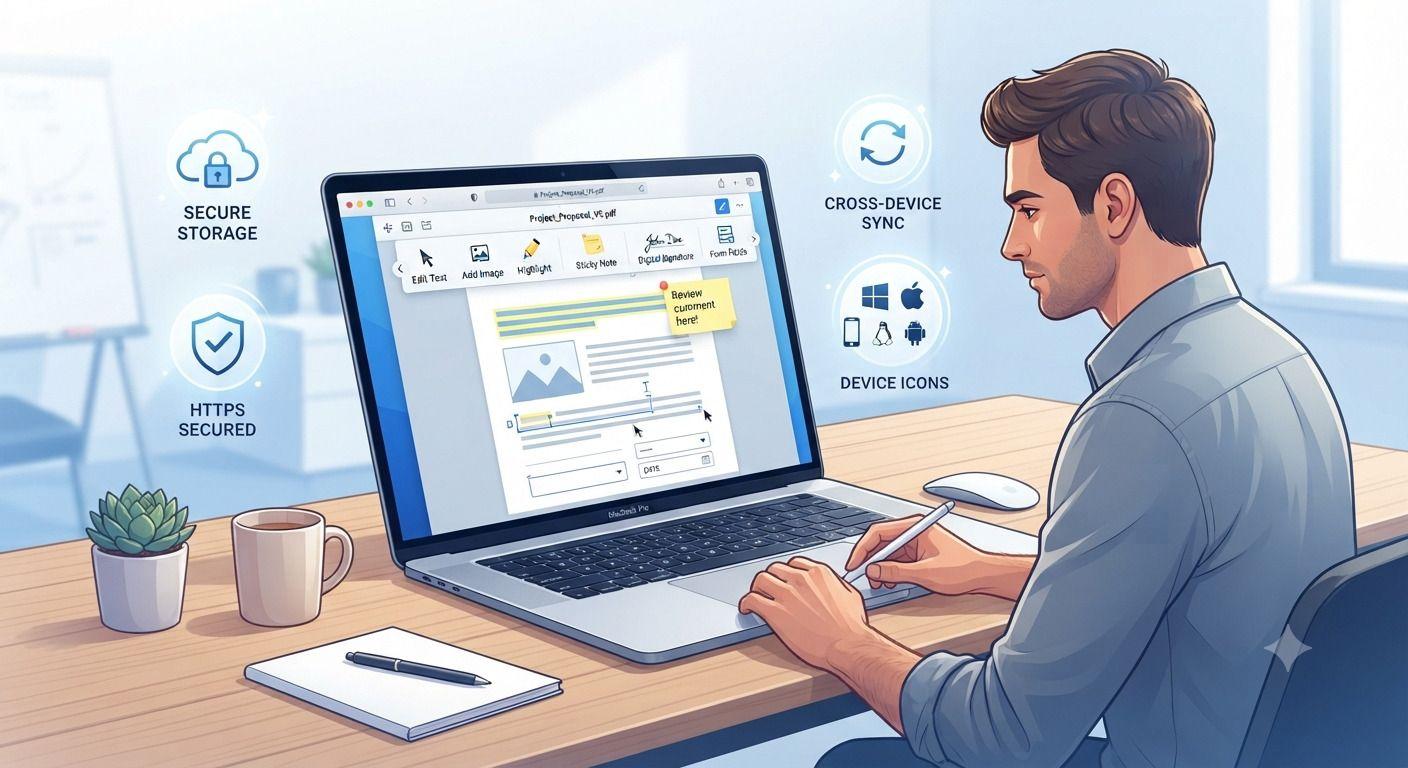
How to Edit PDF Files Without Installing Software
Need to edit a PDF but don't want to install bulky software? This guide walks you through the fastest way to update PDF files directly in your browser. Learn how to edit text, add images, fill forms, insert signatures, and protect sensitive documents using secure online tools. Whether you're working from a computer, tablet, or phone, you'll discover practical tips, common mistakes to avoid, and the best practices for editing PDFs efficiently without downloading desktop applications.
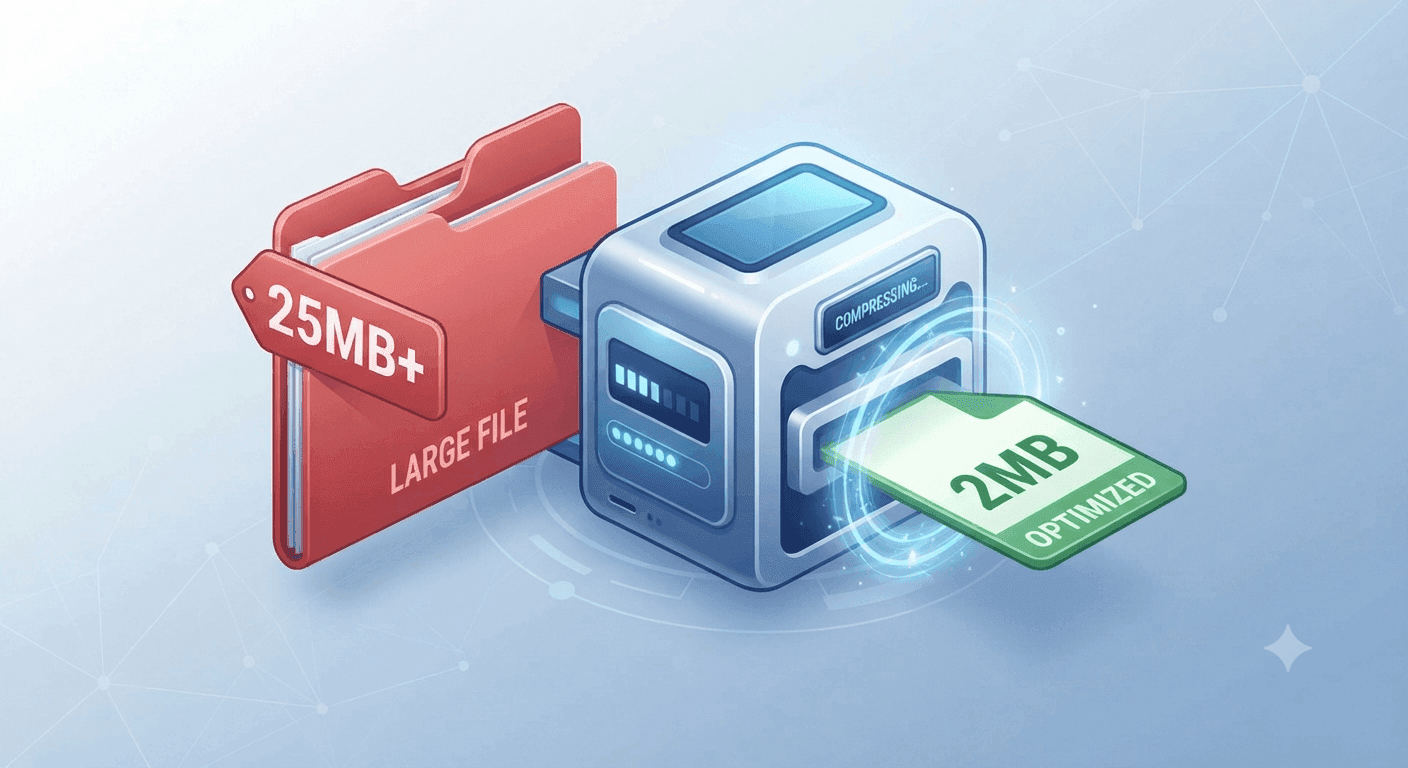
Why Is My PDF Too Large for Gmail or WhatsApp? (The 30-Second Fix)
Struggling to send large PDFs via Gmail or WhatsApp? Discover why your file size limit is being exceeded and learn the quickest ways to compress your document in under 30 seconds.
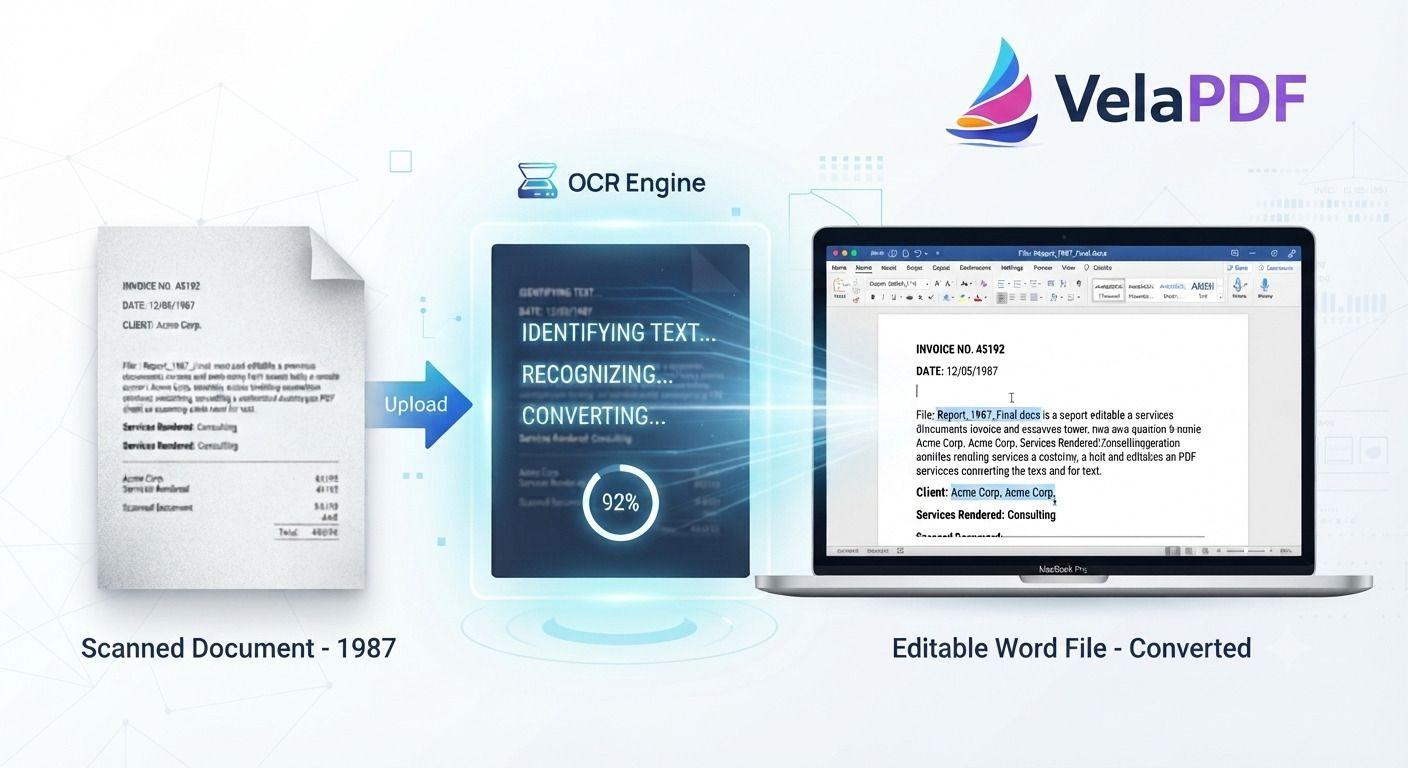
How to Convert Scanned PDF to Word Using OCR (2026 Guide)
ired of retyping content from scanned documents? Learn how to convert scanned PDFs to fully editable Word files using powerful OCR technology. This step-by-step tutorial walks you through the process with VelaPDF’s reliable online tool — fast, accurate, and completely free.These versions are written in a natural, authoritative tone that experienced content writers use. They avoid repetitive AI patterns while staying highly optimized for search. Let me know if you want any tweaks!