PDF to CSV Converter Online – Extract Tables from PDF to CSV Free
Tables to spreadsheet format.
PDF files are ideal for sharing documents. However, they are not best when you need to edit numbers, sort records, or analyze data. Tables inside PDFs often become locked content that is hard to copy correctly. That is where a PDF to CSV converter online becomes useful.
VelaPDF makes it easy to convert tables into spreadsheet-friendly files within seconds. You can extract table from PDF to CSV directly in your browser without installing any software.
Visit our PDF Utilities Hub to access simple and free PDF tools anytime. Now, let’s learn how to convert PDF to CSV online free on VelaPDF, along with its use cases and features.
What is a PDF to CSV Converter?
A PDF to CSV converter helps turn tables inside PDF files into CSV format. CSV files open easily in Excel, Google Sheets, and other tools.
It is useful when you need clean rows and columns for editing or analysis.
How Our PDF to CSV Converter Tool Works?
Using VelaPDF’s PDF to CSV tool is simple and does not require any technical knowledge:
- Upload your PDF file on the VelaPDF tool
- The system scans your document and detects tables automatically
- It extracts data into a structured format
- The tool converts everything into a CSV file
- Download your file and open it in any spreadsheet software
The entire process is fast and works directly in your browser.
Key Features of the Tool?
Our PDF to CSV tool is designed to make data extraction easy and reliable, with features:
1. Automatic Table Detection: The tool finds tables inside reports, invoices, and statements automatically.
2. Keeps Row and Column Layout: It tries to preserve the original table structure for smooth spreadsheet use.
3. OCR Support for Scanned Files: Need to convert scanned PDF to CSV with OCR? Our tool can read text from image-based PDFs and turn it into usable data.
4. Fast and Browser-Based: No waiting for software downloads. Upload, convert, and download online.
5. No Installation Needed: Works on Windows, Mac, Linux, Android, and iPhone browsers worldwide.
If your file is large, you may first need to Reduce PDF file size online for faster uploads.
Use Cases of PDF Security Audit Tool
This PDF data extraction tool is helpful in many real-world situations where data matters.
1. Financial Records: Convert bank statements, invoices, expense sheets, and billing data into CSV for accounting work.
2. Business Reports: Export sales reports, inventory lists, and client data for quick review.
3. Data Analysis Projects: Use spreadsheet-ready data for charts, filtering, and calculations.
4. Research and Surveys: Move survey tables or research findings into sheets for better sorting.
5. School and Office Tasks: Students and teams can save time by avoiding manual copy-paste.
Need image assets from reports? You can also Extract images from PDF files at VelaPDF.
Why Trust VelaPDF?
Your privacy matters when working with documents online. That’s why, at VelaPDF:
- Files are processed through secure encrypted connections.
- We do not keep your documents on our servers.
- All uploaded files are automatically removed within 10 minutes after processing.
- No staff member manually opens or reviews your files.
The platform is simple, fast, and built for tabular data extraction. If you want to manage many files together, you can also Combine multiple PDF documents.
Conclusion
A PDF may look clean, but it is not the best format for working with table data. VelaPDF makes export PDF data to CSV file online quick and simple. Whether you need invoices, reports, statements, or research tables, our tool helps you convert them into editable files.
Try VelaPDF whenever you need smart and easy PDF data extraction.
Frequently Asked Questions
Related Tools
Related Articles
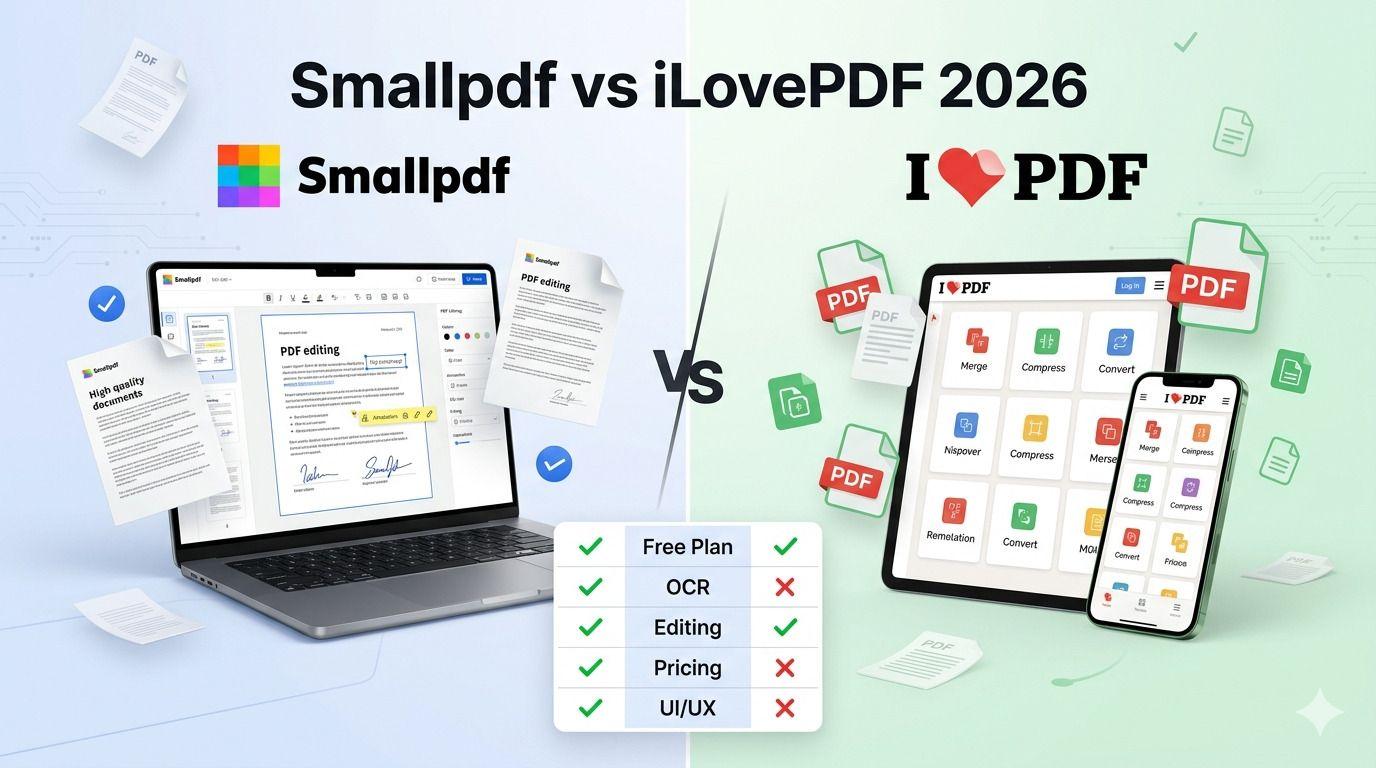
Smallpdf vs iLovePDF: Which PDF Tool Is Better in 2026?
Confused between Smallpdf and iLovePDF? Here’s a detailed 2026 comparison of features, pricing, interface, and performance. Discover which PDF tool is better for your needs — whether you are a student, freelancer, or business owner.
How to Compress PDF Without Losing Quality (Free Methods)?
Compress PDF without losing quality for free using VelaPDF. Reduce file size quickly while preserving text, images, and layout. Choose low, medium, or high compression — no sign-up, no watermarks, and lightning-fast results in your browser." Need any adjustments?

How to Merge Multiple PDFs in Under 30 Seconds – Free & No Sign-Up Required
"Merge multiple PDFs online for free in under 30 seconds with VelaPDF. No sign-up, no watermarks, no limits. Simply drag & drop files, reorder, and combine them instantly in your browser — fast, secure, and beginner-friendly.