Remove Images from PDF Free – Fast & Simple Tool
Strip all images from PDF to reduce size.
That’s why VelaPDF is offering remove images from PDF tool at free of cost. With this simple online tool, you can delete images from PDF in seconds and get a clean, lightweight document.
It’s fast, easy, and made for anyone who wants better control over their documents. This guide will help you know what the tool is all about, and how to clean PDF documents.
What is Remove Images from PDF?
VelaPDF’s this tool helps you remove images from PDF online without affecting the text. It scans your document and lets you delete pictures you don’t need.
You can use it to:
- Clean up messy PDFs
- Remove logos, graphics, or screenshots
- Make documents smaller and easier to share
In short, this tool helps you create a cleaner file and focus only on important content.
How to Remove Images from PDF (Steps)
Here are the simple steps to delete images from PDF:
1. Upload your PDF file from which you want to remove image
2. VelaPDF tool then scans and detects images automatically
3. Click or tap on “Remove Images”
4. Once done, the tool will remove all the images from PDF.
5. Download your cleaned PDF instantly
The whole process will not take more than a few seconds, as our tool is very fast.
Key features
These features of our remove images from PDF online tool makes us stand out:
- Free to use: You can remove pictures from PDF without paying anything.
- No installation required: The tool works in your browser on any device.
- Fast processing: Files are processed quickly, even for larger PDFs.
- Automatic image detection: The system finds and removes images without manual effort.
- Secure handling: Your files are processed safely and are not stored permanently.
Benefits
Removing images from PDF gives you clear and practical advantages:
1. Reduce PDF size quickly: Images usually take most of the space. When you remove unwanted images, your file becomes smaller and easier to share.
2. Clean PDF document: A file without images looks simple and professional. It helps you present only what matters.
3. Faster sharing: Smaller files upload and send quickly on email or messaging apps.
4. Better focus on content: When you remove pictures from PDF, readers can focus only on the text.
5. Works anywhere: You can remove images from PDF online from mobile, tablet, or desktop.
Use cases
There are many situations where you may want to remove unwanted images from PDF:
- Removing logos from shared documents
- Cleaning scanned PDFs
- Deleting unwanted pictures from reports
- Preparing files for email attachments
- Making study notes cleaner
You can try this tool if you're a student, a professional, or anyone who works with PDFs.
Try More VelaPDF Tools
After you remove images from PDF, you can use other tools.
Once your file is clean, you can use the optimize PDF online tool to compress it and make it even smaller for sharing.
If you need to update or fix any text after cleaning, you can use the edit PDF online tool to make quick changes directly in your browser. After everything is cleaned and edited, you can use the rearrange PDF pages online tool to organize pages in the correct order.
So, are you ready to clean PDF document in seconds?
Use VelaPDF to remove images from PDF online and get a simple, clear file instantly. You don’t need to sign-up, or wait longer. We provide just fast and easy results.
Frequently Asked Questions
Related Tools
Related Articles
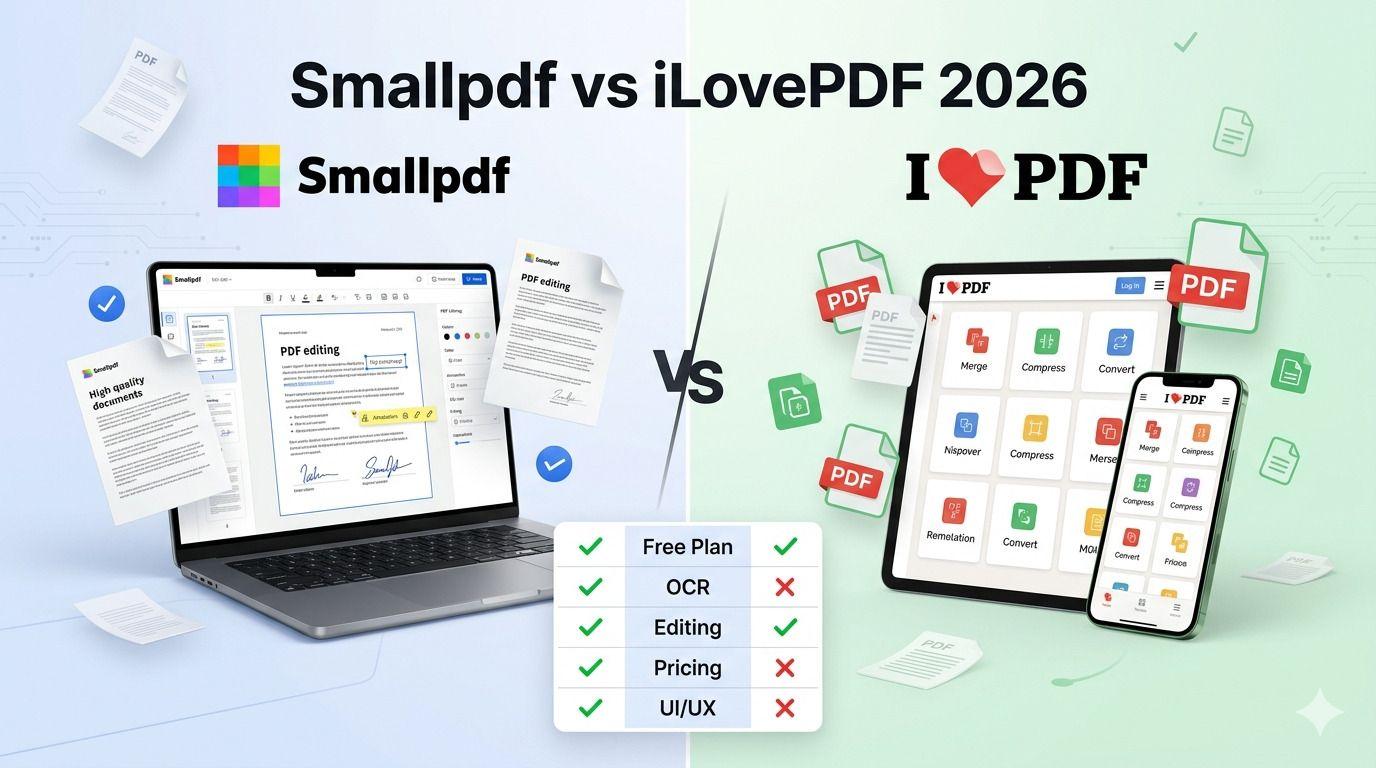
Smallpdf vs iLovePDF: Which PDF Tool Is Better in 2026?
Confused between Smallpdf and iLovePDF? Here’s a detailed 2026 comparison of features, pricing, interface, and performance. Discover which PDF tool is better for your needs — whether you are a student, freelancer, or business owner.
How to Compress PDF Without Losing Quality (Free Methods)?
Compress PDF without losing quality for free using VelaPDF. Reduce file size quickly while preserving text, images, and layout. Choose low, medium, or high compression — no sign-up, no watermarks, and lightning-fast results in your browser." Need any adjustments?

How to Merge Multiple PDFs in Under 30 Seconds – Free & No Sign-Up Required
"Merge multiple PDFs online for free in under 30 seconds with VelaPDF. No sign-up, no watermarks, no limits. Simply drag & drop files, reorder, and combine them instantly in your browser — fast, secure, and beginner-friendly.