Word to PDF Converter Free Online Tool for Instant Document Conversion
DOCX to PDF conversion.
Want to convert Word to PDF quickly? The conversion of Word to PDF basically helps in sharing by email, messaging apps, or online portals.
There are tools, where fonts, spacing, or page layouts can sometimes shift. That's why many users prefer to convert Word file to PDF with the help of VelaPDF.
Whether you need a DOCX to PDF converter for a resume, report, or assignment, our free document converter helps you get a share-ready PDF in just a few clicks.
Let’s learn how to convert Word to PDF in an easy and safe way.
What is Word to PDF Conversion Online Tool?
A Word to PDF conversion online tool is a simple utility that turns Word files into PDF documents. For example, VelaPDF’s tool works with both DOC and DOCX files and helps create a PDF version that is easier to share with others.
A word to PDF file conversion tool also makes files easier to print, store, and send online.
How to Convert Word to PDF
VelaPDF keeps the process of DOCX to PDF conversion straightforward:
- Upload your DOC or DOCX file to VelaPDF
- Click the “Word to PDF” button
- Wait a few seconds while the online converter processes your file
- Download the final PDF document instantly
If you have multiple documents and want to make it one, you can try the Merge PDF tool online.
Benefits of Word Files to PDF Converter Tool
Converting Word files into PDF offers several useful advantages for users:
1. Formatting Stays Consistent
With VelaPDF too, your PDF files keep the same fonts, spacing, images, and layout on every device.
2. Easy and Secure Sharing
PDF files are widely accepted for email, online uploads, and professional communication.
3. Better for Printing
PDF files are print-ready and maintain page alignment properly. This makes them useful for forms, reports, brochures, and official documents.
4. Works Across All Devices
A PDF opens smoothly on every device without compatibility issues.
5. Smaller and More Manageable Files
PDF documents are often easier to store and organise compared to large editable Word files.
Features of the Tool
VelaPDF provides a simple and smooth online Word to PDF tool experience for users, with features including:
- Browser-based conversion with no installation required
- Fast processing for instant document conversion
- Supports both DOC and DOCX file formats
- VelaPDF keeps original formatting and layout intact
- Our tool works on laptops, tablets, and mobile phones
- Easy interface for beginners and professionals
If you only need a certain page from your file, you can extract and separate PDF pages online easily.
Use Cases Word to PDF Tool
People use Word to PDF online tools for many different reasons:
- Students converting assignments before online submission.
- Job seekers saving resumes and CVs in PDF format for applications.
- Office teams sharing reports, invoices, and other business documents.
- Businesses sending proposals to clients without worrying about formatting changes.
- Writers turning Word files into ebooks, guides, or digital manuals.
If you want vice versa, you can convert PDF to Word files as well using VelaPDF.
Is VelaPDF Word to PDF Tool Secure?
Yes, VelaPDF is built with security in mind.
- Encrypted file processing
- Temporary file handling
- Automatic file deletion within 10 minutes
- No manual access to uploaded files
Your documents are processed automatically and are not stored longer than necessary.
Conclusion
When you convert documents into PDF format, it will make sharing files much easier. We, at VelaPDF, provide a fast and secure way to convert Word to PDF online.
Whether you need to change a resume format, office file, assignment, or report, the tool helps preserve formatting PDF quality across all devices. In addition, you can explore the VelaPDF All Tools section today and discover more smart tools.
Frequently Asked Questions
Related Tools
Related Articles
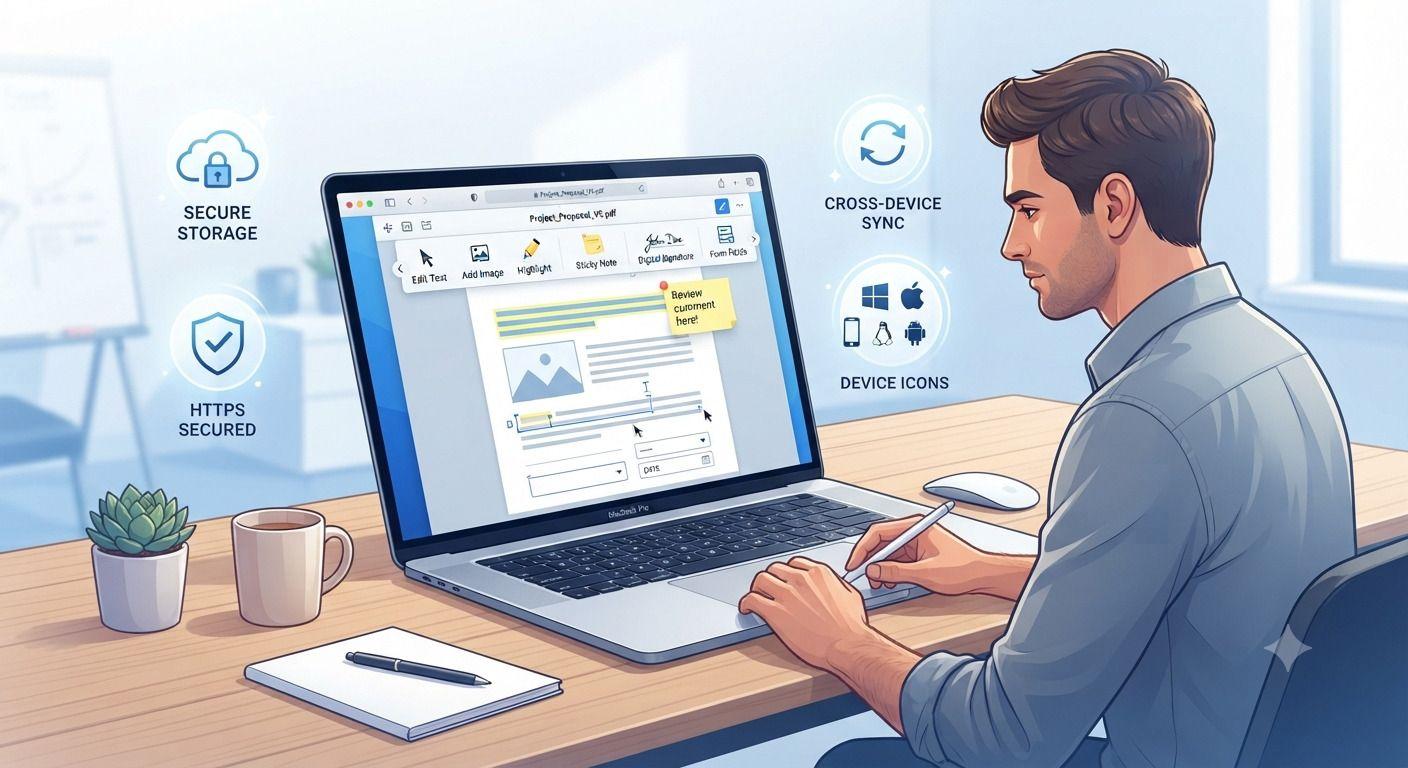
How to Edit PDF Files Without Installing Software
Need to edit a PDF but don't want to install bulky software? This guide walks you through the fastest way to update PDF files directly in your browser. Learn how to edit text, add images, fill forms, insert signatures, and protect sensitive documents using secure online tools. Whether you're working from a computer, tablet, or phone, you'll discover practical tips, common mistakes to avoid, and the best practices for editing PDFs efficiently without downloading desktop applications.
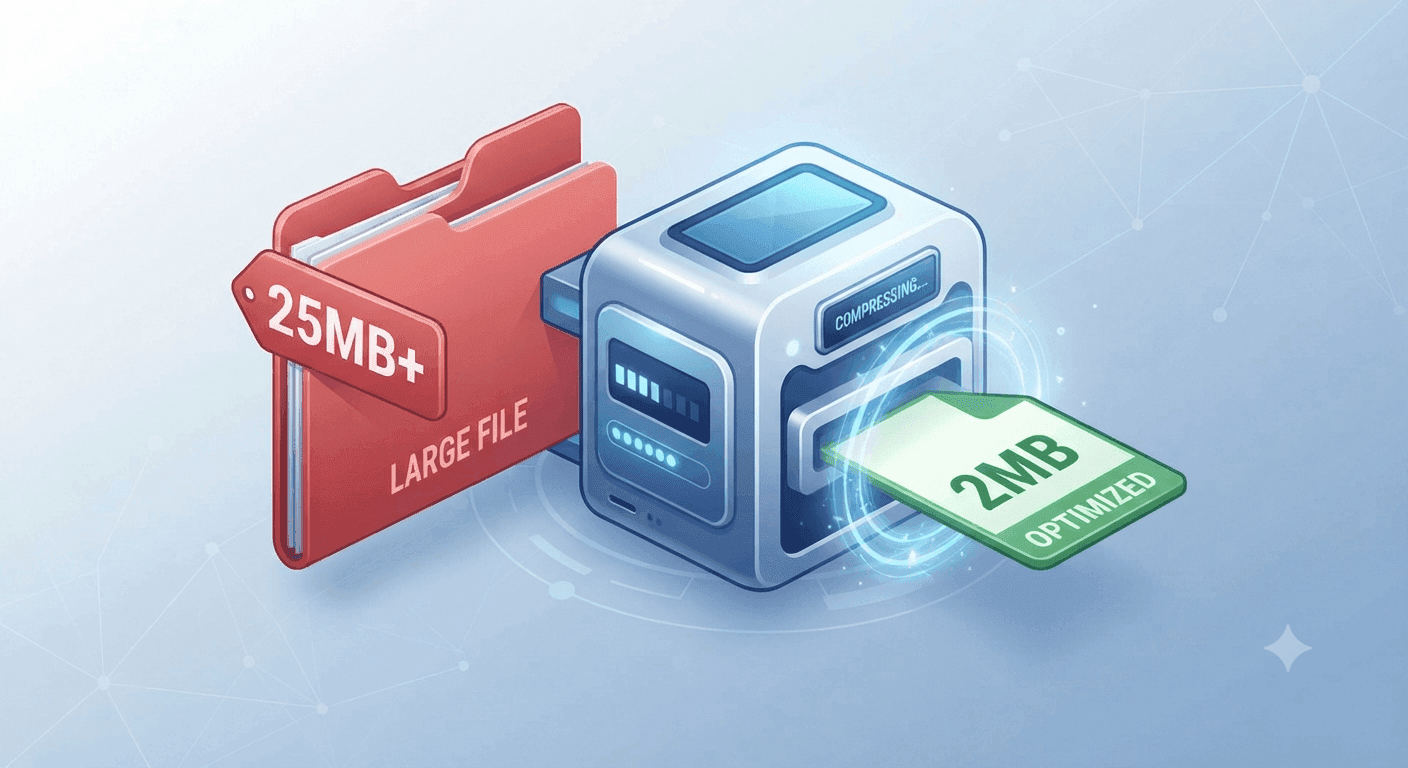
Why Is My PDF Too Large for Gmail or WhatsApp? (The 30-Second Fix)
Struggling to send large PDFs via Gmail or WhatsApp? Discover why your file size limit is being exceeded and learn the quickest ways to compress your document in under 30 seconds.
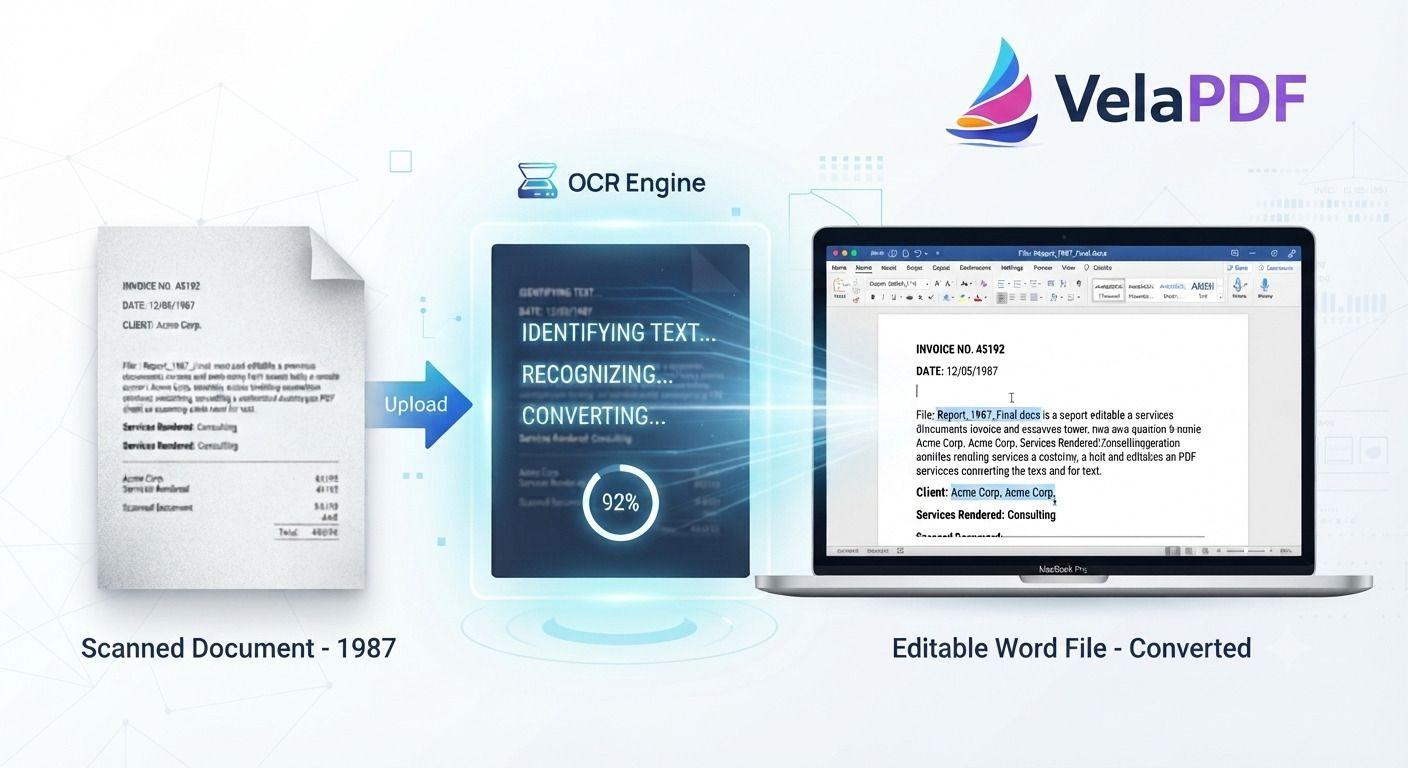
How to Convert Scanned PDF to Word Using OCR (2026 Guide)
ired of retyping content from scanned documents? Learn how to convert scanned PDFs to fully editable Word files using powerful OCR technology. This step-by-step tutorial walks you through the process with VelaPDF’s reliable online tool — fast, accurate, and completely free.These versions are written in a natural, authoritative tone that experienced content writers use. They avoid repetitive AI patterns while staying highly optimized for search. Let me know if you want any tweaks!