The Ultimate Guide to AI Chat with PDF: Everything You Need to Know
Imagine asking questions to your PDF and getting clear, instant answers instead of scrolling through endless pages. With Chat with PDF AI, you can quickly summarize long reports, understand complex documents, and save hours of reading time.
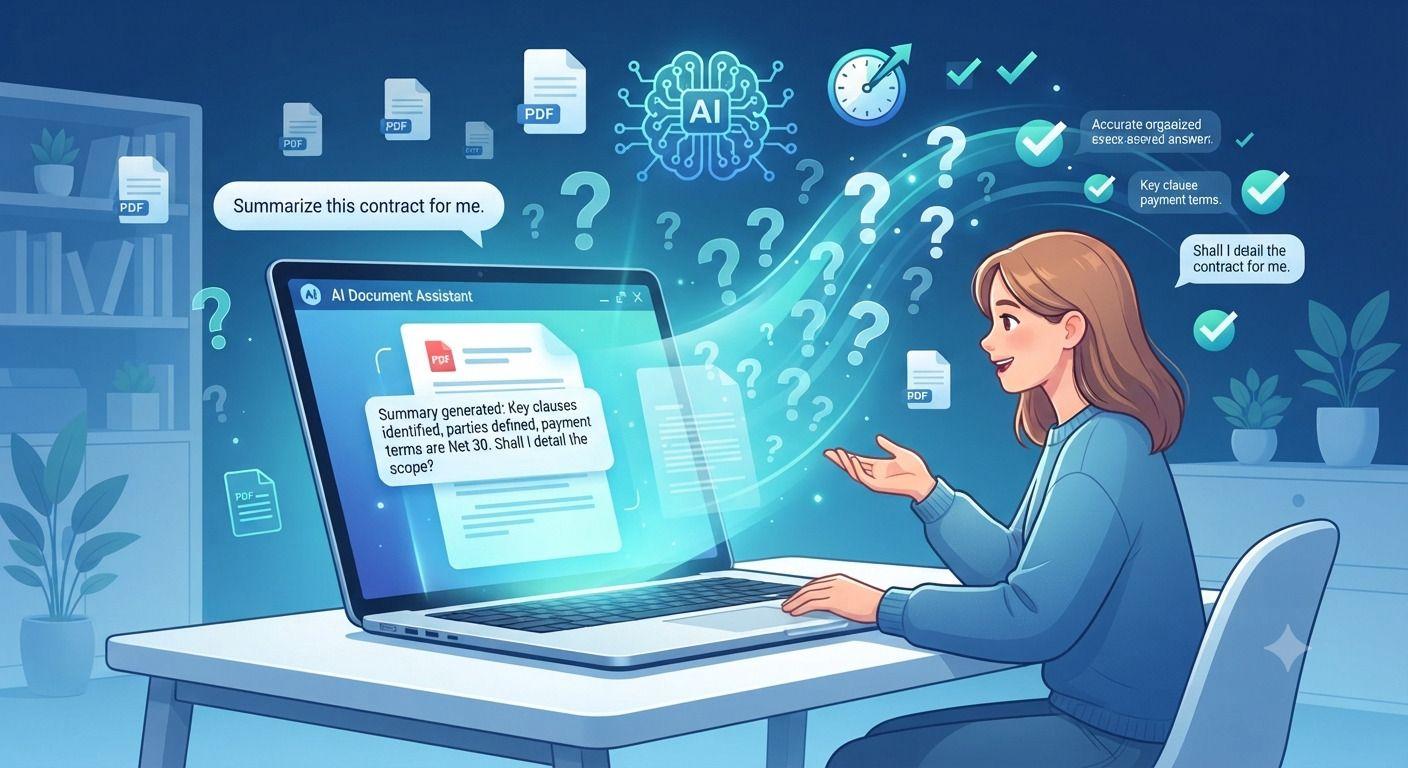
Digital documents have been a part of work education and life. Long files may be read in valuable time by reading them page by page. Hence, the "chat with PDF" technology has emerged as one of the most helpful innovations in the field of artificial intelligence. You don't need to browse hundreds of pages to get accurate and timely information, you can simply talk to PDF and get it in seconds.
You can talk with PDF and discover the necessary details, provide a summary of lengthy documents, and boost productivity regardless of whether you're a student researcher, a lawyer or business owner, or a professional. Today, with the development of AI systems, it is easier than ever to understand complex files without reading them line by line.
This guide covers everything from the benefits, features, and use cases to best practices for chat with PDF.
What Does Chat with PDF Mean?
Chat with PDF is a technology that enables people to converse with PDFs. You don't need to scroll through pages, just upload a file and ask questions. The AI reads the document, comprehends its content and answers questions.
Some cutting-edge platforms have a sophisticated AI PDF Chat, allowing users to interact with documents as if they were talking to an expert. Instead of looking for keywords, users can ask PDF questions and the system will provide contextual answers.
This will not only save time, but will also enhance the comprehension of documents for professionals and general audiences.
Read More -: Everything You Need to Know About PDF to Word Conversion
How Does Chat with PDF Work?
When you chat with PDF an intelligent AI engine first extracts the text from your uploaded document. The system will normally do OCR PDF processing when there are scanned pages in the PDF file.
Once the content has been processed, the AI indexes the content and prepares it for conversational searching. PDF can then be used to converse with PDF by typing in regular language. The AI is able to find the relevant parts of the text, read it for context, and provide accurate information.
Some advanced solutions can also serve as an AI PDF assistant, recalling previous questions and giving subsequent answers according to the current conversation.
Why More People Chat with PDF Today
Chat with PDF is becoming more popular than ever since it has saved a lot of time in analyzing documents. The user reads neither long manual reports nor research papers and gets answers immediately.
Let's take a look at a few of the reasons why people choose to converse with PDF.
• Saves valuable time
• Improves document understanding
• Discover information that has been concealed easily and quickly
• Supports multiple industries
• Reduces manual searching
• Increases productivity
• Simplifies complex documents
The best pdf AI tool will convert static PDFs into interactive knowledge bases, making them much easier to navigate. You can use the Ask PDF option here.
Major Benefits of Chat with PDF
Instant Answers
The most significant benefit of chat with PDF is that you can get instant answers. Users can ask questions of the PDF without having to scan dozens of pages and receive accurate information.
Better Productivity
Staff, researchers and students can talk to PDF to get things done quicker. A lot of time is not lost in trying to comprehend large documents.
Intelligent Summaries
There are various AI platforms available that can use the process to summarize PDF with AI to provide a short summary of long reports, books, research papers, etc. This feature helps users to understand the main points before reading the entire document.
Context Awareness
Modern AI can comprehend relationships between ideas, as opposed to traditional keyword searches. This makes chat with PDF a lot more beneficial than document search.
Common Uses of Chat with PDF
Many different professionals speak with PDF on a regular basis.
Students
Students chat with PDF to understand textbooks lecture notes research papers and academic journals. They quickly find out what information is important without reading all the pages.
Researchers
Science papers, technical documents and literature reviews use research chat. They can compare findings much quicker with the intelligent PDF question answering.
Lawyers
Doctors frequently discuss with PDF legal documents like court records, agreements, or contracts for review.
Business Teams
When companies are dealing with financial reports, policy manuals, employee handbooks, business proposals, they chat with PDF.
Healthcare Professionals
The healthcare industry employs chat with PDF to rapidly review medical documentation and clinical guidelines research papers.
Read More -: The Ultimate PDF Workflow Guide for Teams & Professionals
Features to Look for in a Chat with PDF Platform
Not all AI tools are created equal. These are the important features to take into consideration when choosing a solution.
Accurate AI Responses
Reliable systems return answers that are more than just a match for the keyword, they return answers based on context.
Document Summaries
The good PDF summarizer ought to be able to make a brief and succinct summary that is meaningful and also preserves vital information.
Multiple File Support
Many professional users upload several documents and chat with PDF using multiple documents at a time.
Secure Processing
Oftentimes, documents are loaded with sensitive data. Select services that have robust privacy measures in place.
Smart Analysis
With the help of advanced AI document analysis, trends, patterns, critical sections and hidden information within complex documents are identified.
Chat with PDF for Different File Types
Many users think that AI can only be used for typical text PDF files. There are a lot of document formats supported by modern technology.
There are a number of PDF documents that will be able to chat with:
• Research papers
• Books
• Business reports
• Legal contracts
• User manuals
• Scanned documents
• Financial statements
• Technical documentation
The combination with intelligent Text recognition makes the experience even smoother for image based files.
Browser-Based Chat with PDF
There are lots of people who are choosing to chat with PDF without downloading software.
With a contemporary, browser PDF AI system, users can upload documents in seconds and start inquiring directly from virtually any device. Cloud-based processing makes it quick, easy and convenient.
Many services also enable users to chat PDF online on their desktops, laptops, tablets and smartphones without complicated installation.
Chat with PDF Compared with Traditional PDF Readers
The primary features of traditional PDF readers are the ability to view documents and search for keywords.
By conversing with PDF you obtain lots of extra features.
Traditional PDF Reader | Chat with PDF |
Manual searching | Conversational search |
Keyword matching | Context understanding |
Slow reading | Instant answers |
Limited summaries | AI-generated summaries |
Static viewing | Interactive conversations |
This smart way of reading documents actually becomes much more productive.
Additional PDF Features That Improve Productivity
While many AI Doc platforms provide chat with PDF, they also have other features.
It is possible to Edit PDF Online without software. They can also Compress PDF files to share and store them up with ease.
Certain systems offer these productivity tools and make document management much more efficient through intelligent searching.
An advanced AI document assistant can also help summarize information, answer queries and walk users through complicated reports.
Best Practices for Chat with PDF
To achieve better results while using chat with PDF follow these recommendations.
• Submit well-written, high-quality documents.
• Use specific questions rather than general requests.
• Divide subjects into smaller conversations.
• Confirm salient details before taking action.
• Follow up with questions for further understanding.
• Make sure to have the files organized before uploading them.
• Use secure AI platforms to handle confidential documents.
These then assist users in the ability to get more precise and relevant answers.
The Future of Chat with PDF
AI technology is progressing at a swift pace. Further, future conversation with PDF systems will be even smarter, recognizing and interpreting complex diagrams, tables and charts, and handwritten notes.
More elaborate conversations, more multilingual understanding, and more document reasoning, using new AI models. Users will also have the opportunity to ask more advanced questions such as comparisons, calculations and cross-document analysis.
Experts say that future systems will enable users to Ask Your PDF in thousands of interrelated PDFs at once, generating powerful knowledge management solutions.
As the popularity of Talk to PDF technology continues to rise, it is clear that conversational AI is transforming how people interact with digital information.
Conclusion
AI has revolutionized the way people interact with digital documents. Users can now simply Chat with PDF and get relevant and accurate answers promptly, all without having to scour hundreds of pages to find the information they need. The technology can be utilized for education and research, business legal matters, and health care – where it saves time, enhances productivity, and makes document analysis easier.
As AI advances, the capacity to interact with PDFs will become a lifesaver for everyone, in the workplace and beyond. From quick answers to intelligent summaries to intelligent document understanding, modern AI-powered PDF solutions, OCR PDF make document task completion faster, smarter and much more efficient.
Related Articles
The Ultimate PDF Workflow Guide for Teams & Professionals
Most teams lose hours every week dealing with messy PDF workflows, scattered tools, version confusion, and repetitive document tasks. This guide explains how businesses can streamline document workflow management using smarter PDF systems, OCR tools, batch processing, and secure collaboration platforms like Velapdf.
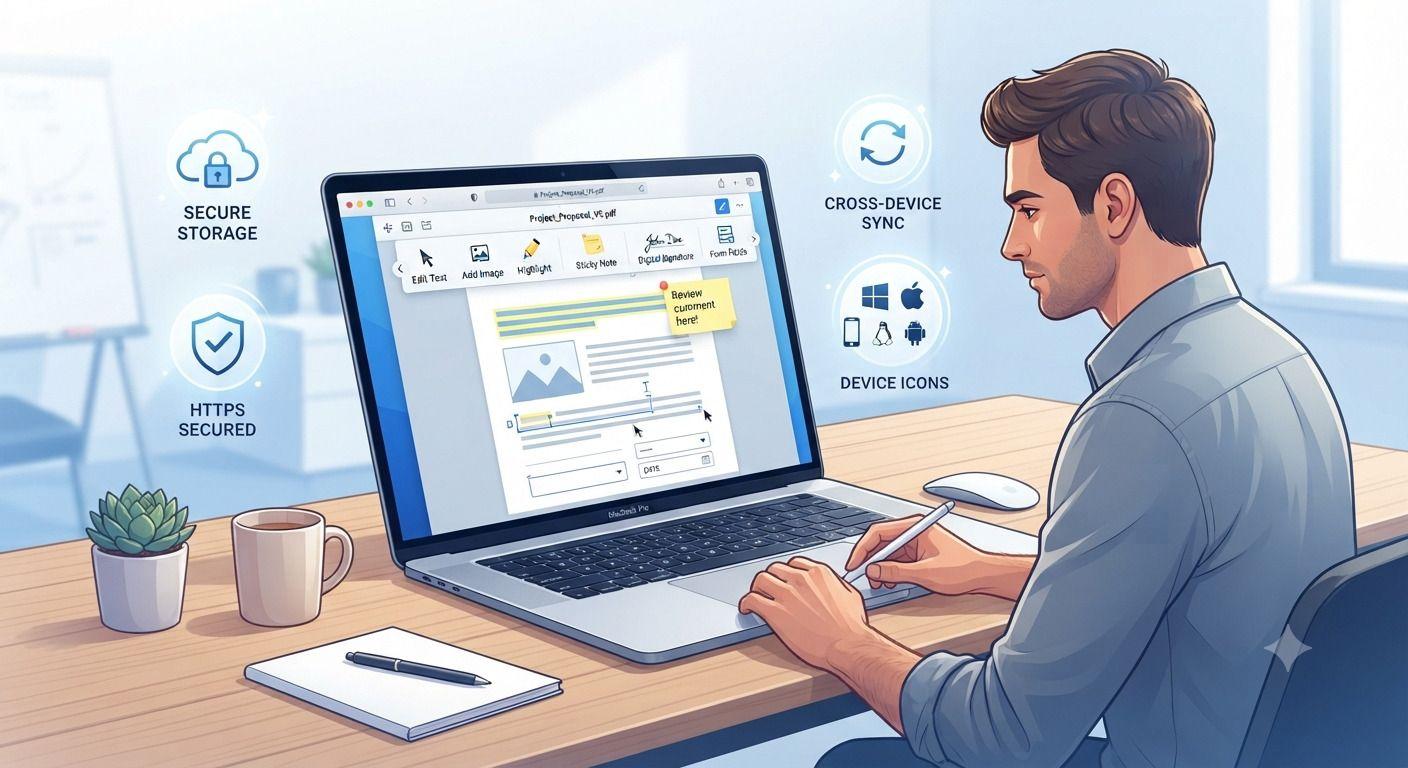
How to Edit PDF Files Without Installing Software
Need to edit a PDF but don't want to install bulky software? This guide walks you through the fastest way to update PDF files directly in your browser. Learn how to edit text, add images, fill forms, insert signatures, and protect sensitive documents using secure online tools. Whether you're working from a computer, tablet, or phone, you'll discover practical tips, common mistakes to avoid, and the best practices for editing PDFs efficiently without downloading desktop applications.
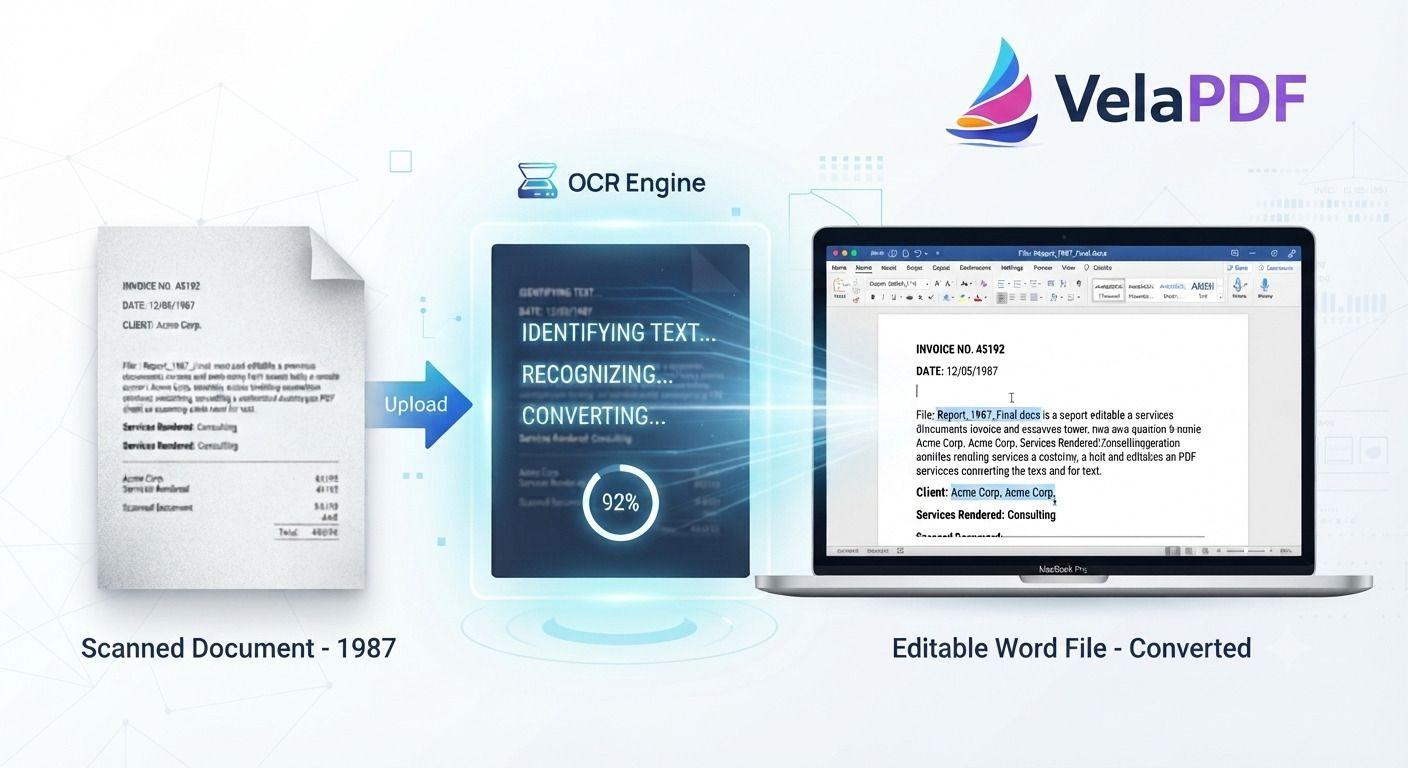
How to Convert Scanned PDF to Word Using OCR (2026 Guide)
ired of retyping content from scanned documents? Learn how to convert scanned PDFs to fully editable Word files using powerful OCR technology. This step-by-step tutorial walks you through the process with VelaPDF’s reliable online tool — fast, accurate, and completely free.These versions are written in a natural, authoritative tone that experienced content writers use. They avoid repetitive AI patterns while staying highly optimized for search. Let me know if you want any tweaks!
Related Tools
Ready to optimize your PDFs?
Experience the world's fastest PDF tools today.