Everything You Need to Know About PDF to Word Conversion
Struggling to edit a PDF? Learn everything about PDF to Word conversion — from simple text documents to complex scanned files using OCR. This complete guide covers the best methods, common challenges, formatting tips, and security advice to help you convert PDF to Word quickly while keeping your document looking professional.
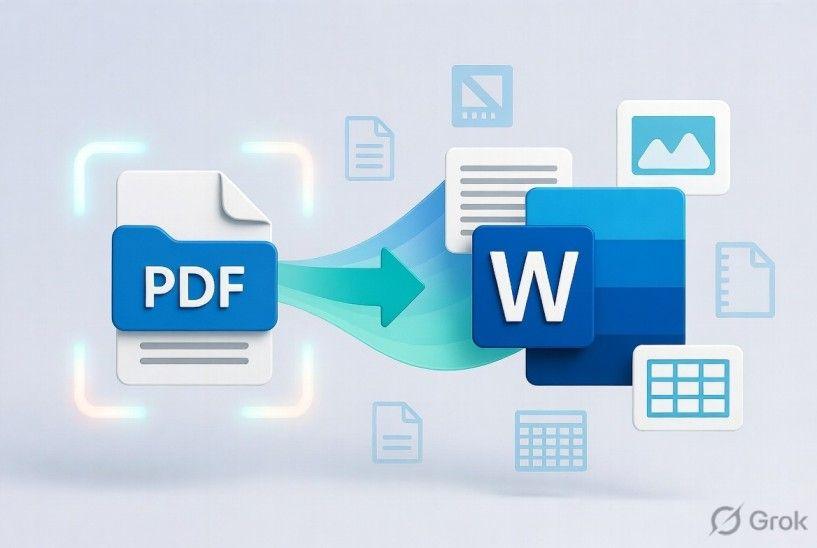
The conversion of PDF to word has emerged as one of the most convenient processes of management of documents among students and professionals and researchers. The PDF files are supposed to maintain the format across the devices and therefore make them the best to share. However they are not always easy to edit. This is why PDF conversion to Word is a favourable option in cases when it is needed to make some changes to a document.
Individuals rely on PDF to Word conversion to make updates on the contracts edit reports revise resumes and reuse previously existing content without having to start all over again. The efficient conversion of PDF to a Word file works by converting a fixed file into an editable format whilst maintaining the original look as much as possible.
This guide describes PDF to Word conversion, explains its benefits and highlights some common challenges that OCR technology faces along with formatting tips and security considerations and best practices. Upon completion, you will know how to do PDF to Word conversion effectively without compromising on document quality. You can also Protect PDF or Unlock PDF with the help of a full PDF converter package.
What Is PDF to Word Conversion?
Understanding PDF Files
A PDF is a universal document file that was developed to display files universally without any relation to operating system or software. It is true that PDFs are excellent to share though they may not be allowing editing options. A large number of users thus turn to PDF to Word tools whenever they need to update their documents.
Understanding Word Documents
Microsoft Word files are designed on collaboration and formatting modification. They enable users to easily edit text tables, images , headings and page structures.
Why Convert PDF to Word?
The primary motive of grounding PDF to Word conversion is to allow non-dynamic content to be edited. The conversion of PDF to Word to work with education or personal projects requires documents that could be edited save a lot of time and effort. Output PDF to DOCX is also available with modern tools to enhance the compatibility to the latest versions of Microsoft Word.
How PDF to Word Conversion Works
Text Extraction
In PDF to Word conversion the program recognizes all the text in the document and re-invents them in the form of an editable text.
Layout Recognition
The converter breaks down page structure paragraph-paragraphs column-spacing and alignment. Proper layout recognition is useful in preserving the original look after PDF to Word conversion. As you Chat with PDF site then the options and guidance will be there.
Font Mapping
Where feasible, fonts used within the PDF are equated with Word fonts availed. To convert PDF to Word, proper font mapping enhances consistency of documents.
Image Extraction
Pictures logos scheme and illustrations are copied and placed correctly in the new Word document.
OCR for Scanned PDFs
When scanning is done, and the document is scanned into pages instead of a selectable text OCR technology is absolutely necessary. OCR PDF processing identifies characters within images and transforms them into text. This enables a conversion of the scanned PDF to editable Word even when the original file only has scanned pages.
Types of PDF Documents
Editable PDFs
Selectable text is already in these files making conversion of PDF to Word quicker and more precise. They are the editable PDF options here.
Scanned PDFs
Scanned documents will need PDF to Word with OCR since the content of the document is in the form of images rather than as editable text.
Image-Based PDFs
The heavy PDFs usually need the advanced recognition software to maintain graphics as well as text in their conversion of PDF into Word.
Fillable PDF Forms
Interactive forms also can be converted to PDF to Word but form fields might need to be adjusted manually after conversion.
When Should You Convert PDF to Word?
Editing Contracts
Legal documents need to be updated frequently but not necessarily to create a whole document. The conversion of PDF to Word makes the revision of the contract easier.
Updating Business Documents
Proposals, reports and policies are often updated by businesses. Conversion to PDF to Word allows the user to have a editable file to make easy revisions.
Editing Resumes
Resumes are often sent out in PDF format to professionals. The conversion of PDF to Word enables fast revisions that can be done prior to the submission.
Reusing Report Content
Through PDF to Word conversion, one can just edit content and use it elsewhere, instead of copying the contents manually.
Academic Research
Journal articles and reports are regularly gathered by researchers. There are a lot who make PDF to Word conversion of notes or quotations and references.
How to Convert PDF to Word Online Free Without Losing Formatting
Benefits of PDF to Word Conversion
Easy Editing
Quick and easy modification of content is the best benefit of the PDF to Word conversion. To Split PDF the options are open as well here.
Reuse Existing Content
Instead of manually replicating documents, users can simply Convert PDF to Word and proceed with editing already existing documents.
Collaboration
Word documents also allow tracking of changes in comments and collaborative editing and PDF to Word conversion is best on a team.
Save Time
It does not need to be manually typed once converted to PDF to Word saves time in the working processes.
Better Document Management
Editable Word documents are easy to integrate with document management systems and therefore storing organization is much easier and also editing in the future.
Common PDF to Word Conversion Challenges
Formatting Changes
Discrepancies in spacing of page breaks or alignment have been the common problem in PDF to Word conversion. This is because users interested in knowing how to convert PDF to Word without losing formatting should get the best source files and conversion software.
Missing Fonts
The fonts that are not available can be automatically substituted with the impact on the documents appearance.
Tables and Charts
On occasions, even complex tables, graphs and diagrams may need to be adjusted manually following PDF to Word conversions.
Complex Layouts
Multi column floating images or complex formatted documents have other problems.
Scanned Documents
Scans of low quality decrease accuracy of OCR which makes conversion of PDF to word challenging.
OCR and PDF to Word
What Is OCR?
Optical Character Recognition helps to identify the printed or written characters within scanned materials.
Why OCR Matters
The possibility of converting scanned files into PDFs and vice versa is enabled by OCR which enables software to identify text; the text is encoded in a shape of images only, so it cannot be recognized in an image format.
OCR vs Regular Conversion
Regular conversion takes out the existing text in a direct manner whereas OCR reads out the images before forming an editable text.
When OCR Is Required
When the user has to deal with documents that have been scanned, contracts books invoices or document files that are stored in the archives, OCR is required. It is also vital to everyone who questions how to edit a PDF by converting it to Word in case the initial PDF is scanned pages.
The Ultimate PDF Workflow Guide for Teams & Professionals
How to Preserve Formatting During Conversion
Use High-Quality Source Files
Clarity of source documents enhances conversion of PDF to Word.
Convert Editable PDFs
Scans usually do not yield an equivalent result to editable PDFs.
Review the Converted Document
During conversion of PDFs to words, always check fonts, images tables and page layouts.
Keep Fonts Consistent
The fonts that are widely available can minimize formatting differences when converted. When you have PDF and require transforming it into PDOX through online means, always critically analyze the downloaded document and only once valid, share it.
How to Edit PDF Files Without Installing Software
Common Mistakes to Avoid
Converting Low-Quality Scans
Bad scans lower the OCR performance and document accuracy.
Ignoring OCR
OCR is forgotten when using scanned documents by many users resulting in image-based Word files.
Not Reviewing the Output
Always have a check on all documents used after the PDF to Word conversion as the automated tools cannot be said to be flawless.
Editing the Original PDF Instead
Direct editing of a PDF can tend to be quite challenging compared to first converting the PDF to a Word file then editing the Word file.
Is Online PDF to Word Conversion Safe?
Secure File Uploads
Secure online services safeguard files uploaded with encrypted connections.
Encrypted Processing
There is protection of sensitive information in PDF to Word conversion due to encryption. To Merge PDF as well the options are open with this site.
Automatic File Deletion
Most trusted services automatically delete uploaded files after making computations to enhance privacy.
Choosing a Trusted Converter
Select quality websites whose security is well-described. The best PDF to word converter is the search term that many users make on the Internet, as reliability, security, and the accuracy of formatting are equally crucial.
In addition to document conversion, many trusted websites offer such features as Edit PDF Online, Convert Word to PDF or, Compress PDF are also available in the site. Even some services allow converting PDF online with any browser and provide PDF to Word online access with a free PDF to Word converter that can be applied in case of daily documents.
Frequently Asked Questions
What is PDF to Word conversion?
Conversion PDF to Word PDF to Word conversion, or converting a PDF document to an editable Word file, is the process of converting PDF text images, tables and formatting as closely as possible to a Microsoft Word file that is editable.
Can I convert PDF to Word without losing formatting?
In most cases yes, it is possible to Convert PDF to Word. The quality of the source files and the conversion software used are a great way to get the formatting correct to convert PDF online but complicated layouts might need slight modification.
What is OCR in PDF conversion?
OCR is acronym of Optical Character Recognition. It recognizes text within documents that have been scanned and transforms them into edible text.
Can scanned PDFs be converted?
Yes. According to OCR technology, scanned PDFs can be efficiently transformed into edible documents in the form of Word files with a very high accuracy.
Is PDF to Word conversion free?
Numerous web services provide a free conversion with some restrictions and higher-quality tools are available at premiums and can offer greater preciseness in their advanced formatting partiality and other functions.
Why does formatting sometimes change?
Formatting is different due to the fact that word and PDF documents differ in terms of their structure. Layouts Fonts also specify tables and graphics that might need slight modifications to be matched with the original layout after PDF to Word conversion.
Related Articles
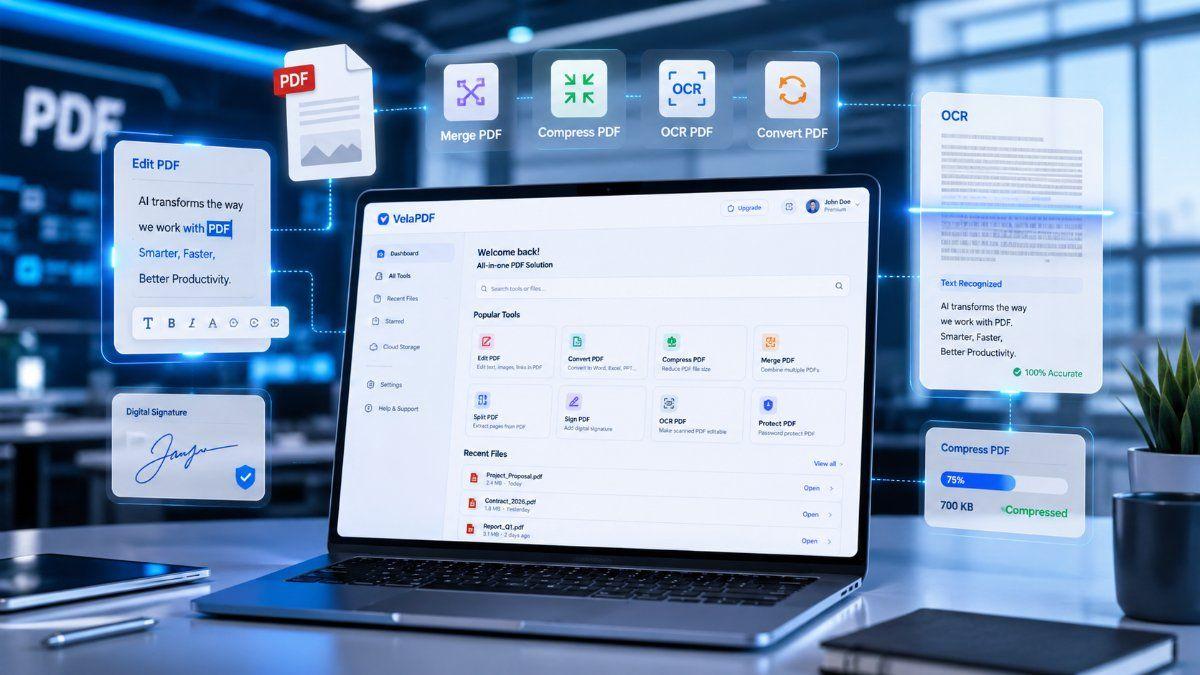
Top 10 PDF Tricks to Work Smarter in 2026
Most people waste hours every week doing simple PDF tasks the hard way. In this guide, discover 10 smart PDF tricks that help you edit, merge, compress, convert, and manage PDFs faster in 2026.
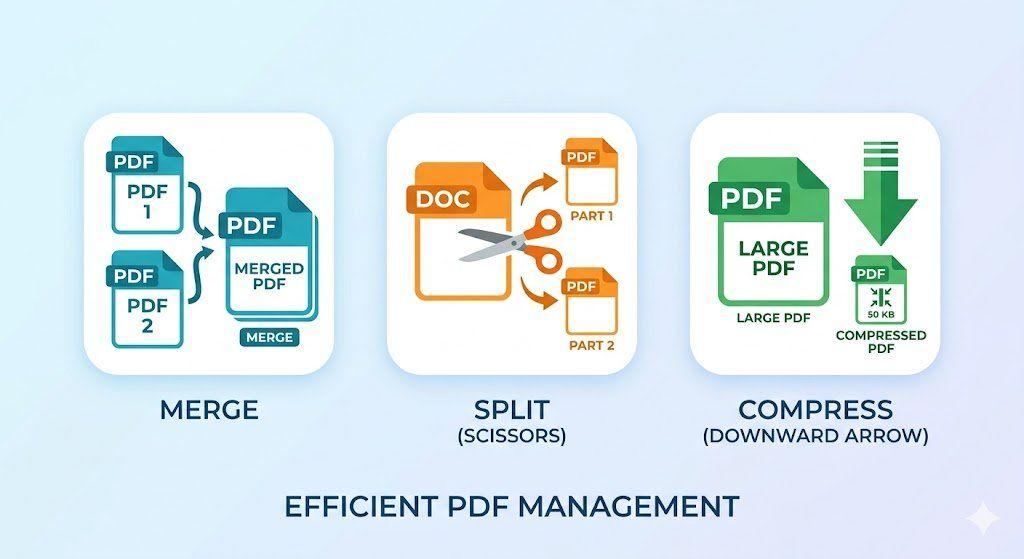
How to Merge, Split, and Compress PDFs in Seconds (Step-by-Step Workflow)
Managing PDF files doesn't have to be complicated. This guide walks you through a simple, structured workflow to merge multiple PDFs into one, split out only the pages you need, and compress large files for faster sharing — all in just a few steps.
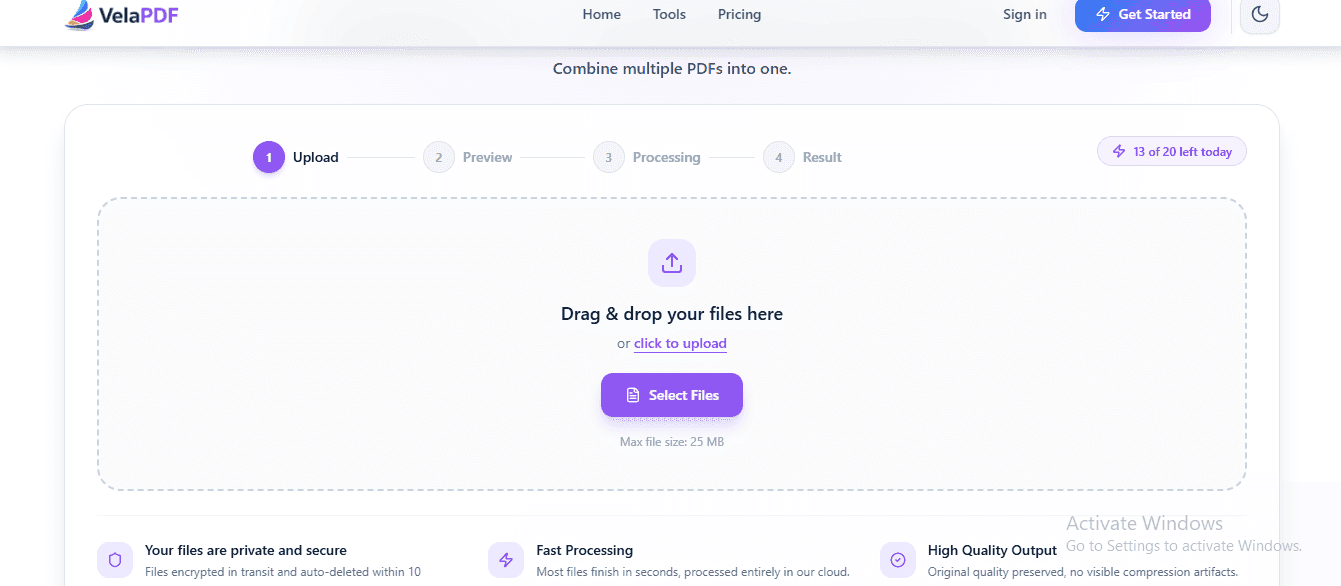
How to Merge PDF Files Online for Free — No Sign-Up Needed
Need to merge PDF files online for free? Skip the software and sign-ups. This guide shows you how to combine multiple PDFs into one clean document in seconds — right from your browser.
Related Tools
Ready to optimize your PDFs?
Experience the world's fastest PDF tools today.