Unlock PDF Online – Free & Secure PDF Password Remover
Remove password protection.
Can’t edit or print a locked PDF? It’s frustrating when a file opens but doesn’t let you do anything.
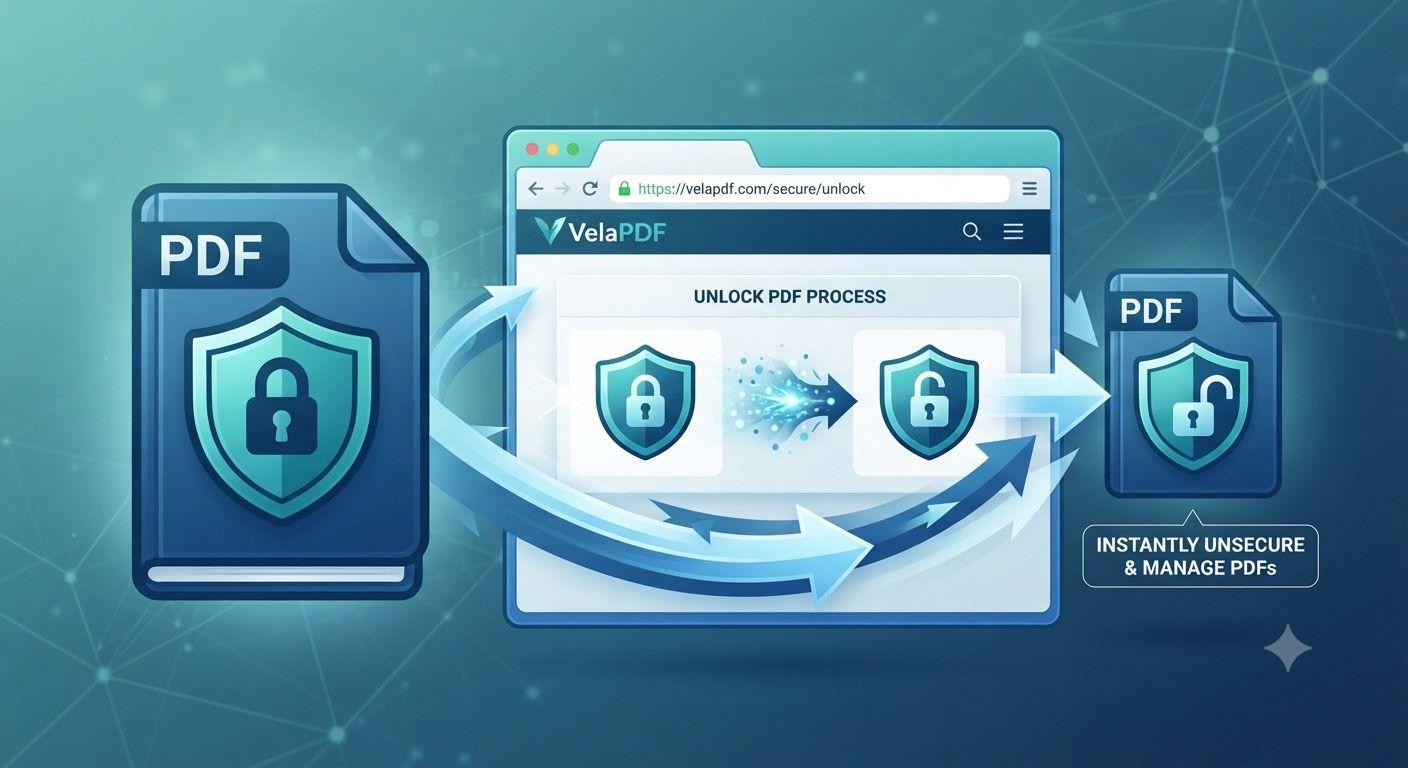
With VelaPDF, you can unlock PDF online in seconds—no downloads, no signup. Just upload your file, remove restrictions, and download it instantly.
What is Unlock PDF?
An Unlock PDF tool helps you remove restrictions from a PDF file so you can use it freely.
These restrictions may include:
- Password protection
- Editing limitations
- Copy restrictions
- Printing blocks
With a reliable PDF unlock tool, you can quickly restore full access to your document.
Why Are PDFs Locked?
Ever received a PDF that you couldn’t edit or print? This usually happens because the file is protected.
Here’s why PDFs are commonly locked:
- Security: To protect sensitive information
- Content control: To prevent editing or copying
- Limited sharing: To control how the file is used
- Ownership protection: To avoid unauthorized changes
While these restrictions are useful, they can slow you down when you need quick access. That’s where an online PDF unlocker helps.
How to Unlock PDF Online (Step-by-Step)
- Upload your PDF: Select or drag and drop your file
- Enter password (if required): Provide access if the file is protected
- Click “Unlock”: Let the tool process your file
- Download your file: Get the unlocked PDF instantly
Now your document is ready to use without restrictions.
Key Features of VelaPDF Unlock Tool
- Fast processing: Unlock files within seconds
- No watermark: Clean output without branding
- Secure handling: Files are processed safely
- Auto deletion: Files are removed after a short time
- Works on all devices: Use on mobile, tablet, or desktop
- No signup required: Upload and unlock instantly
Benefits of Unlocking Your PDF
- Edit freely: Make changes without restrictions
- Save time: No need to recreate documents
- Easy sharing: Send files without limitations
- Better productivity: Access content instantly
- Simple to use: No technical skills required
Unlock your file and take full control of your document.
Use Cases of Unlock PDF Tool
- Students: Edit assignments or study material
- Professionals: Unlock reports, contracts, or presentations
- Businesses: Access locked invoices and internal documents
- Personal use: Modify resumes or personal files
More Tools by VelaPDF
After unlocking your file, you can also:
- Merge PDF Online→ Combine multiple files into one
- Split PDF Online→ Extract specific pages easily
- Compress PDF Online → Reduce file size for faster sharing
- PDF to Word Online→ Convert and edit your document
Manage all your files in one place.
Why Trust VelaPDF?
Your file security is our priority:
- Files are automatically deleted within minutes
- No manual access to your documents
- Secure encrypted processing
- No permanent data storage
You stay in full control of your files at all times.
Conclusion
Unlock your PDF in seconds and remove all restrictions easily. No downloads, no signup—just fast and secure access to your files.
👉 Upload your file now and unlock your PDF instantly.
Frequently Asked Questions
Related Tools
Related Articles
Best Free PDF Password Remover in 2026: Features to Look For
We all receive password-protected PDFs from time to time. A reliable free PDF password remover makes it easy to unlock them quickly and safely — as long as you already have permission to access the file.
The Ultimate PDF Workflow Guide for Teams & Professionals
Most teams lose hours every week dealing with messy PDF workflows, scattered tools, version confusion, and repetitive document tasks. This guide explains how businesses can streamline document workflow management using smarter PDF systems, OCR tools, batch processing, and secure collaboration platforms like Velapdf.
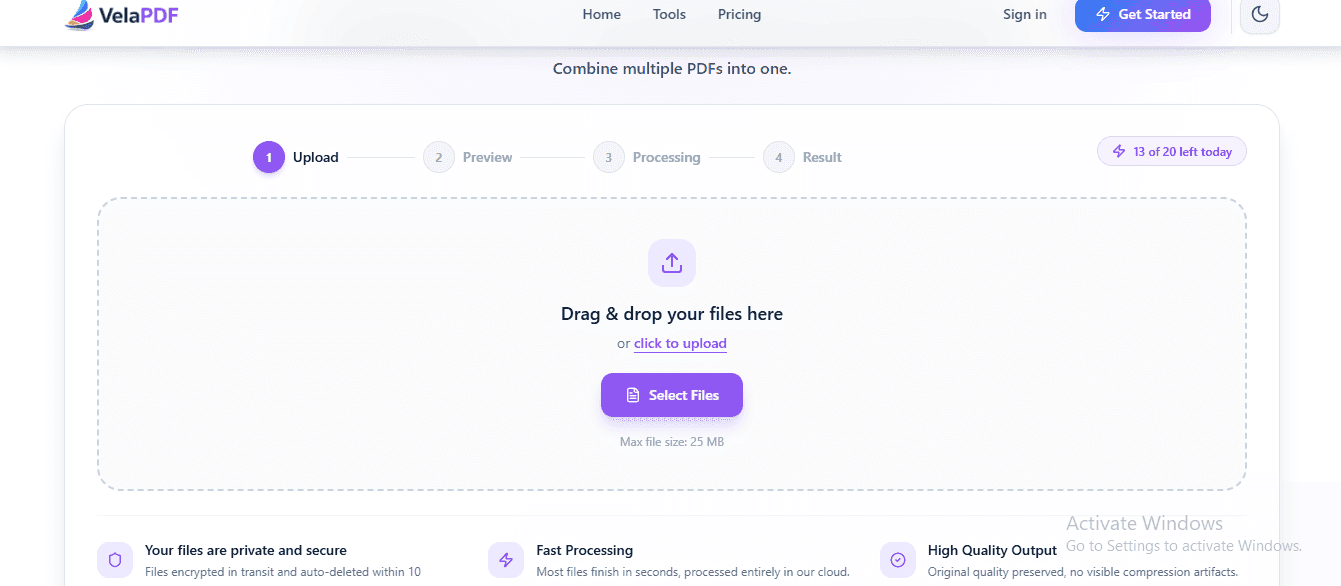
How to Merge PDF Files Online for Free — No Sign-Up Needed
Need to merge PDF files online for free? Skip the software and sign-ups. This guide shows you how to combine multiple PDFs into one clean document in seconds — right from your browser.