Best Free PDF Password Remover in 2026: Features to Look For
We all receive password-protected PDFs from time to time. A reliable free PDF password remover makes it easy to unlock them quickly and safely — as long as you already have permission to access the file.
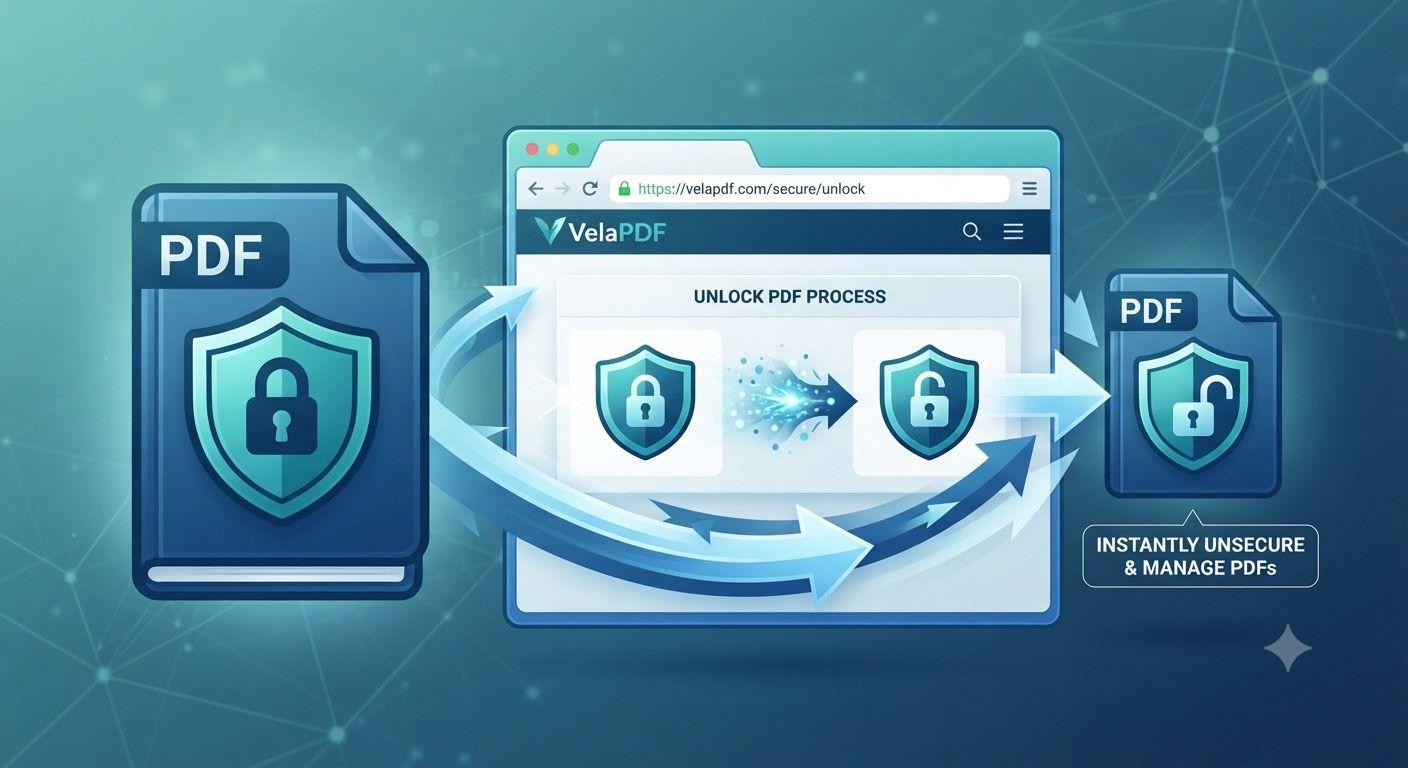
We sometimes receive PDFs with passwords. Although they are important for confidential documents, repeatedly entering a password can slow down your workflow. Free PDF Password Remover helps remove protection from authorized PDFs.
A reliable password remover can save valuable time for students, business professionals, freelancers, or teachers. Choosing the right tool is essential for those who are looking for a simple way to Unlock PDF.
We will help you choose the right tool today and explain the features you should look for while selecting a reliable solution to unlock PDF Online.
What Is a Free PDF Password Remover?
It lets you remove PDF Password or permission restrictions from PDF authorization. The tool is designed for those who already know the password or have the legal permission to access it.
It is important to understand that a Free PDF Password Remover is not created to bypass security or get unauthorized access to a protected file. It only helps you to Remove Password from PDF you are authorized to access.
These are the top users who benefit from this tool :
- Students managing study materials
- Office professionals handling reports
- HR departments processing employee documents
- Legal professionals reviewing contracts
- Freelancers sharing client files
- Business teams collaborating on secured PDFs
A browser-based tool provides you with a fast and convenient solution only if your goal is to remove PDF Password from a document you own.
Why Use an Online PDF Password Remover?
No Downloads Required
There is no need to install a desktop or mobile application to unlock protected PDF. You simply need to upload your PDF, enter the correct password, and download the unlocked files in a few seconds.
Faster Workflow
The Free PDF Password Remover completes the process in a few clicks. There is no need to configure settings or update software manually.
Works Across Multiple Devices
Most of these tools work on:
- Windows
- macOS
- Linux
- Android
- iPhone
It means that you can remove PDF Restrictions without a desktop or laptop.
Access Anywhere
Most of these tools perform everything inside your web browser. It means that you can unlock PDF Free whether you're working from home, the office, or while traveling. A cloud-based tool gives flexibility without sacrificing convenience if you frequently need to Unlock PDF Online.
Essential Features to Look For
Strong Security & Encryption
Security should always be your top priority when selecting a Free PDF Password Remover.
You should always choose a tool with:
- HTTPS-encrypted connections
- Secure file uploads
- Automatic file deletion after processing
- Privacy-focused data handling
- No unnecessary file retention
They are important because you are uploading your protected files. These features help protect your confidential files throughout the unlocking process.
Easy Password Removal
Reliable password removers like VelaPDF always aim to keep the process simple. They aim to help beginners perform the process easily without any technical knowledge. It would be best to choose a tool offering:
- Drag-and-drop uploads
- One-click processing
- Clear instructions
- Fast document conversion
- Minimal waiting time
People often get frustrated as they use tools with a complicated interface. Simplicity is as important as speed if you want to Remove Password from PDF.
Preserve Original Formatting
The selected tool should never change the appearance of your document. A quality PDF remover keeps you:
- Fonts unchanged
- Images intact
- Tables correctly aligned
- Hyperlinks functional
- Headers and footers preserved
- Original page layout maintained
Your selected tool ensures that the document looks the same as it did before the password was removed.
Fast Processing Speed
You should never wait for minutes to unlock your protected file.
The best tool uses optimized cloud servers to process the file instantly. Fast processing is helpful for those who are working with countless files daily.
Support for Protected PDFs
There are many kinds of PDF protections. Some locks:
- Editing
- Printing
- Copying text
- Filling forms
- Content extraction
An ideal password remover should remove all these restrictions once proper authorization has been performed.
Choosing the appropriate tool to Unlock Protected PDF can help you save time if your file has permission settings applied.
Remove Editing Restrictions
We sometimes receive files with printing or editing restrictions.
A password remover can allow you to:
- Edit text
- Print documents
- Copy content
- Fill interactive forms
- Add comments or annotations
You can improve collaboration and document usability by removing password restrictions.
Mobile Compatibility
Professionals nowadays do not always work from a desktop computer.
A reliable password remover should work smoothly on:
- Windows PCs
- Mac computers
- Android smartphones
- iPhones
- Tablets
It allows you to Unlock PDF on an iPhone or Android device whenever or wherever you need them. Responsive services always ensure a consistent experience to Unlock PDF on Android or iPhone.
Online vs Desktop PDF Password Removers
Feature | Online PDF Password Remover | Desktop PDF Password Remover |
Installation | Not required | Required |
Accessibility | Works from any browser | Limited to installed device |
Updates | Automatic | Manual |
Speed | Fast cloud processing | Depends on system performance |
Storage | Temporary cloud processing | Local storage |
Best For | Everyday users | Heavy professional workflows |
Common Problems Users Face
Forgotten Password
Forgetting the password to open a PDF is one of the most common issues with these files. You can remove the protection for easier access in the future if you know the password.
Printing Disabled
Many protected PDFs allow you to only view it. But they are not allowed for printing. It makes a person frustrated when they need physical copies for meetings, school, or legal documentation.
Copy Restrictions
A few documents also prevent text or image copying. It can slow down research, reporting, or document editing.
Editing Blocked
You cannot even edit, modify text, fill forms, or add comments from the protected PDFs.
Unsupported Files
Older or heavily encrypted PDF versions might not be compatible with every Free PDF Password Remover. You should therefore select a regularly updated tool like VelaPDF to avoid such cases.
Large PDF Documents
Large reports, scanned files, or image-heavy PDFs might take longer to process if the service does not have optimized cloud infrastructure.
Who Needs a PDF Password Remover?
Students
Learners usually get password-protected lecture notes, assignments, and study guides. They can easily read, annotate, and print by removing the password.
Lawyers
Legal experts usually work with contracts and confidential documents. The Unlock PDF Free tool improves document review and collaboration after removing the restriction.
HR Teams
Human Resource departments also work with resumes, employee records, offer letters, and policy documents. Unlocked PDFs make secure document management much easier.
Businesses
Businesses also exchange proposals, invoices, reports, manuals, and presentations in PDF format. Password removal also streamlines internal workflows after the right authorization.
Accountants
Financial professionals usually access protected statements, tax documents, and audit reports. It helps them save time during busy reporting periods.
Government Offices
Official departments also work with secure PDF forms and public records. The tool can also improve their productivity by removing restrictions.
Freelancers
Freelancers usually work with several clients. They often receive editable documents protected with a password. The password remover also simplifies their revisions and approval process.
Teachers
The tool can also help educators in updating content easily because they work with worksheets, exam papers, presentations, and course materials in PDF format.
Tips for Safely Removing PDF Passwords
Only Unlock PDFs You Own or Are Authorized to Access
You should only Unlock Protected PDF you are authorized to access.
Choose Trusted PDF Tools
A tool with an encrypted connection and secure document handling should be chosen.
Delete Unnecessary Unlocked Copies
You should consider deleting extra unlocked copies if they contain sensitive information.
Store Files Securely
It would be useful to store unlocked PDFs in secure folders or encrypted cloud storage if they contain confidential data.
Verify Permissions Before Sharing
You should only share the unlocked PDF you are authorized to share.
Why Choose VelaPDF?
VelaPDF provides you with a simple, secure, and efficient experience with its Free PDF Password Remover. Top reasons to choose this platform are:
- Completely free to use
- Unlock PDF Without Software
- Fast processing for documents of different sizes
- Maintains original formatting after unlocking
- Privacy-focused file handling
- Secure encrypted uploads
- Works on Windows, Mac, Android, and iPhone
- Beginner-friendly interface
VelaPDF offers an easy process to unlock PDF Free.
Frequently Asked Questions
Is a free PDF password remover safe?
Yes, Free PDF Password Remover uses encrypted file transfers, secure processing, and automatic file deletion. You should always choose a reputable service.
Can I remove a PDF password online?
Yes, these tools let you Unlock PDF without any software. You must upload your PDF and provide the correct password for it.
Will my PDF formatting stay the same?
Yes, the best password removers preserve the original formatting. It keeps fonts, images, tables, hyperlinks, and page layouts as they are.
Can I unlock protected PDFs?
Yes, the Unlock PDF Online tool helps you remove the password if you have access. Many tools can remove editing, printing, and copying restrictions after proper authorization.
Can I remove editing restrictions from a PDF?
Yes, many Unlock PDF Free tools help you remove editing restrictions only if you have the necessary permission.
Does it work on Android?
Yes, most PDF password removers work smoothly on Android smartphones and tablets. You can remove Password from PDF without any app installation.
Can I unlock PDFs on iPhone?
Indeed, most online PDF tools are compatible with Safari and other mobile browsers. It lets you unlock PDF on iPhone.
Do I need to install software?
No, most modern PDF password removers work completely on the web browser. It allows you to unlock PDF Without Software.
Related Articles
10 Best Free PDF Tools in 2026 – Features, Pros, Cons
Velapdf tops the list of the best free PDF tools in 2026. It offers core PDF tools in one platform — edit, convert, compress, merge, split — without login or watermarks. Fast, simple, and beginner-friendly with 55+ tools."
Everything You Need to Know About PDF to Word Conversion
Struggling to edit a PDF? Learn everything about PDF to Word conversion — from simple text documents to complex scanned files using OCR. This complete guide covers the best methods, common challenges, formatting tips, and security advice to help you convert PDF to Word quickly while keeping your document looking professional.
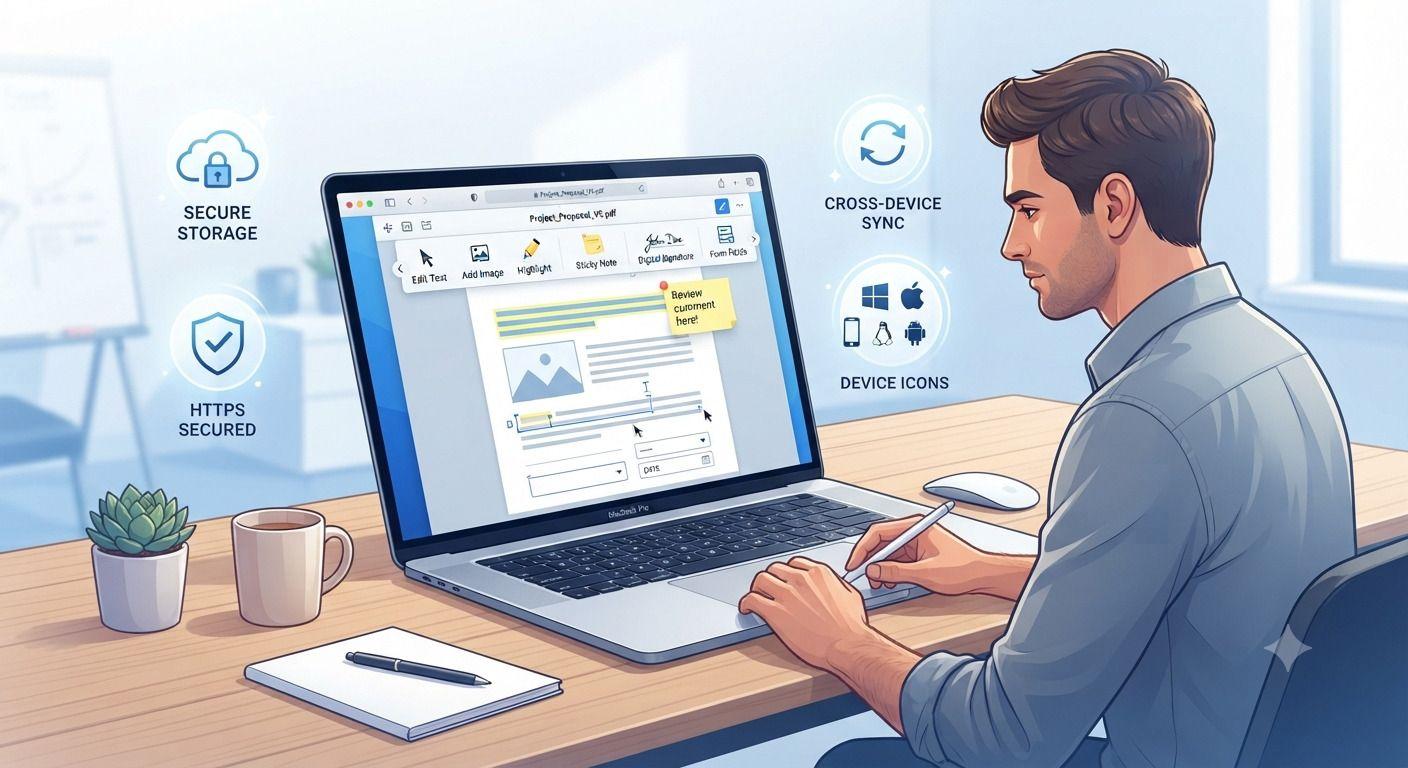
How to Edit PDF Files Without Installing Software
Need to edit a PDF but don't want to install bulky software? This guide walks you through the fastest way to update PDF files directly in your browser. Learn how to edit text, add images, fill forms, insert signatures, and protect sensitive documents using secure online tools. Whether you're working from a computer, tablet, or phone, you'll discover practical tips, common mistakes to avoid, and the best practices for editing PDFs efficiently without downloading desktop applications.
Related Tools
Ready to optimize your PDFs?
Experience the world's fastest PDF tools today.