Best Free PDF Editors in 2026
Discover the best free PDF editors in 2026. Find the perfect tool for your workflow—from browser-based platforms to powerful, watermark-free desktop software.
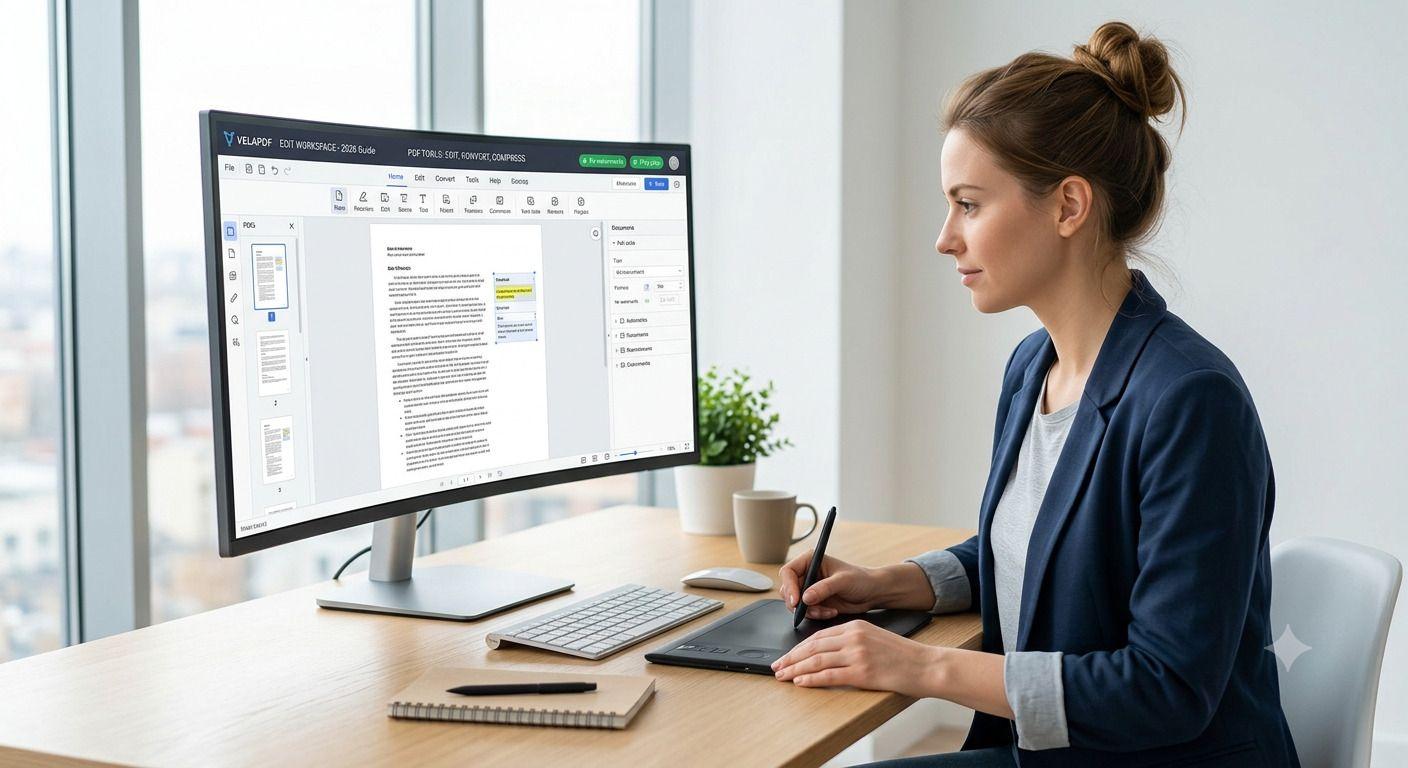
PDF files have become an important part of the digital era for businesses, freelancers, and even students. They use them for submitting assignments, job seekers, uploading resumes, sharing contracts, etc. Finding the best free PDF editors with useful features without being forced into a paid subscription is currently challenging.
Many tools now advertise themselves as free tool. But they later restrict file sizes, add watermarks, require signups, or put strict daily limits on editing. Several excellent options are fortunately available in 2026.
We have curated this guide for the free PDF editing software programs. We have added browser-based solutions, desktop software, and popular Adobe Acrobat alternatives in this guide.
Quick Comparison Table
PDF Editor | Platform | Free Plan | Watermark | Signup Required | Best For |
VelaPDF | Browser | Yes | No | No | Everyday PDF tasks |
PDF24 Creator | Windows | Yes | No | No | Fully free desktop editing |
Sejda | Browser/Desktop | Yes | No | No | Text editing |
Smallpdf | Browser/Mobile | Limited | Sometimes | Often Required | Mobile users |
iLovePDF | Browser/Mobile | Yes | No | Optional | Multiple PDF tools |
LibreOffice Draw | Desktop | Yes | No | No | Offline editing |
PDFescape | Browser | Yes | No | No | Forms and annotations |
Quick Summary
- Best browser-based PDF editor: VelaPDF
- Best completely free PDF editor: PDF24 Creator
- Best for direct text editing: Sejda
- Best offline PDF editor: LibreOffice Draw
- Best for form filling: PDFescape
- Best all-in-one toolkit: iLovePDF
- Best mobile-friendly option: Smallpdf
What Is the Best Free PDF Editor in 2026?
Your needs play an important role in choosing the best free PDF editor. Although VelaPDF is ideal for browser-based workflows, PDF24 offers a wide range of free tools. Sejda is best for editing text in files. And LibreOffice Draw stays strong as an offline solution.
Users who want fast editing, conversion, compression, and organization tools usually prefer browser-based platforms as they work instantly without the need to install them.
Best Free PDF Editors In 2026
VelaPDF
VelaPDF is a browser-based PDF platform created for users who want fast access to document management tools without downloading it. This browser PDF editor has more than 55 PDF-related features, including conversion, compression, OCR, and file management tasks.
Users can begin immediately without creating an account on VelaPDF PDF Editor, unlike many competitors.
Key Features
- Compress PDF Online
- Merge PDF Online
- Split PDF Online
- OCR PDF
- Organize PDF
- Unlock PDF
- Extract Pages
- Remove Pages
- PDF conversions
- AI PDF tools
- VelaPDF Edit PDF Workspace
Pros
- No signup is needed to use it.
- It works directly in the browser.
- It has automatic file deletion after 10 minutes to boost privacy.
- It also supports multiple PDF workflows
- It works with desktop and mobile devices
- Fast processing
Cons
- Upload limit of 25 MB
- Advanced desktop-style editing might require specialized software
Best for
VelaPDF PDF Editor is ideal for students, job seekers, and professionals who are looking for the best free PDF editor without watermark to handle daily PDF tasks instantly.
Free tools
Most basic tools are available without payment on VelaPDF PDF Editor. Users can use it without signing up.
Why VelaPDF Stands Out
Many free PDF editing software programs focus on only one area, like conversion or compression. But VelaPDF PDF Editor offers the combination of document management and image-related tools in one place.
Users can edit PDF with VelaPDF, convert PDF between formats, reduce document size, and perform other PDF-related tasks.
The VelaPDF Edit PDF Workspace is useful for people who regularly work with documents without installing specific software.
PDF24 Creator
It is also one of the best free PDF editor for Windows.
It offers a completely free desktop experience with no subscriptions and no hidden charges.
Pros
- Fully free
- No watermark
- OCR support
- Large feature collection
- Fast performance
Cons
- Windows only
- The interface looks outdated compared to newer tools
Best for
This free PDF editing software is ideal for those who prefer desktop software without limitations.
Sejda
It has built a strong reputation because it lets you edit a PDF online directly.
Many free PDF editors online only allow users to put a text overlay on top of a document. Sejda gives more flexibility for editing text than other tools on our list of best free PDF editors.
Pros
- Direct text editing
- OCR support
- No signup needed
- Desktop version available
- Automatic file deletion
Cons
- Three tasks per hour
- File size limits
- Restrictions on large documents
Best for
Users who frequently want to edit pdf online free.
Free Limitations
- Three tasks per hour
- 50 MB file limit
- 200-page limit
Smallpdf
Smallpdf focuses on simplicity.
This browser PDF editor gives a clean interface and supports many common tasks, like conversion, compression, signing, and organization.
Pros
- Beginner-friendly interface
- Mobile applications available
- Strong conversion tools
- Cloud integrations
Cons
- Two-task daily limit
- Premium features locked
- Account often required
Best for
It is best for users who prefer working on mobile.
iLovePDF
It provides one of the largest collections of PDF services. This is why it is also the best browser based PDF editor on this list.
Conversion, organization, protection, compression, and document management are some of the best features of this best PDF editor online.
Pros
- Large tool library
- Easy to use
- Mobile support
- No account required for basic tasks
Cons
- File size restrictions
- Advanced features require a subscription
- Cloud processing required
Best for
Users who are looking for an all-in-one edit PDF free software toolkit.
Free limitations
Premium-only features and file size caps.
LibreOffice Draw
It is among the most popular and best free PDF editors in 2026. It is completely free and works offline. The software also supports Windows, Mac, and Linux.
LibreOffice Draw installs directly on your computer. It allows you to use it without an internet connection.
Pros
- Completely free
- Open-source software
- Works offline
- It is available on multiple operating systems
- No account required
Cons
- The interface feels old.
- Complex PDF layouts might not render perfectly.
- A hard learning curve for beginners.
Best for
Users who want offline editing and a free alternative to Adobe Acrobat.
Free Limitation
None
PDFEscape
It is another ideal online PDF editor free. PDFescape focuses on fill PDF forms, annotation, and basic PDF editing.
It is ideal for users who need to edit PDF text instantly without downloading any software.
Pros
- Browser-based access
- No installation required
- Strong form-filling features
- Password protection available
- Easy page management
Cons
- Limited file size support
- No OCR functionality
- Text editing capabilities are basic
Best for
Users who regularly work with forms and PDF documents.
Free limitation
Files are limited to 10 MB and 100 pages in the free version.
How We Evaluated These Editors
Features
We examine whether a tool supports advanced features, like annotate PDF, sign PDF, merge PDF, split PDF, organize pages, OCR PDF, etc.
Ease of use
The best online PDF editor free lets you upload files and complete tasks within a few minutes.
Privacy
High security of a tool makes it among the best free PDF editors because people often upload files with sensitive and personal information.
Free limitations
Many services put daily limits, file size or upload restrictions, watermarks, and locked features to push a user to purchase a subscription.
We test the abilities of the free plans of each PDF editor online or offline.
Platform support
We also find the best free PDF editor for Mac and other operating systems.
Which PDF Editor Should You Choose?
Best for students
VelaPDF is the best PDF editor for students, as it is ideal for assignments, notes, resumes, and project submissions.
It is ideal for those who are looking for a free PDF editor for job applications.
Best for professionals
Sejda is the best PDF editor for small business owners and other professionals because it has strong text-editing capabilities.
Best offline editor
LibreOffice Draw is a reliable choice for users who want to use desktop software.
Best browser editor
VelaPDF is again among the best free PDF editors for those who want to use it without downloading it.
Best completely free option
PDF24 Creator offers complete access to its features without asking for a single penny.
FAQs
What is the best free PDF editor in 2026?
The best free PDF editors depend on your specific needs. Although VelaPDF is ideal for those who want to access a free PDF editor no signup and no need to download, PDF24 Creator stands out for offering all features for free.
Sejda is also excellent for editing. And LibreOffice Draw stays a reliable offline option.
Is there a truly free PDF editor?
Yes, PDF24 Creator and LibreOffice Draw are some examples of completely free PDF editors.
What is the best free alternative to Adobe Acrobat?
VelaPDF is one of the Adobe Acrobat alternative options because it allows you to use its features without signup and download.
Which PDF editor does not add watermarks?
VelaPDF, PDF24 Creator, Sejda, LibreOffice Draw, and iLovePDF are some of the best free pdf editor without watermark.
Can I edit PDFs online for free?
Yes, many free platforms, like VelaPDF, allows you to edit PDFs for free.
Which PDF editor is best for students?
VelaPDF is the best PDF editor for students because it helps with assignment submissions, document conversion, PDF compression, and file organization. PDF24 Creator is also ideal for those students who cannot afford paid subscriptions to access premium tools.
Which free PDF editor is safest?
VelaPDF is one of the secure PDF editors because it automatically deletes data within 10 minutes.
Do free PDF editors have limitations?
Yes, many platforms put usage limits, upload restrictions, lock advanced features on a free plan.
Is browser-based PDF editing secure?
Yes, many tools use encryption, automatic file deletion, and secure servers. But users must review privacy policies before uploading their files.
Which PDF editor is best for business use?
VelaPDF works well for daily business workflows because it offers document conversion, compression, page management, etc.
Final Verdict
PDF editors have become a powerful tool for businesses, students, and even freelancers. It is therefore important to choose the right and Best Free PDF Editors, as most editors only offer a free plan to fool people and restrict important features for paid members.
VelaPDF has stood out as an ideal platform because it offers necessary solutions for free without sign-up and downloading it. PDF24 Creator, Sejda, LibreOffice Draw, etc are also some of the best free PDF editors in 2026.
Related Articles
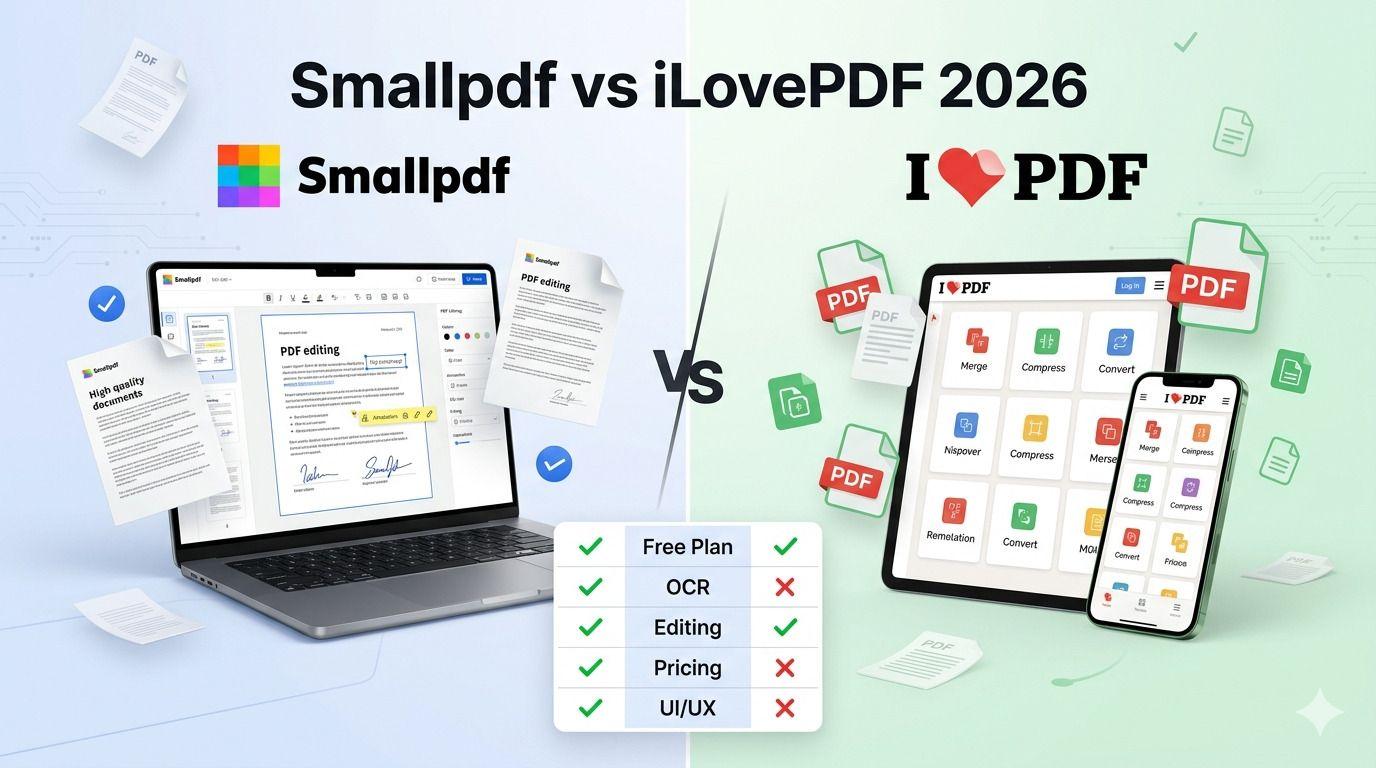
Smallpdf vs iLovePDF: Which PDF Tool Is Better in 2026?
Confused between Smallpdf and iLovePDF? Here’s a detailed 2026 comparison of features, pricing, interface, and performance. Discover which PDF tool is better for your needs — whether you are a student, freelancer, or business owner.

PDF24 vs VelaPDF: Which Free PDF Tool is Better in 2026?
Finding a free PDF tool that actually works — no watermarks, no daily limits, no hidden fees — is harder than it sounds. This side-by-side breakdown of PDF24 vs VelaPDF cuts through the noise so you can pick the right one for your device, workflow, and deadline.

VelaPDF vs Adobe Acrobat: Which PDF Tool Offers Better Value?
"VelaPDF vs Adobe Acrobat: Which PDF editor is better in 2026? VelaPDF offers a fast, free, browser-based solution perfect for students and freelancers, while Adobe Acrobat delivers powerful editing, AI tools, and enterprise features at a higher price. Full comparison of pricing, features, ease of use, and security."
Related Tools
Ready to optimize your PDFs?
Experience the world's fastest PDF tools today.