Sign PDF Documents Online with Free Electronic Signature Tool
Add digital or electronic sign.
Sometimes you have a document that needs a quick signature. But, printing and scanning everything isn’t easy in every case. That is why many people now prefer to sign PDF online instead of using paper documents.
VelaPDF offers a simple online PDF signer that helps you add signature to PDF files right in your browser without extra software. The tool is fast, secure, which makes it preferable.
Let’s learn how to sign PDF online easily and safely.
What Is PDF Signing?
PDF signing is simply a process of adding an electronic signature to a PDF document. An electronic signature PDF can include a digital certificate that helps verify the identity of the signer. Many users now sign PDF online instead of printing paper documents.
How to Sign a PDF Online
Follow these steps to sign documents online using VelaPDF:
- Upload your PDF file to VelaPDF.
- Upload your certificate file in .p12 or .pfx format for secure signing.
- Enter the password linked with your certificate.
- Now, you have to click/tap on the “Sign PDF” button to start the process.
- Download the signed file to your device.
This method helps users fill and sign PDF files quickly without complicated setup. You can also use VelaPDF to fill PDF forms online and manage documents more efficiently from one place.
Features of Sign PDF Document Online Tool
VelaPDF offers a modern online PDF signer with some unique features:
- Browser-Based Signing: Everything works in browser, with any installation of apps need.
- Fast and Simple Workflow: Upload your file, verify your certificate, and sign your document within minutes.
- Secure PDF Signing: Your documents are protected with secure encrypted connections while the signing process is completed, helping keep private information safe.
- Clean Document Quality: Your PDF keeps the same text, design, and formatting even after adding the signature. Nothing in the layout gets changed or disturbed.
- Works on All Devices: You can use VelaPDF tool on Windows computers, Macs, Android phones, iPhones, and tablets through any updated web browser.
In addition, if you want, you can also use VelaPDF to combine PDF files online.
Benefits of Sign PDF Document Online Tool
Using an online PDF signer makes document handling much easier for daily work:
- Save time with instant PDF signing
- Sign PDF online from any device
- No paper or physical document handling
- Secure and private file processing
- Professional and legally usable signed PDFs
Many people now prefer to fill and sign PDF documents online because the whole process feels faster and more convenient.
Common Use Cases of Sign PDF Files
Our PDF signing tool is useful in many real-life cases, including:
- Business contracts
- Client agreements
- HR onboarding documents
- School and educational forms
- Approval documents
- Invoice signing
- Government forms
- Freelance work agreements
Many people now prefer to sign PDF without printing because it saves both time and effort.
Is VelaPDF Secure Sign PDF File Tool?
Yes, VelaPDF is entirely secure and designed with privacy in mind.
- Encrypted processing helps protect uploaded documents.
- Files are handled temporarily during processing.
- All uploaded documents are automatically deleted within 10 minutes.
- The entire workflow runs inside your browser.
- No manual review or human access to your files takes place.
If you’re looking to further secure PDF documents, you can also use our tool to protect PDF online by adding a password in it easily.
Conclusion
Signing documents should not take so much time anymore. With VelaPDF, you can sign PDF online directly from your browser and finish the work in just a few minutes. If you often work with forms, or other documents, VelaPDF can make the whole PDF signature process much easier.
You can also try other tools in the VelaPDF PDF Utilities Hub to manage your PDF files online.
Frequently Asked Questions
Related Tools
Related Articles
How to Compress PDF Without Losing Quality (Free Methods)?
Compress PDF without losing quality for free using VelaPDF. Reduce file size quickly while preserving text, images, and layout. Choose low, medium, or high compression — no sign-up, no watermarks, and lightning-fast results in your browser." Need any adjustments?

How to Merge Multiple PDFs in Under 30 Seconds – Free & No Sign-Up Required
"Merge multiple PDFs online for free in under 30 seconds with VelaPDF. No sign-up, no watermarks, no limits. Simply drag & drop files, reorder, and combine them instantly in your browser — fast, secure, and beginner-friendly.
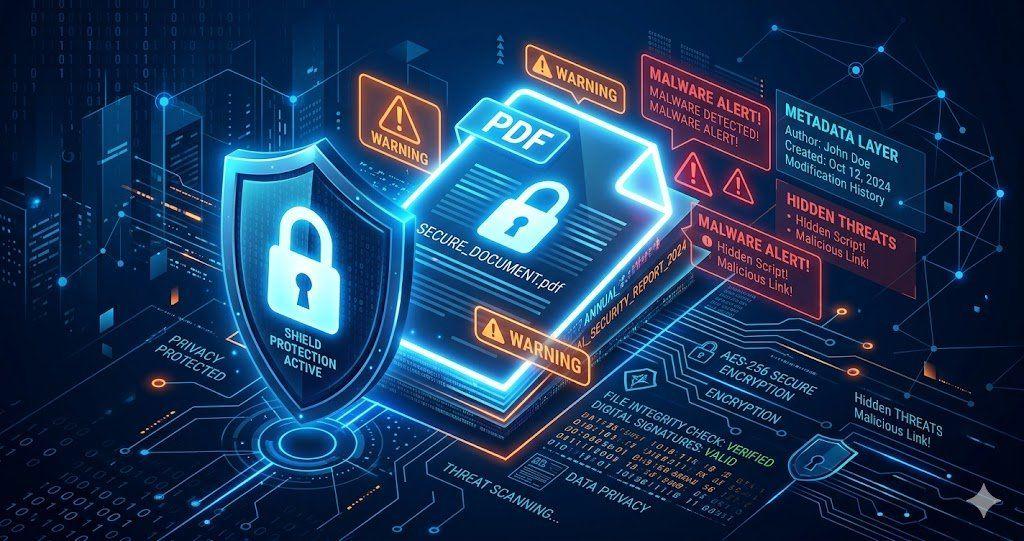
Is Your PDF Safe? Hidden Risks Most People Ignore in 2026
Is Your PDF Safe? In 2026, PDFs hide serious risks like metadata leaks, malicious code, and incomplete redactions. Protect yourself by removing hidden data, using strong passwords, and choosing secure tools that auto-delete files fast.