Crop PDF Online – Free PDF Page Cropping Tool
Adjust page margins.
Sometimes a PDF has too much empty space. Large margins, unwanted borders, or extra content can make it hard to read or print properly.
That’s where a simple solution helps. With VelaPDF, you can crop pdf files directly in your browser without the need to download any software or complete setup.
Our crop pdf online tool is part of our complete PDF Tools Online suite, designed to make everyday PDF tasks quick and easy. Whether you want to clean up a scanned file or adjust page size, you can do it in seconds.
Let’s learn how to use the PDF crop tool and remove extra margins from the page.
How to Crop PDF Pages Online
Cropping a PDF on VelaPDF is simple. Just follow these steps:
- First of all, go to the Crop PDF Tool on VelaPDF, and upload your PDF file
- Set the crop area using X Coordinate, Y Coordinate, Width, and Height
- Then, you have to make sure the “Remove Text Outside Crop Area” box is checked
- Click process and download your cropped PDF
This method helps you remove margins from PDF files or select only the content you need.
PDF Crop Tool Powerful Features
VelaPDF gives you everything you need in one place. The tool is designed to be fast and flexible along with these features:
- Crop a specific area from any PDF page with precision
- Remove margins from PDF automatically for a cleaner layout
- Trim white space in PDF files to improve readability
- Crop all pages or choose a selected page range
- Resize PDF pages for better printing and formatting
Whether you want to cut pdf margins or adjust the layout, this pdf crop tool handles it easily.
Common Ways to Use This PDF Crop Tool
People use this tool for different tasks. Here are some common use cases:
- Crop scanned PDF pages to remove unwanted borders
- Remove white margins from PDF documents for neat formatting
- Resize PDF pages for better print alignment
- Trim unnecessary content from reports or presentations
- Cut PDF margins from labels or forms for accurate printing
These use cases show how helpful a simple crop feature can be in daily work. It is especially helpful when you need to trim scanned pdf margins online without using heavy software.
Why Trust VelaPDF?
Your privacy matters at VelaPDF. Plus, we keep things simple and secure to use crop scanned pdf pages:
- Files are not stored on our servers
- Documents are auto-deleted after processing within 10 minutes
- Secure file handling at every step
- Fast processing with no waiting time
- No quality loss after cropping
You get a smooth experience without worrying about your data.
Explore More Tools At VelaPDF
You can also try other useful tools on VelaPDF to handle different PDF tasks with ease.
- Use extract scanned pages pdf online when you want to pull specific pages from scanned documents without editing the whole file.
- Try poster print PDF online if you need to print large PDFs across multiple pages with proper alignment.
- Use batch process pdf online to handle multiple PDF files at once and save time on repetitive tasks.
These tools are simple to use and help you manage your PDFs more efficiently in one place.
Conclusion
A clean and well-formatted PDF is easier to read, share, and print. VelaPDF helps you remove margins from PDF, trim white space, and adjust page layout in just a few clicks. Everything works online, so there is no need to install any software or go through long steps.
So why wait? Try Crop PDF tool online now.
Frequently Asked Questions
Related Tools
Related Articles
How to Compress PDF Without Losing Quality (Free Methods)?
Compress PDF without losing quality for free using VelaPDF. Reduce file size quickly while preserving text, images, and layout. Choose low, medium, or high compression — no sign-up, no watermarks, and lightning-fast results in your browser." Need any adjustments?

How to Merge Multiple PDFs in Under 30 Seconds – Free & No Sign-Up Required
"Merge multiple PDFs online for free in under 30 seconds with VelaPDF. No sign-up, no watermarks, no limits. Simply drag & drop files, reorder, and combine them instantly in your browser — fast, secure, and beginner-friendly.
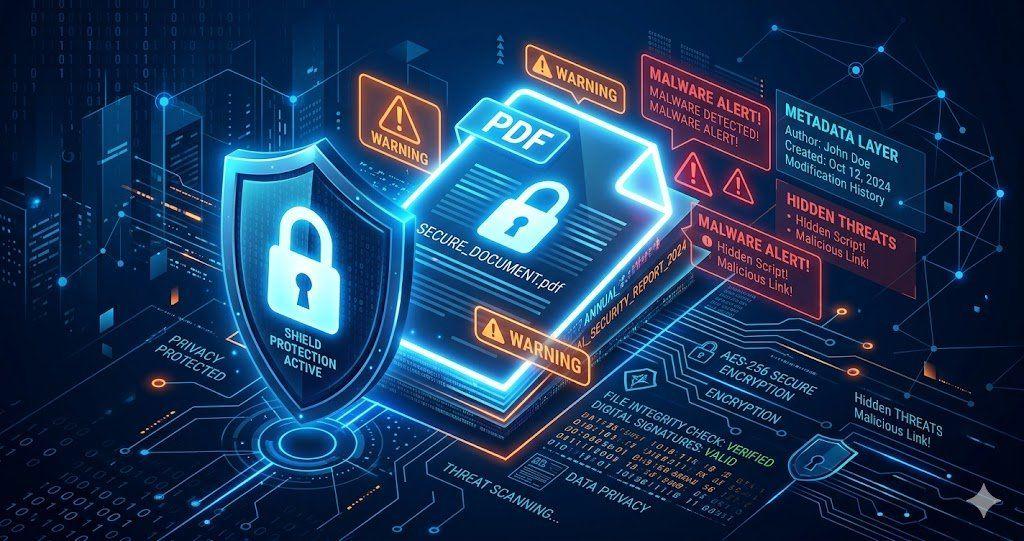
Is Your PDF Safe? Hidden Risks Most People Ignore in 2026
Is Your PDF Safe? In 2026, PDFs hide serious risks like metadata leaks, malicious code, and incomplete redactions. Protect yourself by removing hidden data, using strong passwords, and choosing secure tools that auto-delete files fast.