VelaPDF vs Adobe Acrobat: Which PDF Tool Offers Better Value?
"VelaPDF vs Adobe Acrobat: Which PDF editor is better in 2026? VelaPDF offers a fast, free, browser-based solution perfect for students and freelancers, while Adobe Acrobat delivers powerful editing, AI tools, and enterprise features at a higher price. Full comparison of pricing, features, ease of use, and security."

In the VelaPDF vs Adobe Acrobat comparison, VelaPDF is likely to suit those who want inexpensive tools that run in the browser and do the job without unnecessary complication. Adobe Acrobat, by contrast, offers a wider range of editing features, AI functions, and enterprise services for users whose work demands them. The better choice is not the same for everyone. It rests on whether you value economy and ease of use or the larger machinery of a more comprehensive platform.
Paper has largely given way to screens, yet the need to manage documents has only increased. Students preparing assignments, freelancers handling clients, office workers, and small firms all spend time converting, editing, sharing, and securing PDF files. When they compare software, they are often looking for the best PDF tool rather than novelty. They want practical tools, fair pricing, and a system that does its work without wasting theirs.
This VelaPDF vs Adobe Acrobat PDF editor comparison weighs the strengths of each. It considers the features on offer, the cost of using them, the ease with which an ordinary person can learn the platform, the role of AI-powered functions, the safeguards for sensitive files, and the overall value that users receive.
What Is VelaPDF?
VelaPDF is an online document service that operates entirely through the browser. Rather than crowding the interface with every imaginable option, it concentrates on the PDF tasks that people perform most often and presents them in a straightforward manner. The emphasis is on efficiency instead of complication.
The company says there is no need to install heavy desktop software before getting started. Users can open the website and carry out common document jobs with little preparation. Its intended audience ranges from students and job seekers to independent professionals, freelancers, and smaller organisations that need dependable and affordable PDF tools without unnecessary overhead.
VelaPDF presents itself as a service built around directness rather than excess. Among the benefits it draws attention to are the absence of mandatory registration for basic tasks, quick handling of uploaded files, a clear interface free from clutter, operation entirely within the browser, and a collection of VelaPDF PDF Tools gathered under one roof. The platform also places its emphasis on the jobs that most users perform every day instead of surrounding them with features they may never need.
The company further states that privacy is treated as a priority. Once processing is complete, uploaded documents are said to be removed rather than kept on the service.
The available toolkit covers a range of common requirements. Users can convert files into different formats, reduce PDF size through compression, combine separate documents into one, improve files through optimisation, and carry out routine document management online. The guiding idea is simple enough: make ordinary PDF work quicker and less troublesome without burying the user beneath unnecessary controls.
What Is Adobe Acrobat?
Adobe Acrobat is a document platform built around the PDF format and equipped with a broad set of management tools. People rely on it for tasks such as opening files, converting them into other formats, applying electronic signatures, editing text, combining documents, and sending them to others. Its design reflects the needs of users who expect many functions from a single application.
The software has found a place in fields as varied as education, information technology, and commercial publishing. In many offices it is regarded less as a convenience than as a standard piece of equipment for handling digital paperwork.
Many reviewers praise the program for making it easier to prepare, protect, distribute, and archive important files. At the same time, they often remark that newcomers may find its interface demanding and that the subscription cost is higher than that of many competing PDF services.
VelaPDF vs Adobe Acrobat: Feature Comparison
VelaPDF Features
VelaPDF PDF Tools are designed to provide the most essential PDF document functions, such as:
· PDF conversion tools
· Merge PDF and split PDF capabilities
· PDF compression
· Browser-based processing using cloud PDF tools
· Multiple online PDF tools that can be used to for PDF editing
The platform is designed to be fast and simple, rather than providing a lot of advanced features.
Adobe Acrobat Features
Adobe Acrobat offers more features, such as:
· PDF reading
· Text editing
· Document management and storage
· File sharing
· PDF conversion
· Combine and append files
· Page organization
· Cross-device access
Another advantage for Adobe Acrobat users is its seamless integration with other Adobe software and cloud services. Adobe Acrobat has more features and VelaPDF focuses on the essentials in this PDF editor comparison.
Pricing Comparison
In the VelaPDF vs Adobe Acrobat pricing comparison, cost can be a determining factor in whether a platform is a viable long-term solution.
VelaPDF Pricing
Plan | Pricing | Includes |
Free Plan | • Access to essential tools for the job | |
Premium Plan | The Premium plan costs $9 per month, or $108 per year | • Full access to all tools |
Business Plan | The Business plan is for teams of 15 or more | • Everything in Premium |
Adobe Acrobat Pricing
Adobe Acrobat doesn't offer a free plan, but a free trial is available.
Plan | Pricing | Includes |
Acrobat Studio for Individuals | $14.99 per month | • Accessible through desktop, web and mobile platforms |
Acrobat Pro for Teams | $16.99 per user/month | • User management tools |
Acrobat Studio for Students & Teachers | $19.99/month/user | • AI Assistant functionality |
VelaPDF offers low pricing and a free version, while Adobe Acrobat is a more expensive option.
Ease of Use
In the VelaPDF vs Adobe Acrobat comparison, the user experience is a significant factor when choosing the best PDF tool.
VelaPDF is designed to be simple. As per the platform:
· Users can use without registration
· The user interface is simple and user-friendly
· Work is done swiftly
The service is designed to simplify and streamline simple PDF operations
Adobe Acrobat Experience
Most users find Adobe Acrobat easy to use, though some users report:
· A confusing user interface for novices
· A learning curve for advanced functions
· Frequent updates
· Occasional bugs
Adobe Acrobat offers numerous features, but they can make the program seem more complicated.
AI Features and Chat with PDF
Artificial intelligence has begun to play a larger part in the way people handle documents, and many users now expect more than simple editing tools. They want software that can help them understand a file as well as store it.
Adobe Acrobat has moved in that direction by introducing features such as PDF Spaces, a built-in AI Assistant, automatic document summaries, generated insights, and question-and-answer functions. Together, these tools let users examine lengthy files, draw out key points, and search for information through conversation rather than manual reading.
The material published by VelaPDF, on the other hand, does not describe comparable AI chat functions or systems for analysing documents with artificial intelligence. Acrobat offers the broader collection of AI-driven capabilities.
PDF Conversion Tools
File conversion remains one of the ordinary jobs that almost every PDF user must perform. Here both services devote considerable attention to making the process straightforward.
VelaPDF operates as an online converter and one of many browser-based PDF tools and supports the transformation of Word documents, images, presentations, and spreadsheets into PDF-related formats. The service is intended to preserve the appearance of the original file while sparing users the trouble of installing large desktop applications.
Adobe Acrobat also earns favourable reports for its conversion tools. Users regularly employ it to work with Word, Excel, and PDF to PowerPoint files, and many comment that the finished documents retain their formatting and remain dependable across different devices and workflows.
Taken together, the evidence suggests that both platforms provide capable conversion features. For anyone who moves frequently between PDFs and other common office formats, either service can meet the demands of everyday work.
PDF Security and Privacy
The safety of documents matters in both personal and professional work.
VelaPDF
VelaPDF places much of its attention on privacy. The company states that uploaded files are not kept after processing and that there is no hidden system storing user documents in the background. Once a task has been completed, the file is removed. The aim is to handle documents only for the time needed to finish the job.
Adobe Acrobat
Adobe Acrobat approaches security from a broader angle. It provides features such as password protection and encryption to help safeguard documents. Users can also store files in the cloud and manage different versions of the same document over time. These tools are designed to help protect sensitive information while keeping files accessible when needed.
The two services therefore take somewhat different paths. VelaPDF is centred on temporary processing and deletion, while Adobe Acrobat combines security with long-term storage and document management.
Which Tool Is Best for Students?
Students often need practical PDF tools for everyday work. Assignments may have to be submitted in a particular format, files may need to be converted, and several documents may need to be combined into a single PDF. Compressing large files is also a common requirement.
VelaPDF lists students among the users it hopes to serve and offers a free plan that covers many of these basic tasks. Adobe Acrobat, by contrast, provides a Students & Teachers plan that includes a wider range of features, along with AI-powered tools.
For students working within a tight budget, VelaPDF may prove sufficient for most routine needs and may serve as an Adobe Acrobat alternative.Those who expect to use more advanced features on a regular basis may find Adobe Acrobat the stronger option.
Which Tool Is Best for Businesses?
The majority of businesses have the same core needs. VelaPDF has a Business plan for teams of 15 or more users. It comes with tailored agreements and a dedicated account manager. The service is targeted towards organizations that wish to have simple browser-based PDF tools with minimal complications.
Adobe Acrobat has a broader perspective. It offers team management, access via the Adobe Admin Console, electronic signatures, cross-device support and a wide range of editing capabilities. These features are ideal for businesses that process documents on a regular basis and require more control.
This will depend on the work. Adobe Acrobat may be more useful to firms with more complicated processes. For basic business needs, VelaPDF might be sufficient for those who prefer a web browser-based PDF solution.
Final Verdict
Simplicity, low cost and ease of use are VelaPDF's focus. It runs in the browser, has minimal requirements, and focuses on typical PDF tasks. That makes it a good choice for those looking for fast results without any additional layers.
Adobe Acrobat has a more extensive range of features. It includes advanced editing, e-signatures, cloud storage, document management, and AI-powered features. The downside is that it's perceived as more costly and less user friendly.
Value is based on the needs of the person. Those seeking an Adobe Acrobat alternative may find VelaPDF offers great value.
Related Articles
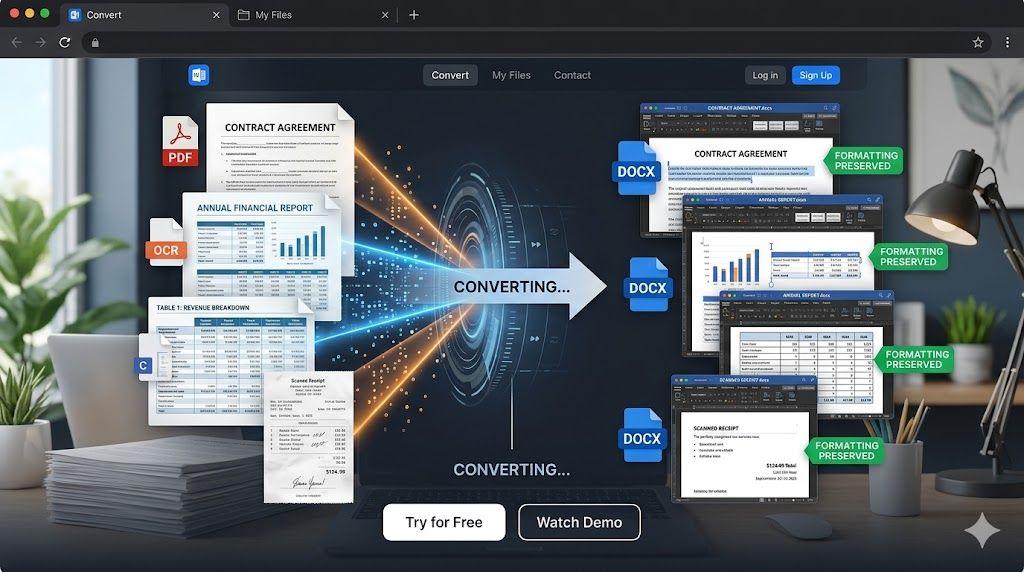
Best Free PDF to Word Converter in 2026: Tested on Real Documents
Find the best free PDF to Word converter in 2026. Compare OCR accuracy, formatting preservation, DOCX quality, and conversion performance
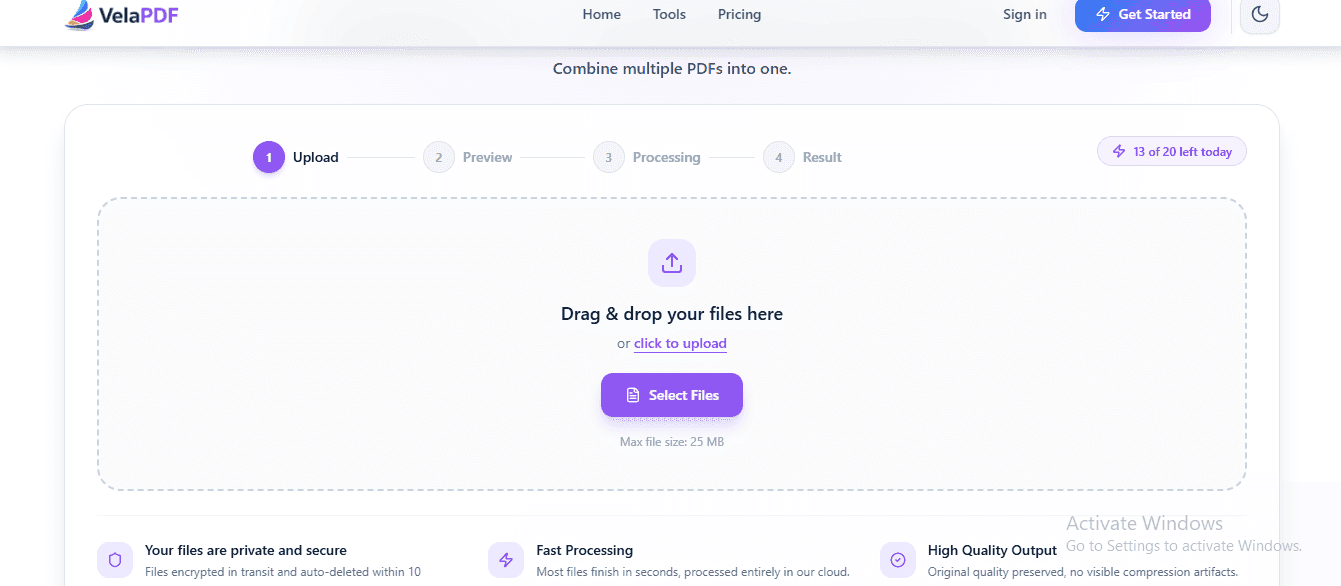
How to Merge PDF Files Online for Free — No Sign-Up Needed
Need to merge PDF files online for free? Skip the software and sign-ups. This guide shows you how to combine multiple PDFs into one clean document in seconds — right from your browser.

PDF24 vs VelaPDF: Which Free PDF Tool is Better in 2026?
Finding a free PDF tool that actually works — no watermarks, no daily limits, no hidden fees — is harder than it sounds. This side-by-side breakdown of PDF24 vs VelaPDF cuts through the noise so you can pick the right one for your device, workflow, and deadline.
Related Tools
Ready to optimize your PDFs?
Experience the world's fastest PDF tools today.