Everything You Need to Know About PDF compression (Complete Guide)
Discover how PDF compression works, why PDFs become large, and the best ways to reduce file size while maintaining document quality.
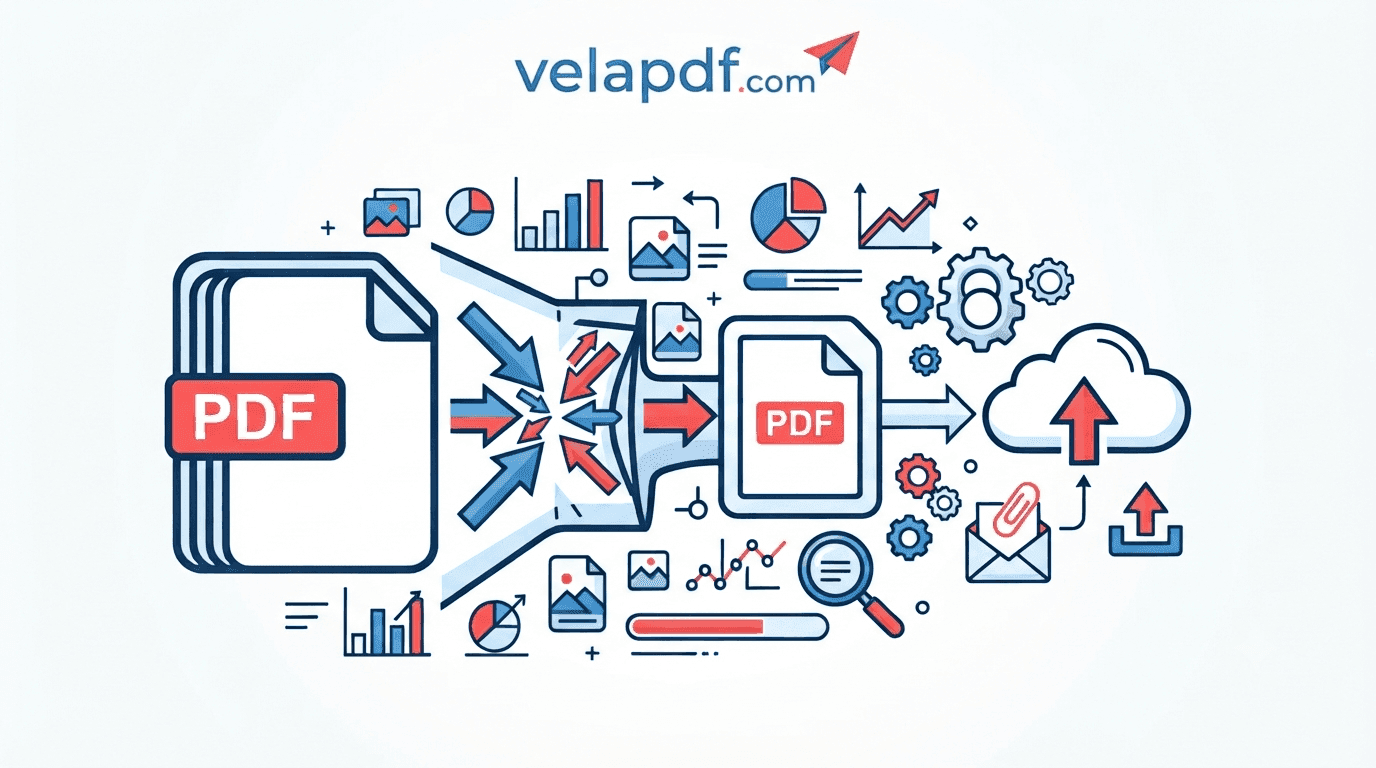
This guide describes what PDF compression is, how PDF compression works, why PDF files get large, the various types of PDF compression and the best way to reduce PDF file size without compromising usability.
As digital documents become a part of everyday life, managing file size is more important than ever. Emails have attachment size limits and online portals have restrictions, and large PDFs can be difficult to upload, share and store. This is where PDF compression can help. PDF compression is used to reduce PDF file size without compromising readability, allowing for easier shipping, smaller storage requirements, and better PDF workflow.
From students submitting assignments to businesses sharing reports, freelancers collaborating with clients, or individuals organizing their personal files, compressing PDF files can streamline digital document management.
What Is PDF compression?
PDF compression is the process of shrinking the size of a PDF to make it easier to store, upload, download and share. A PDF compressor is a tool that will compress various components of a document, but it will also try to keep the quality as high as possible.
Understanding PDF File Size
PDF sizes are dependent on the quantity of information, which explains why PDF files are so large. Images, graphics, fonts and scanned pages tend to take up more storage than a text-only document. PDFs can become large for a variety of reasons.
Why PDFs Become Large
High-Resolution Images
Large images can take up a lot of space within a PDF and can contribute to larger files.
Embedded Fonts
Incorporating fonts into the document will make it more compatible with other programs, but will also make the file bigger.
Graphics and Illustrations
Charts, diagrams and illustrations provide extra data that increases the size of PDFs.
Metadata
The size of the file can also be increased if information such as document properties and other data is stored.
Scanned Documents
Scanned PDFs are images and therefore are typically considerably larger than a digital document. You can easily convert JPG to PDF and PDF to JPG.
How PDF compression Works
By understanding how PDF compression works, one can select the best PDF compression method.
Image Compression
Images are optimized for storage, while maintaining the desired PDF quality.
Font Optimization
Unused font information can be minimized so as not to affect the visual appearance of the text, for optimizing file size.
Removing Unnecessary Metadata
The deletion of unwanted metadata results in a smaller compressed file.
Compressing Embedded Objects
Optimize the size of embedded resources.
Stream Compression Techniques
The internal document data is compressed to reduce the size of PDF documents without compromising the functionality of the documents.
Types of PDF compression
There are two main methods of PDF compression.
Lossless Compression
Lossless PDF compression means that file sizes will be smaller but document information will not be lost.
Advantages
· Preserves document quality
· Maintains readability
· Preserves original content
Best Use Cases
Great for reports, contracts, academic work, and documents that require quality.
Lossy Compression
Lossy compression discards some data to get a smaller file.
Advantages
· Produces smaller files
· Enhances the speed of uploads and downloads
Trade-Offs
The picture quality could vary a little due to the compression level.
When to Use It
Great for compress PDF online workflows and sharing files online, or creating documents for email.
Benefits of PDF compression
Faster File Sharing
Smaller PDFs are simpler to email and upload in the cloud along with other document sharing platforms.
Reduced Storage Requirements
Compressed files take up less space in the PDF file, which means that anyone can manage more documents.
Faster Upload and Download Speeds
The smaller documents upload and download faster, enhancing the productivity.
Better Email Compatibility
Compression makes documents more easily transportable in e-mail, helping optimize PDF for email while keeping files within email attachment limits.
Improved Website Performance
Smaller PDFs will load quicker online, and provide a better user experience.
When Should You Compress a PDF?
Before Emailing Documents
Before sending attachments, consider compressing PDFs to prevent size limitations and optimize PDF for email.
Before Uploading to Online Portals
Many portals have size limits for file uploads, so compression will be useful before uploading.
Before Sharing Through Cloud Storage
Smaller files upload faster and will be downloaded faster by the recipient.
Before Archiving Files
Compression saves space by reducing the size of documents before they are stored, and helps keep files organized.
How to Compress a PDF Without Losing Quality
One of the most common queries is how to compress PDF without losing quality is frequently asked by many users. The solution is to carefully optimize the document without using the maximum compression.
Choose the Right Compression Level
Use a compression level that is a compromise between size and readability.
Optimize Images Before Creating the PDF
If using optimized images from the start is used it will create smaller PDFs.
Remove Unused Elements
Remove any unwanted metadata or other redundant information as much as possible.
Compress Only Once
Quality may decrease with repeated compression, particularly when using lossy compression.
Review the Final Document
When inspecting a compressed PDF, make sure that the text and images are still legible.
Common Causes of Large PDF Files
Understanding the reasons for PDF size can assist you in selecting the appropriate PDF optimization solution.
High-Resolution Images
The largest images can take up the most space in a PDF. One of the best methods for PDF file size reduction is optimizing them.
Multiple Embedded Fonts
Using multiple fonts will make the document more compatible, but will make it larger.
Large Scanned Documents
Scanned PDFs are image-based documents, not text-based, and are much larger than the typical digital document.
Excessive Graphics
Diagrams, illustrations and other graphics can contain a lot of information in a PDF.
Common PDF compression Mistakes
Common mistakes can be avoided to keep file size and PDF quality high.
Over-Compressing Images
Excessive compression can be detected and will noticeably affect clarity of the image. Select settings that are of good quality and not too big.
Ignoring Readability
Always make sure that text, graphics and important information are readable after compression.
Compressing an Already Optimized File
Multiple compressions can yield only slight further reduction in file size and impact the quality of the document.
Forgetting to Keep a Backup Copy
If you need to make future edits, or create another compressed version, you will be able to do so by keeping the original file.
Is Online PDF compression Safe?
Many people wonder, "Is PDF compression safe? It’s all about the service you select.
Understanding File Security
Before uploading documents, know how an online service will deal with user files and privacy.
Encryption During Uploads
Secure connections are used by trusted online PDF tools to ensure that files are secure while they are being processed.
Automatic File Deletion
VelaPDF says that uploaded files are not permanently saved and are deleted from the system once they have been processed.
Choosing a Trusted PDF Tool
When you compress PDF online, search for a PDF compressor that is easy to use, private, and effective in document processing. VelaPDF is one such example. It’s a browser based platform that lets you Merge PDF Files, Split PDF Pages. In case you need to convert PDF files into some other format, the platform also has PDF to Word Converter, and Word to PDF Converter.
PDF compression for Different Users
Students
Students may reduce PDF assignments prior to sending them via e-mail or online learning portals.
Businesses
Smaller reports, contracts, invoices and presentations are easier to share and store in the business.
Graphic Designers
Designers can optimize documents that contain a lot of images and keep them looking good.
Government and Legal Professionals
Those who work with official documents can enhance document storage and sharing without compromising readability.
PDF compression Myths
Smaller Files Lose Text
The compression does not decrease the amount of document text, it decreases the amount of space required to store the document.
All PDF Compressors Work the Same
The results may vary depending on the tools used and the optimization methods and privacy practices of each of those tools.
Compression Is Only for Large Files
PDF optimization is useful for even smaller PDF files before sharing or storing.
Tips for Creating Smaller PDFs From the Start
Use Optimized Images
Image optimization before creating a PDF will result in smaller files from the start.
Avoid Duplicate Fonts
Avoid embedding unnecessary fonts, which can help keep documents smaller.
Remove Hidden Layers
Removing unused elements helps with document compression.
Export With Appropriate Quality Settings
Using appropriate export settings can result in smaller PDFs without compromising readability.
FAQs
What is PDF compression?
PDF compression is the process of shrinking the size of a PDF document to facilitate storage, upload and sharing.
Does PDF compression reduce quality?
Not necessarily. Lossless compression means that no loss of quality in images, lossy compression can slightly compromise image quality.
What is the difference between lossless and lossy compression?
Lossless compression retains all data, lossy compression discards some data to reduce size.
Can compressed PDFs be edited?
Compression reduces the file size but doesn't always stop editing in the future.
Is PDF compression free?
There are a number of browser-based online PDF tools that allow users to compress PDF files for free, and some of the tools also have paid plans that have more features.
How much can a PDF usually be compressed?
The final size will vary based on the images, fonts, graphics, scanned pages, and other embedded content in the document.
Is online PDF compression secure?
It’s a secure service that processes documents and automatically deletes them.
Why is my PDF still large after compression?
Even after optimization, documents with numerous high-resolution images, scanned pages or embedded resources can still be fairly large.
Conclusion
PDF compression is a significant part of digital document management. Knowing the principles of PDF compression, why PDF files can be so large and the difference between lossless and lossy compression, users can make informed decisions on optimizing their documents.
PDF optimization is all about balancing file size and quality whether you're optimizing PDFs online, preparing them for email, uploading them to online portals, or optimizing them to reduce storage space. A reliable PDF compressor can make document sharing more efficient, save storage space and ease routine PDF tasks.
Related Articles
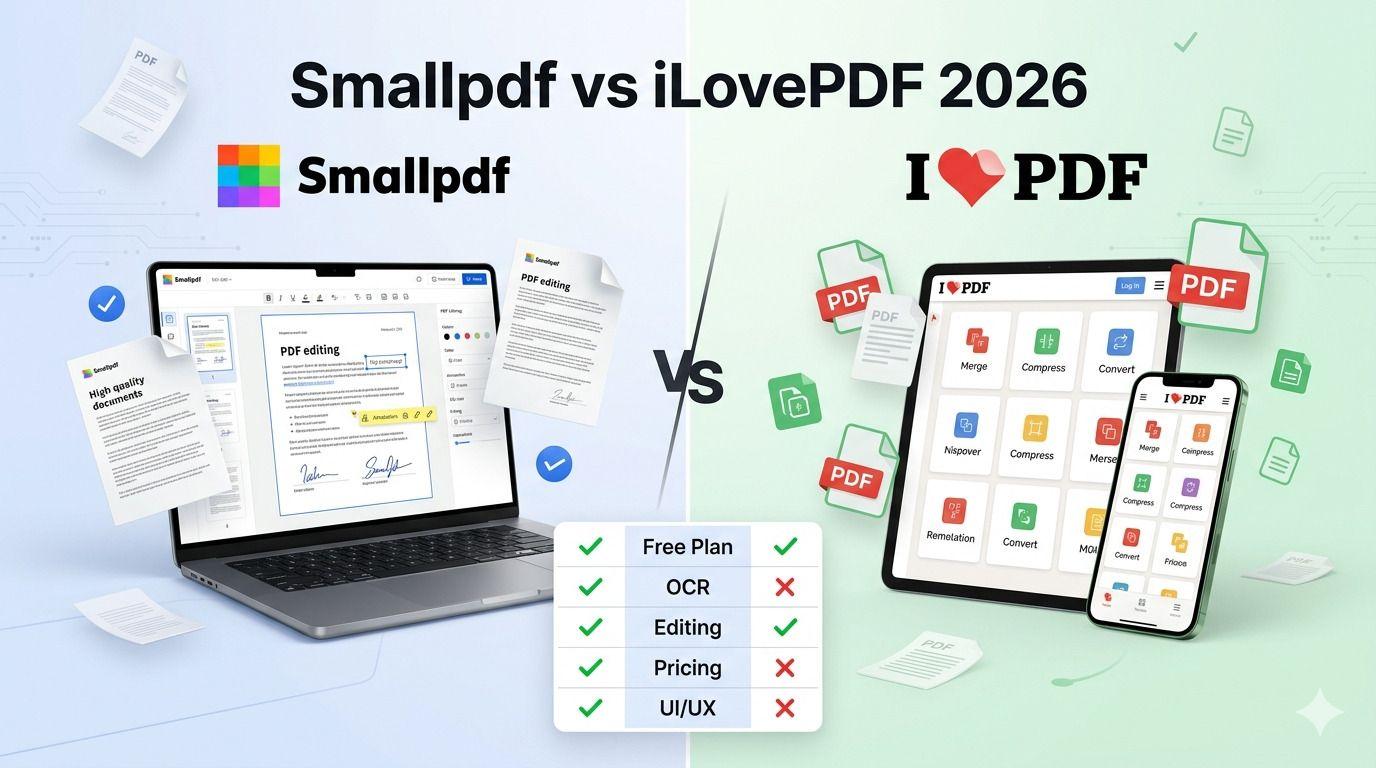
Smallpdf vs iLovePDF: Which PDF Tool Is Better in 2026?
Confused between Smallpdf and iLovePDF? Here’s a detailed 2026 comparison of features, pricing, interface, and performance. Discover which PDF tool is better for your needs — whether you are a student, freelancer, or business owner.

Smallpdf vs VelaPDF: Which PDF Tool Is Better in 2026?
When comparing VelaPDF and Smallpdf side by side, one focuses on speed, clarity, and strong privacy, while the other delivers broader AI features and integrations. Discover which PDF tool best fits your workflow in 2026.

VelaPDF vs Adobe Acrobat: Which PDF Tool Offers Better Value?
"VelaPDF vs Adobe Acrobat: Which PDF editor is better in 2026? VelaPDF offers a fast, free, browser-based solution perfect for students and freelancers, while Adobe Acrobat delivers powerful editing, AI tools, and enterprise features at a higher price. Full comparison of pricing, features, ease of use, and security."
Related Tools
Ready to optimize your PDFs?
Experience the world's fastest PDF tools today.