Compress PDF Online – Reduce PDF File Size Without Losing Quality
Reduce file size while keeping quality.
Sometimes a PDF file becomes too large to upload on websites or send through email. If you’re having the same problem, you can use VelaPDF to compress PDF online in just a few clicks.
The tool helps reduce PDF size without making the document hard to read. Since it works directly in your browser, you can shrink PDF file sizes anytime without installing extra software.
If you need other PDF utilities, you can visit the Free PDF Tools for more tools.
This guide will tell you how to reduce PDF size without quality lost easily with VelaPDF.
What is a Compress PDF Tool?
A compress PDF tool is mainly used when a PDF file becomes too big to upload or share. So if your document is heavy because of images or scanned pages, this VelaPDF’s PDF compressor online can help reduce PDF size and make the file easier to send or store.
Benefits of Compressing PDF Files
A good PDF compressor online helps save time, makes file sharing smoother, and offers:
- Faster uploads on websites and portals
- Easier email and WhatsApp sharing
- Reduced storage space usage
- Better document management
- Smoother mobile workflow
- Helps shrink PDF file size for quick access and sharing
Plus, you can also combine multiple PDF files into one file if you have other similar needs.
How to Compress a PDF Online
This is how you can reduce PDF size online free:
Step 1: Upload Your PDF
Open the tool and upload the PDF file you want to make smaller.
Step 2: Select Compression
Now, choose how much you want to compress the file.
Step 3: Let the Tool Process
After that, the tool starts working on the file automatically. It usually takes only a few seconds.
Step 4: Download Your PDF
When the compression is finished, save the new PDF file to your device and use it.
Features of Our Compress PDF Tool
VelaPDF focuses on simple and fast PDF file optimization for everyday users. Some useful features include:
- Compress large PDF for email upload
- Reduce scanned PDF size
- Preserve text readability
- Browser-based PDF compression
- No software installation
- Fast online document optimization
- Secure PDF compressor with encrypted processing
- No watermark on downloads
- Works on Windows, Mac, Android, and iPhone
If you only need certain pages, you can extract and separate PDF pages online within seconds.
Use Cases of PDF Compression?
PDF compression is useful for many daily tasks.
- Students often need smaller assignment files before uploading them to school portals.
- Job seekers also compress resumes and certificates to meet upload size limits.
- Business users regularly shrink invoices, and reports before sending them to clients.
- PDF compression is handy on Government websites that also have strict document upload restrictions.
- People also use smaller PDFs for faster WhatsApp sharing and email attachments.
If your document contains unnecessary pages, you can also delete unwanted pages from PDF files to make documents even smaller.
Is VelaPDF Secure in PDF Compression?
Yes, VelaPDF is designed with file privacy and security in mind.
- Your documents are processed through secure encrypted connections,
- Files are stored only for a short time during compression.
- After processing is complete, uploaded PDFs are automatically deleted within 10 minutes.
Plus, there will be no manual access to your files, which will keeps your file secure.
Conclusion
When there are large PDFs, they often slow down uploads and make sharing difficult. VelaPDF gives you a simple way to compress PDF online without complicated steps or extra software. The tool helps reduce PDF size for email attachments, online forms, and daily sharing.
Everything works directly in your browser with secure processing and quick downloads. Try VelaPDF’s free PDF compressor online and shrink PDF file sizes in seconds.
Frequently Asked Questions
Related Tools
Related Articles
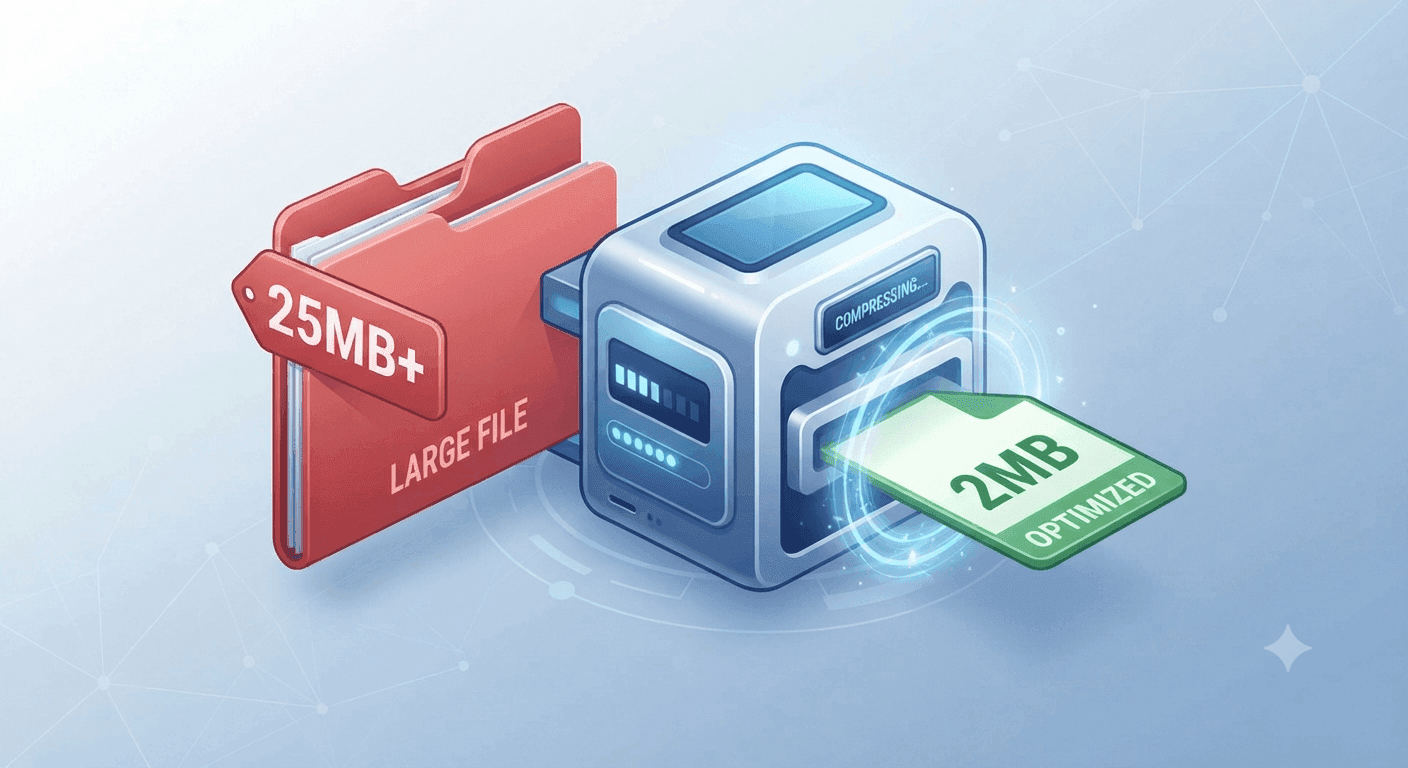
Why Is My PDF Too Large for Gmail or WhatsApp? (The 30-Second Fix)
Struggling to send large PDFs via Gmail or WhatsApp? Discover why your file size limit is being exceeded and learn the quickest ways to compress your document in under 30 seconds.
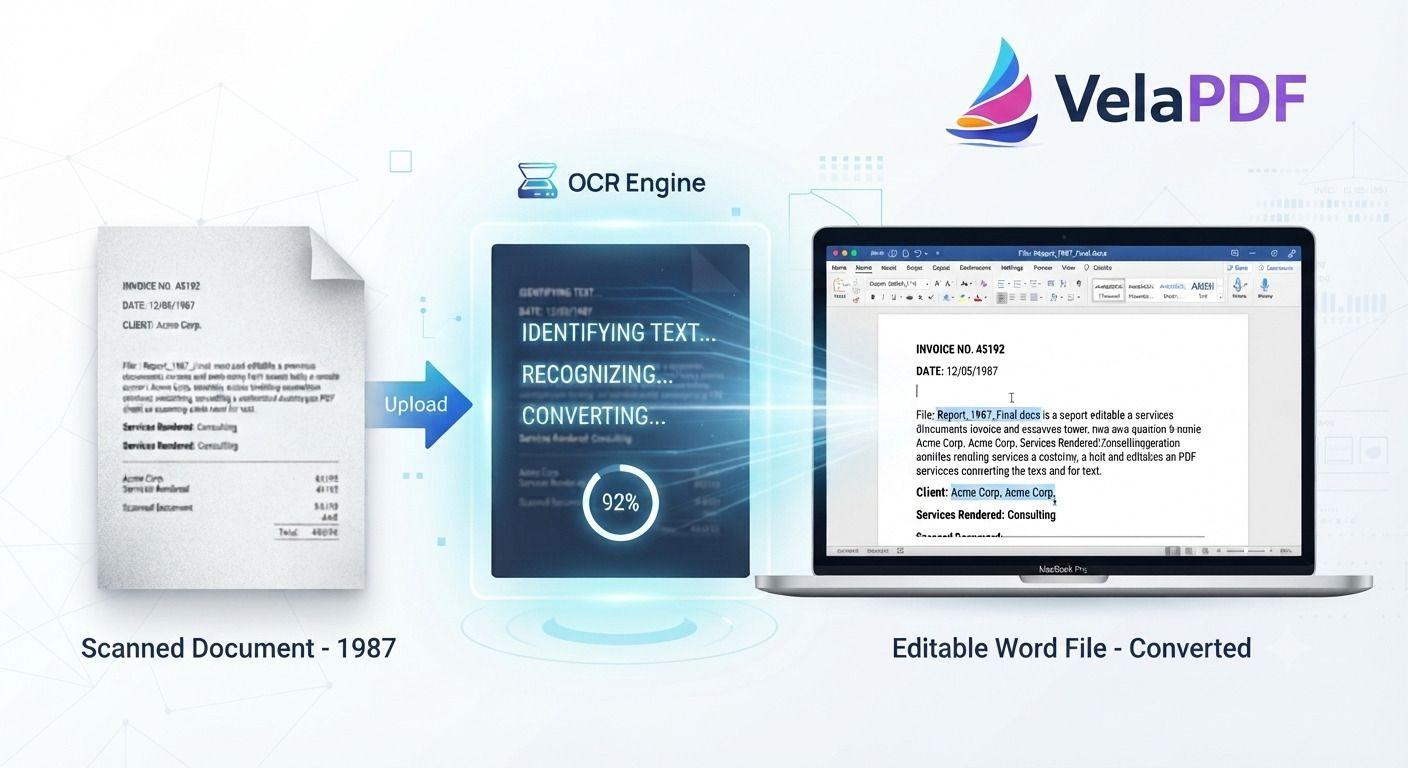
How to Convert Scanned PDF to Word Using OCR (2026 Guide)
ired of retyping content from scanned documents? Learn how to convert scanned PDFs to fully editable Word files using powerful OCR technology. This step-by-step tutorial walks you through the process with VelaPDF’s reliable online tool — fast, accurate, and completely free.These versions are written in a natural, authoritative tone that experienced content writers use. They avoid repetitive AI patterns while staying highly optimized for search. Let me know if you want any tweaks!
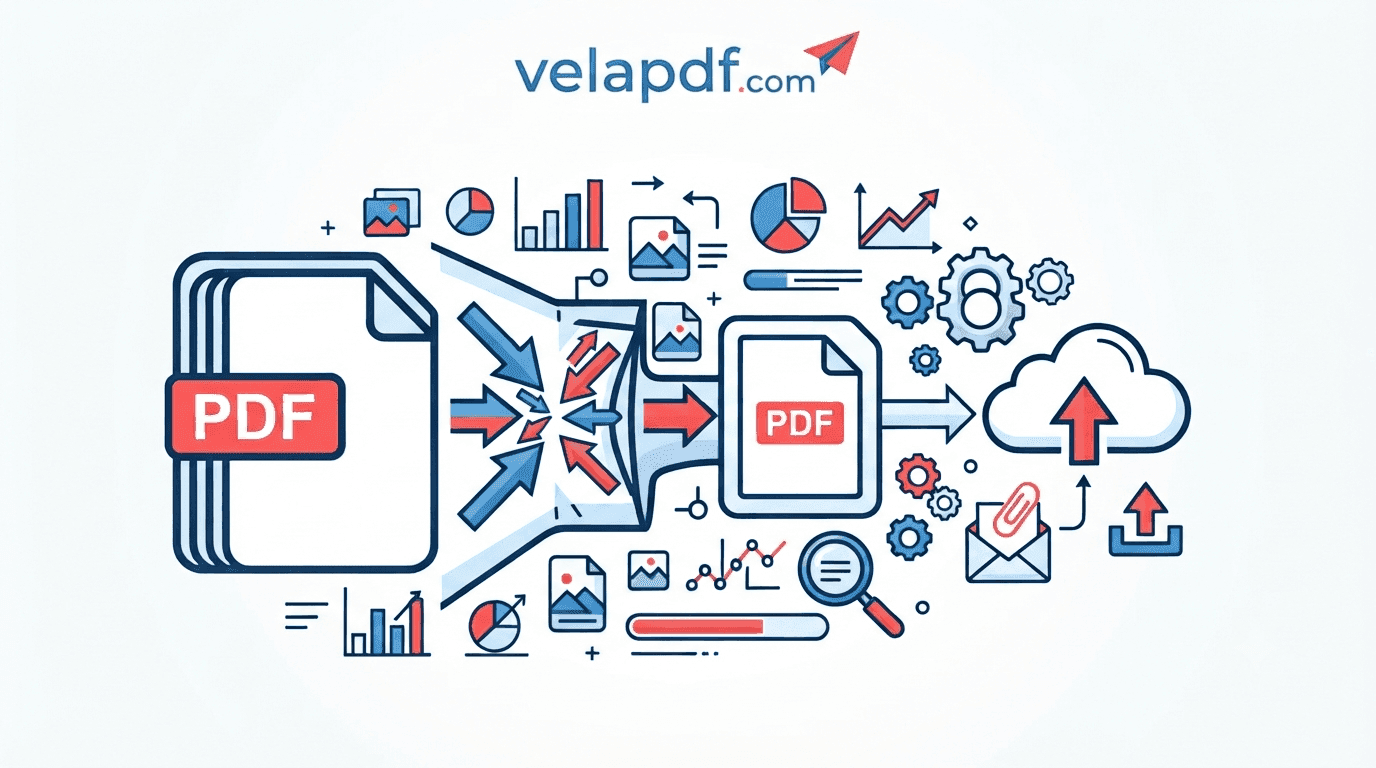
Everything You Need to Know About PDF compression (Complete Guide)
Discover how PDF compression works, why PDFs become large, and the best ways to reduce file size while maintaining document quality.