Overlay PDF Online Free, Add Watermark, Logo, Stamp, or Letterhead Easily
Layer two PDFs together.
What do you do when a PDF file requires not just editing text but a bit more? Perhaps you might want to put the company logo, watermark, legal stamp, or official letterhead at the top of an existing document without changing the original content. Doing this manually on each page can be very time-consuming, and quite often you may end up with a mess of the formatting.
Fortunately, a PDF overlay tool is what you need here. It makes it possible to overlay PDFs online by literally placing one PDF layer on top of another with just a few clicks. Actually, this online PDF overlay tool is part of VelaPDF's Velapdf All Tools suite for the smart online handling of documents.
To make one overlay one PDF over another is a piece of cake. Let's see how to overlay one PDF on another online, the simple way.
What is the Overlay PDF Tool?
An Overlay PDF Tool is nothing but a PDF layering tool that allows you to put one PDF document on top of another, either as a foreground or a background layer.
This means you can add:
- a watermark as an overlay
- a company logo
- a confidential stamp
- an approved seal
- a template as an overlay PDF
- background/foreground PDF designs
In short, it enables you to do a combined PDF overlay without having to merge the pages separately.
If you are thinking about how to overlay one PDF on another online, this tool will provide you with a quick, automatic solution.
How Does the PDF Overlay Tool Work?
Overlaying a PDF with a background or foreground using VelaPDF is a 5-step process:
- First, upload your base PDF
- Next,t upload your overlay PDF
- Then select whether you want the overlay on the foreground or the background.und
- After that, optionally, align the overlay to your satisfaction
- Finally, Ally executes the PDF page superimpose operation
- Save your resulting overlaid PDF locally
Most often, this is how an add watermark to a PDF online, how logos are applied, or business templates are inserted automatically.
Editing PDF content and layout is also available on this platform immediately after overlay if you want to make changes to the text.
Why is PDF Overlay Important?
Going with a document stamping and watermark overlay tool, you can:
- Keep the original document formatting intact
- Instantly add your business branding
- Add legal stamps like Approved or Confidential
- automate invoicing and report formatting
- Place background templates in a professional manner
Overlay can be used as a foreground (stamp) or a background (letterhead).
This fact renders overlaying one PDF on another very handy for offices, law firms, finance teams, and automated paperwork.
Common Use Cases of the Overlay PDF Tool
This template overlay PDF tool is very helpful in several real-life cases:
- Adding company branding to invoices
- confidential stamp on legal documents
- watermark on report pages
- letterhead on official documents
- bulk document formatting and automation
Need to process multiple files together? VelaPDF enables you to combine multiple PDF files into one after overlay.
Why Trust VelaPDF?
Designed specifically for document editing, VelaPDF is all about speed and security.
- instant work in web browsers
- No need to download and install anything
- Files are wiped off the server after 10 minutes
- The overlay is done while keeping the formatting untouched
- a simple and easy tool that runs on all devices
Besides getting the overlay layers, you can reduce the PDF file size online and share it via email, or remove hidden data from PDF before you send the confidential branded files.
Frequently Asked Questions
Related Tools
Related Articles
How to Compress PDF Without Losing Quality (Free Methods)?
Compress PDF without losing quality for free using VelaPDF. Reduce file size quickly while preserving text, images, and layout. Choose low, medium, or high compression — no sign-up, no watermarks, and lightning-fast results in your browser." Need any adjustments?

How to Merge Multiple PDFs in Under 30 Seconds – Free & No Sign-Up Required
"Merge multiple PDFs online for free in under 30 seconds with VelaPDF. No sign-up, no watermarks, no limits. Simply drag & drop files, reorder, and combine them instantly in your browser — fast, secure, and beginner-friendly.
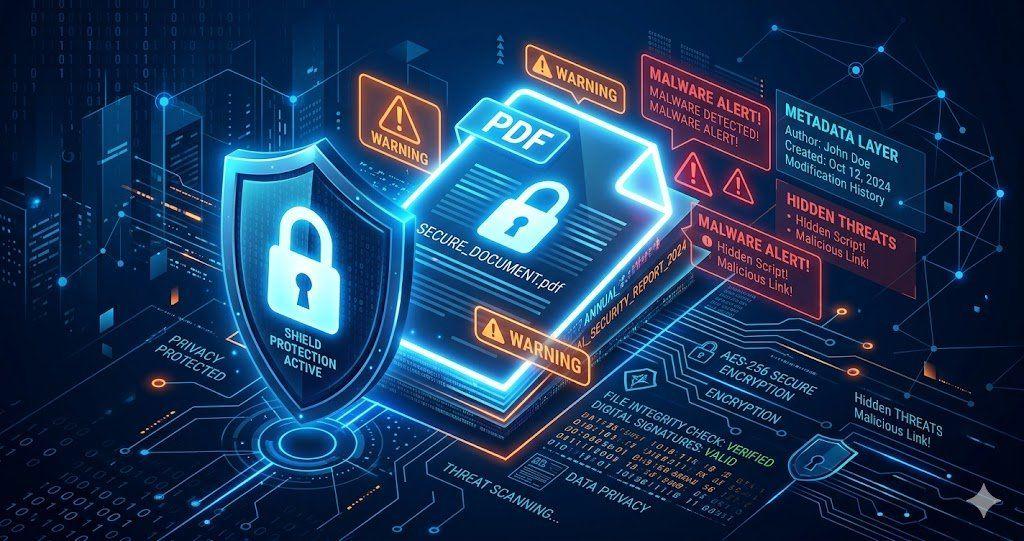
Is Your PDF Safe? Hidden Risks Most People Ignore in 2026
Is Your PDF Safe? In 2026, PDFs hide serious risks like metadata leaks, malicious code, and incomplete redactions. Protect yourself by removing hidden data, using strong passwords, and choosing secure tools that auto-delete files fast.