Edit PDF Online – Free & Easy PDF Editor Without Software
Modify text & images
PDF files can feel hard to edit. Most tools ask for downloads or push you toward paid plans, even for small edits. So, if you’re searching for how to edit PDF online free, there’s a simpler way. You can now edit PDF online directly in your browser without installing any software.
That’s exactly what VelaPDF’s online PDF editor is built for. It offers a smooth experience with a PDF editor without watermark, so you can make quick changes without limits or confusion.
Let’s learn the way you can edit your PDF document online in an easy way.
Key Features of an Online PDF Editor
A good PDF editor online free should cover all essential editing needs. That’s why, VelaPDF keeps things simple and useful with features like:
- Add or edit text in your PDF easily
- Insert images or logos where needed
- Add signatures for documents or forms
- Highlight or annotate PDF content for clarity
- Fix small mistakes without re-creating the file
These features help you modify PDF online without extra effort.
Benefits of Using VelaPDF Online PDF Editor
Using VelaPDF’s free PDF editor for quick edits offers lots of practical benefits for everyday users, including:
- No software download requirement
- Simple interface that anyone can use
- Works worldwide on any device with internet
- Saves time by avoiding complex tools
- Available as a PDF editor without watermark in free mode
It is designed for people who want quick edits without complications.
How to Edit a PDF Online (Step-by-Step)
With VelaPDF, you can edit PDF without software in just a few steps:
1. Upload your PDF file (up to 20 MB)
2. Tap on “Edit PDF”
3. VelaPDF tool will process your file
4. Once done, download your edited file instantly
The whole process is fast and easy, even first-time users can do it quickly.
Use Cases (Why People Use It)
People use online editors for many simple, real-life tasks:
- Fix typos in documents before sharing
- Add missing details to forms
- Update resumes quickly
- Annotate study materials for better understanding
- Add signatures to contracts or agreements
It is a practical solution when you need a free PDF editor for quick edits.
Try These VelaPDF Tools
After editing your file, you might need a few more tools to complete your work. VelaPDF keeps everything in one place, so you don’t have to switch between different websites.
- Try Split PDF online tool to organize or extract specific pages
- Try Convert PDF to Word online tool for advanced editing and formatting
- Try PDF to JPG online tool to quickly extract images from your document
- Try to Add watermark to PDF tool to protect your files
- Try OCR PDF online to turn scanned documents into editable text
These tools help you handle every small task around your PDF without any extra effort.
Why Trust VelaPDF Edit PDF Online?
Your data safety matters while editing PDF documents online. VelaPDF keeps things secure with simple and clear practices:
At VelaPDF:
- Files are automatically deleted within 10 minutes after processing
- No manual access to your documents ever by anyone
- Secure encryption protects your data
- No permanent storage of your files
This ensures you can edit your files with confidence and peace of mind.
Conclusion
In short, editing PDF online no longer needs complex tools or downloads. With VelaPDF, you can edit PDF online in a simple and fast way. It works on any device and helps you make quick changes without effort. So why wait, try it once and see how easy PDF editing can be.
Frequently Asked Questions
Related Tools
Related Articles
How to Merge PDF Files Online for Free — No Sign-Up Needed
Need to merge PDF files online for free? Skip the software and sign-ups. This guide shows you how to combine multiple PDFs into one clean document in seconds — right from your browser.
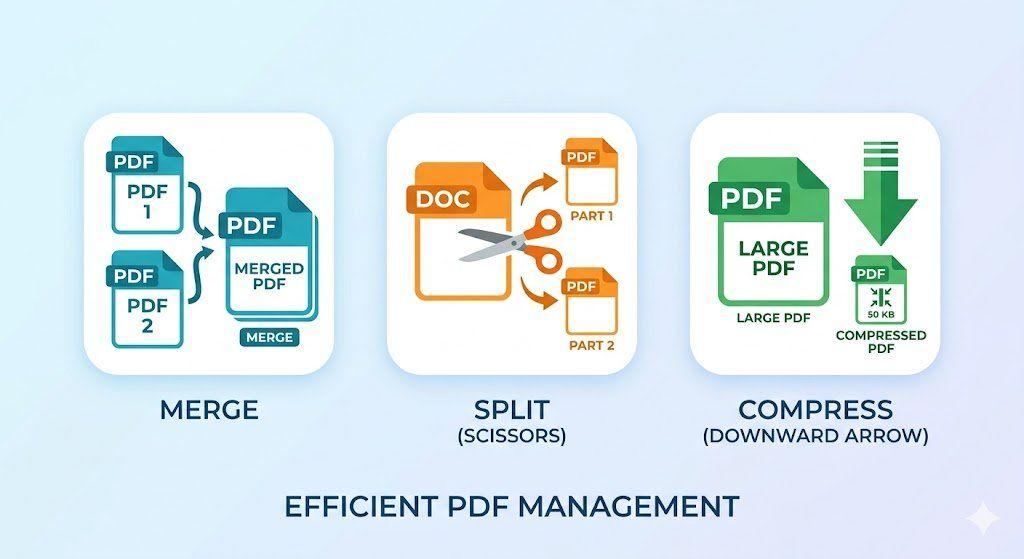
How to Merge, Split, and Compress PDFs in Seconds (Step-by-Step Workflow)
Managing PDF files doesn't have to be complicated. This guide walks you through a simple, structured workflow to merge multiple PDFs into one, split out only the pages you need, and compress large files for faster sharing — all in just a few steps.
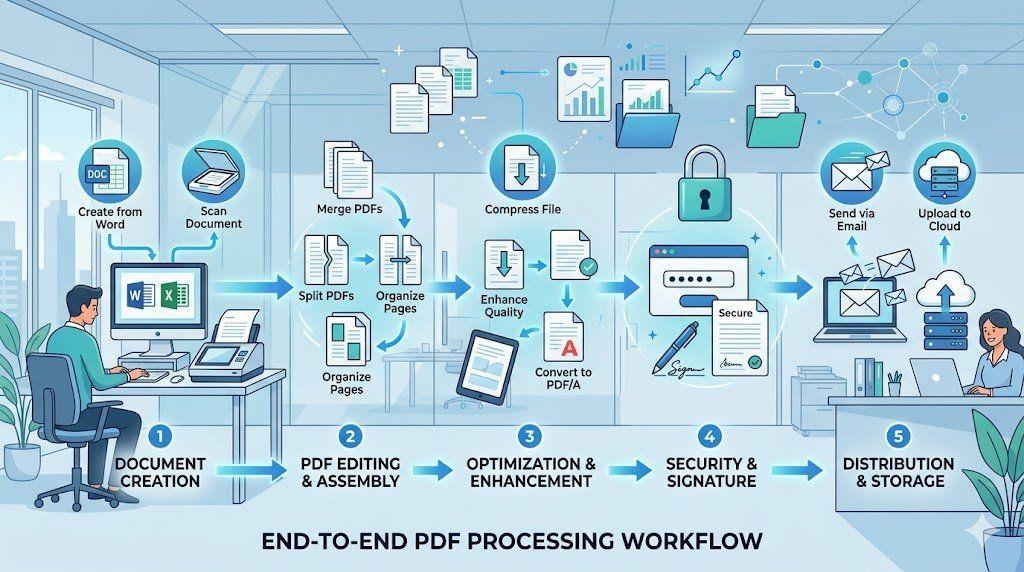
End-to-End PDF Processing System for Office Work
Learn how to implement a complete end-to-end PDF processing system for office work. This step-by-step guide covers everything from document creation and scanning to organization, optimization, security, and seamless distribution — helping teams eliminate chaos, reduce file sizes, and boost productivity with a structured PDF workflow